> ## Documentation Index
> Fetch the complete documentation index at: https://docs.cassidyai.com/llms.txt
> Use this file to discover all available pages before exploring further.
# Overview of Capabilities
> Learn what Agent Capabilities are and how to enable web search, image generation, artifacts, browser use, and more.
Capabilities are built-in skills that extend what your [Agents](/agents/overview) can do beyond conversation. Unlike [Connectors](/agents/connectors/overview), which connect to external business tools, Capabilities give Agents native abilities like searching the web, generating images, building interactive artifacts, and browsing websites.
## Available Capabilities
Search the internet for current information during conversations.
Create and edit images from text descriptions.
Build interactive dashboards, calculators, reports, and prototypes.
Navigate and interact with web pages to complete tasks.
## Enable Capabilities on an Agent
Go to **Agents**, find the Agent you want to configure, and click **Edit**.
In the **Setup** tab, scroll to the **Capabilities** section and click **+ Add Capabilities**.
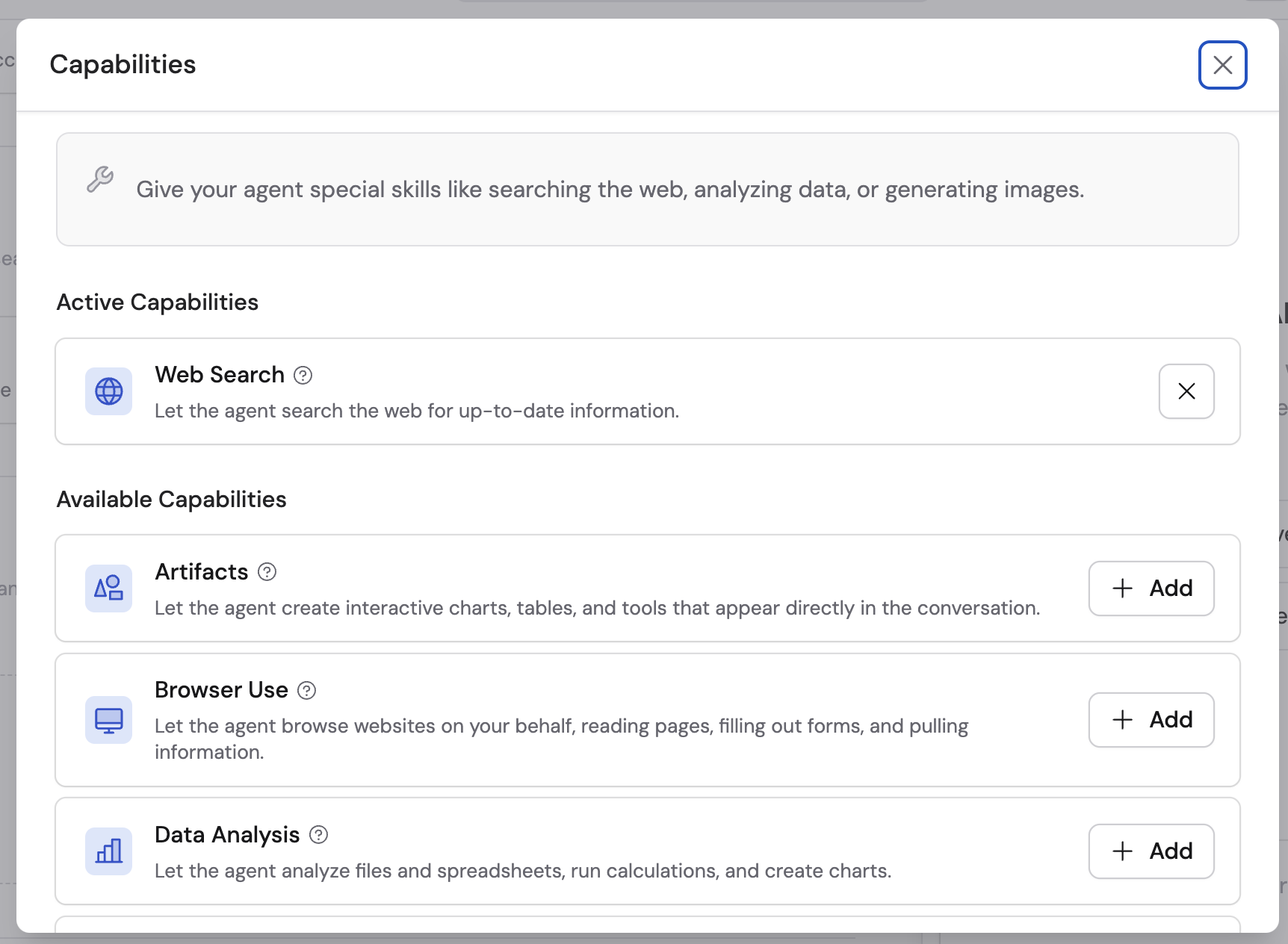 Choose the ones you want to enable from the dropdown. You can add multiple Capabilities to a single Agent.
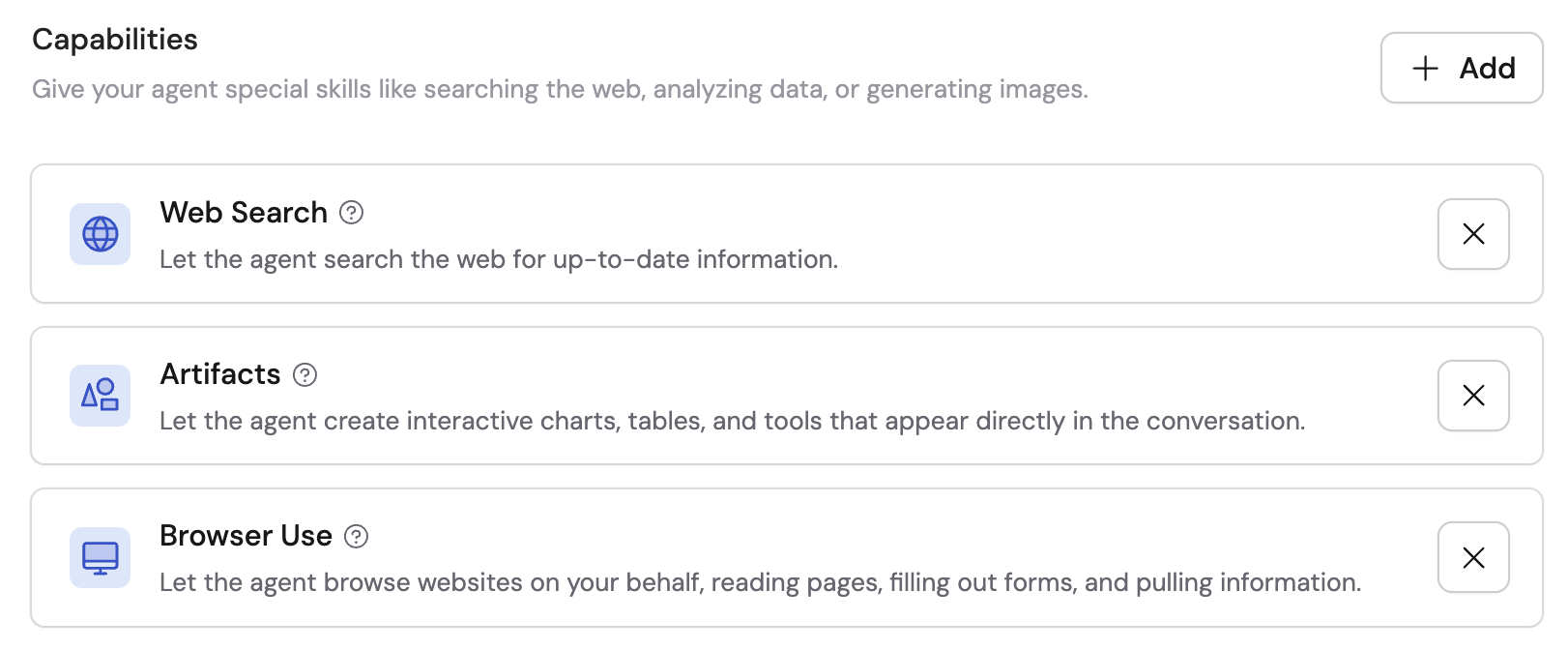 Click **Publish** to make the Capabilities available in conversations.
## Capabilities in Workflows
Capabilities aren't limited to Agents — you can also add them directly to a [Generate Text](/reference/actions/generate-text) action in a [Workflow](/workflows/overview). This lets you enhance individual Workflow steps with skills like [Web Search](/agents/capabilities/web-search) or [Image Generation](/agents/capabilities/image-generation). For file creation, charts, calculations, and data analysis in Workflows, use [Code Execution & File Creation](/workflows/advanced/data-analysis).
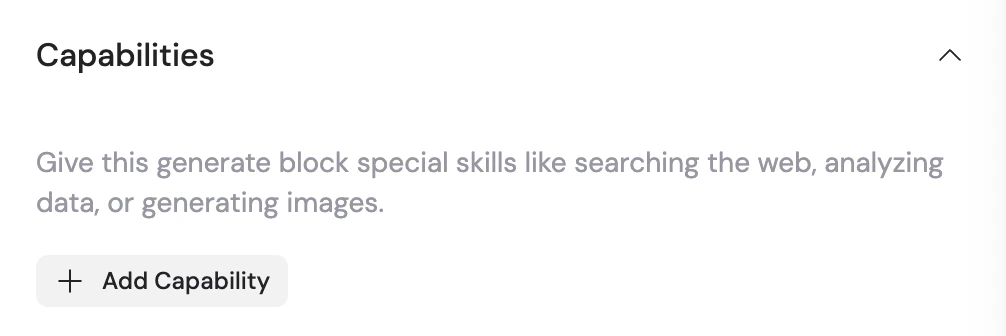
To add a Capability, open the Generate Text action's settings, expand the **Capabilities** section, and click **+ Add Capability**.
Click **Publish** to make the Capabilities available in conversations.
## Capabilities in Workflows
Capabilities aren't limited to Agents — you can also add them directly to a [Generate Text](/reference/actions/generate-text) action in a [Workflow](/workflows/overview). This lets you enhance individual Workflow steps with skills like [Web Search](/agents/capabilities/web-search) or [Image Generation](/agents/capabilities/image-generation). For file creation, charts, calculations, and data analysis in Workflows, use [Code Execution & File Creation](/workflows/advanced/data-analysis).
To add a Capability, open the Generate Text action's settings, expand the **Capabilities** section, and click **+ Add Capability**.
 ## Next steps
Learn about all the settings you can configure on an Agent.
Connect your Agent to HubSpot, Salesforce, Airtable, and more.
## Next steps
Learn about all the settings you can configure on an Agent.
Connect your Agent to HubSpot, Salesforce, Airtable, and more.