> ## Documentation Index
> Fetch the complete documentation index at: https://docs.cassidyai.com/llms.txt
> Use this file to discover all available pages before exploring further.
# Deep research
> Enable and use deep research to let Agents perform thorough, multi-step research tasks.
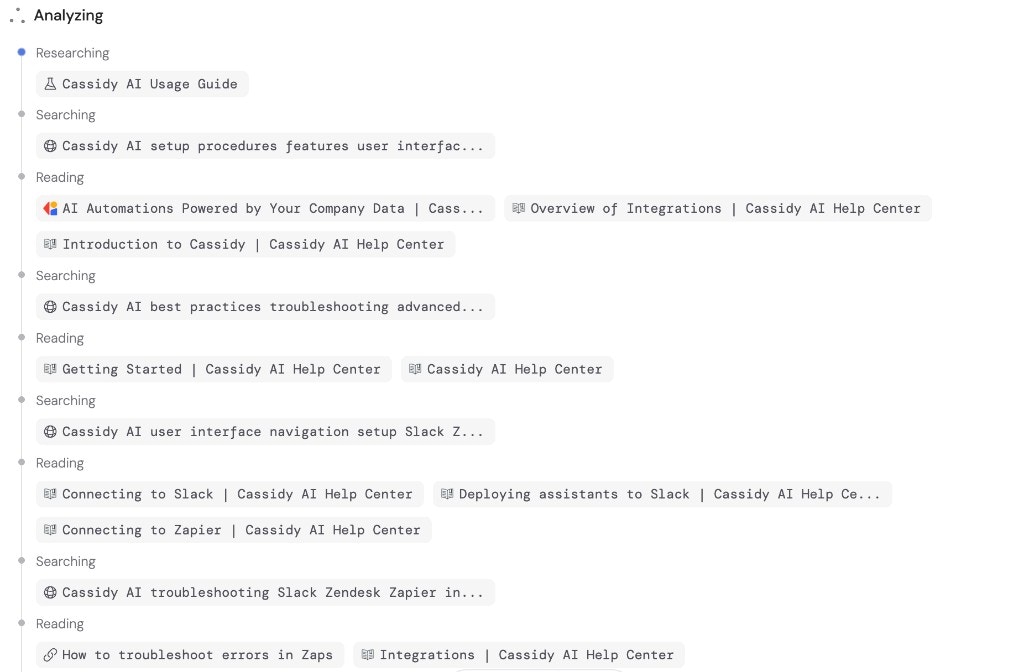
Deep Research lets your [Agent](/agents/overview) perform thorough, multi-step research combining web search and your [Knowledge Base](/knowledge-base/overview). Instead of a single search, the Agent plans a research strategy, runs multiple searches, synthesizes findings, and delivers a comprehensive analysis with citations.
## Enable Deep Research
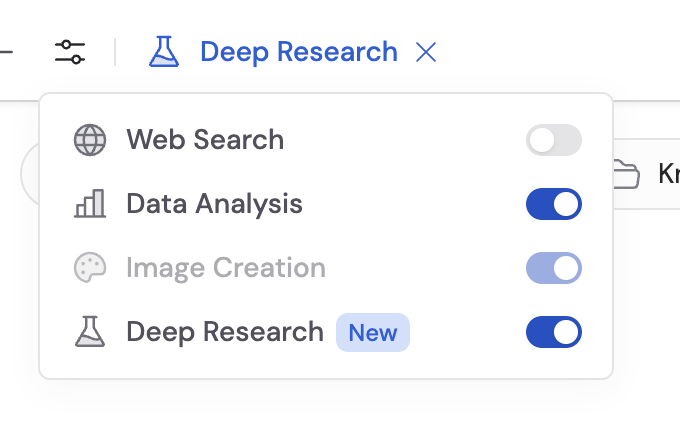
Deep Research is enabled per chat session, not per Agent.
Start a new chat or open an existing one.
Click **Tools** at the bottom of the chat input.
Enable the **Deep Research** toggle.
 ## How to use it
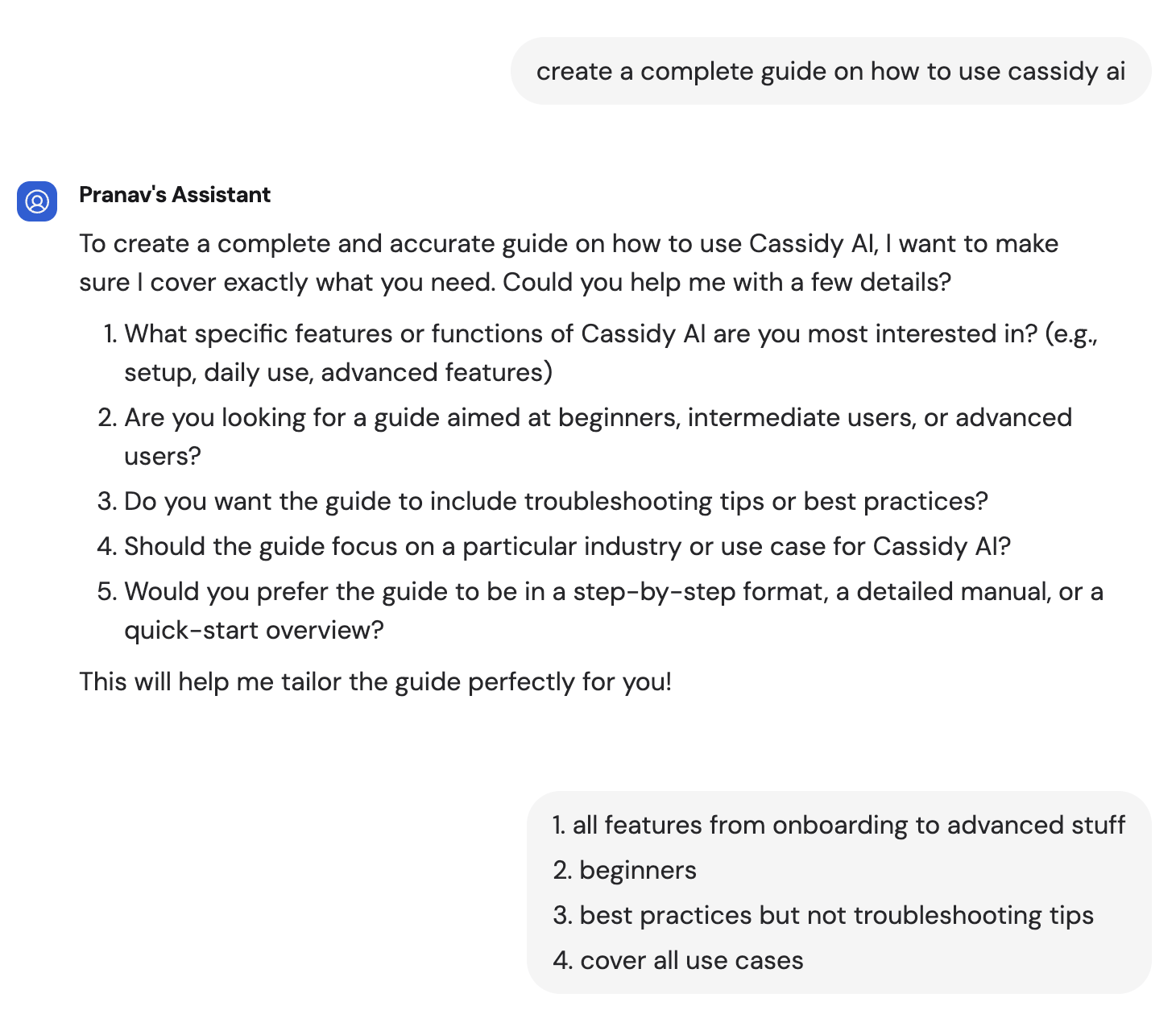
Type your research question. Deep Research works best with open-ended, complex questions that benefit from multiple angles — competitive analysis, market research, technical comparisons, or policy reviews.
The Agent may ask follow-up questions to refine the scope and direction of the research. Answer these to help it focus on what matters most.
## How to use it
Type your research question. Deep Research works best with open-ended, complex questions that benefit from multiple angles — competitive analysis, market research, technical comparisons, or policy reviews.
The Agent may ask follow-up questions to refine the scope and direction of the research. Answer these to help it focus on what matters most.
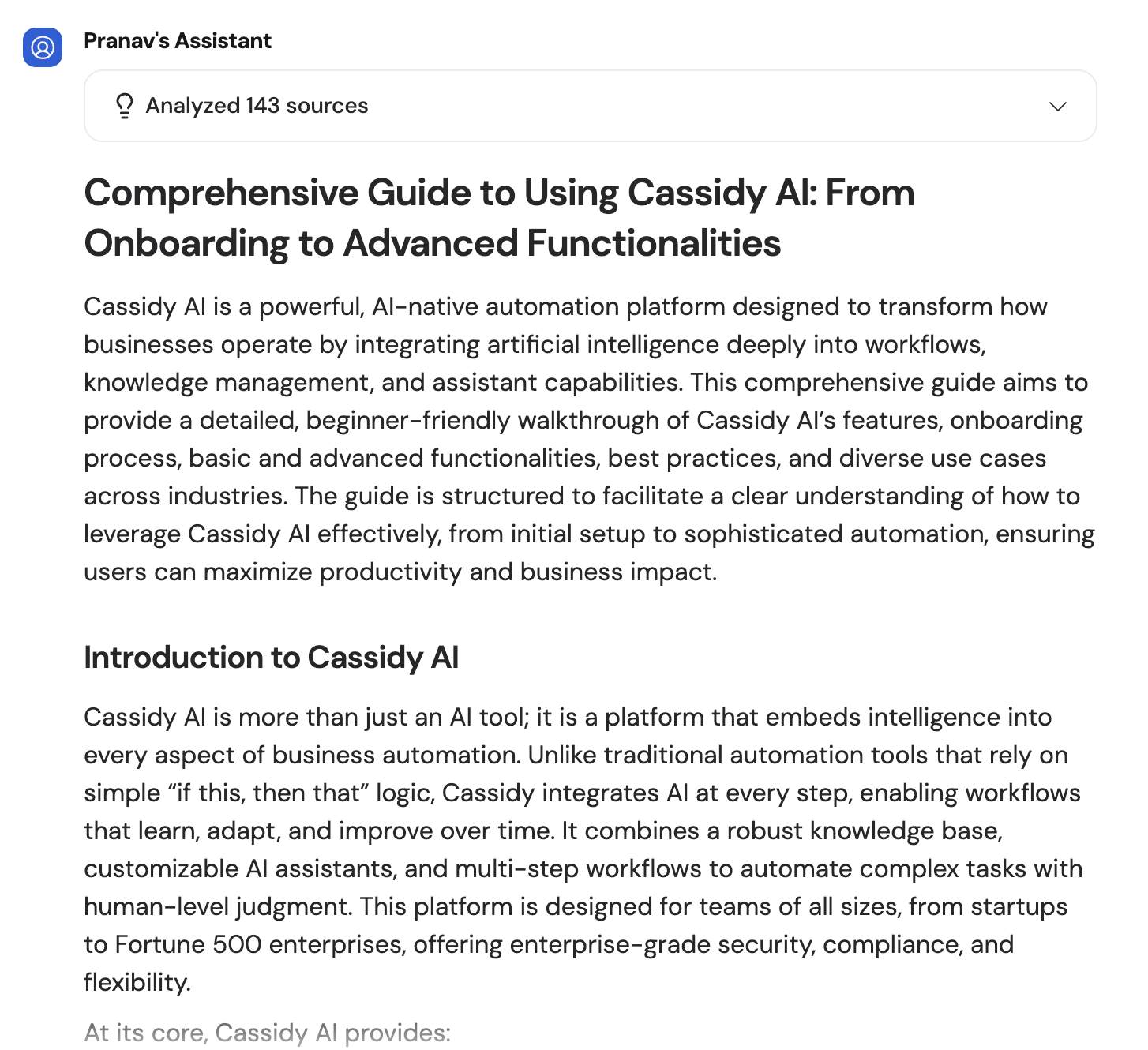
 The Agent delivers a comprehensive report with its findings, analysis steps, and citations to the sources it used — both web results and Knowledge Base documents.
 ## Cost
Deep Research uses approximately **500–1,300 credits** per run, depending on the complexity of the question and how many searches are needed. This is significantly more than a standard chat message because the Agent performs multiple searches and analysis steps.
Monitor your credit usage in [Settings](/settings/manage-credits). Consider using Deep Research for high-value research tasks where thoroughness matters more than speed.
## Next steps
For quick, single-search lookups instead of multi-step research.
Monitor and manage your organization's credit usage.
## Cost
Deep Research uses approximately **500–1,300 credits** per run, depending on the complexity of the question and how many searches are needed. This is significantly more than a standard chat message because the Agent performs multiple searches and analysis steps.
Monitor your credit usage in [Settings](/settings/manage-credits). Consider using Deep Research for high-value research tasks where thoroughness matters more than speed.
## Next steps
For quick, single-search lookups instead of multi-step research.
Monitor and manage your organization's credit usage.