> ## Documentation Index
> Fetch the complete documentation index at: https://docs.cassidyai.com/llms.txt
> Use this file to discover all available pages before exploring further.
# Getting started
> Learn how to build AI-powered automations for your team with Agents, Workflows, and your company's Knowledge Base.
Welcome to the Cassidy documentation. Get started by learning the platform basics or dive into a specific feature.
## What is Cassidy?
Cassidy is an AI automation platform that helps teams build [Agents](/agents/overview) and [Workflows](/workflows/overview) powered by your business knowledge. Unlike generic AI tools, Cassidy connects to your company's data — documents, wikis, meeting transcripts, and integrated tools — so your automations understand your terminology, processes, and edge cases. No code or technical skills required.
Cassidy provides four core features that work together:
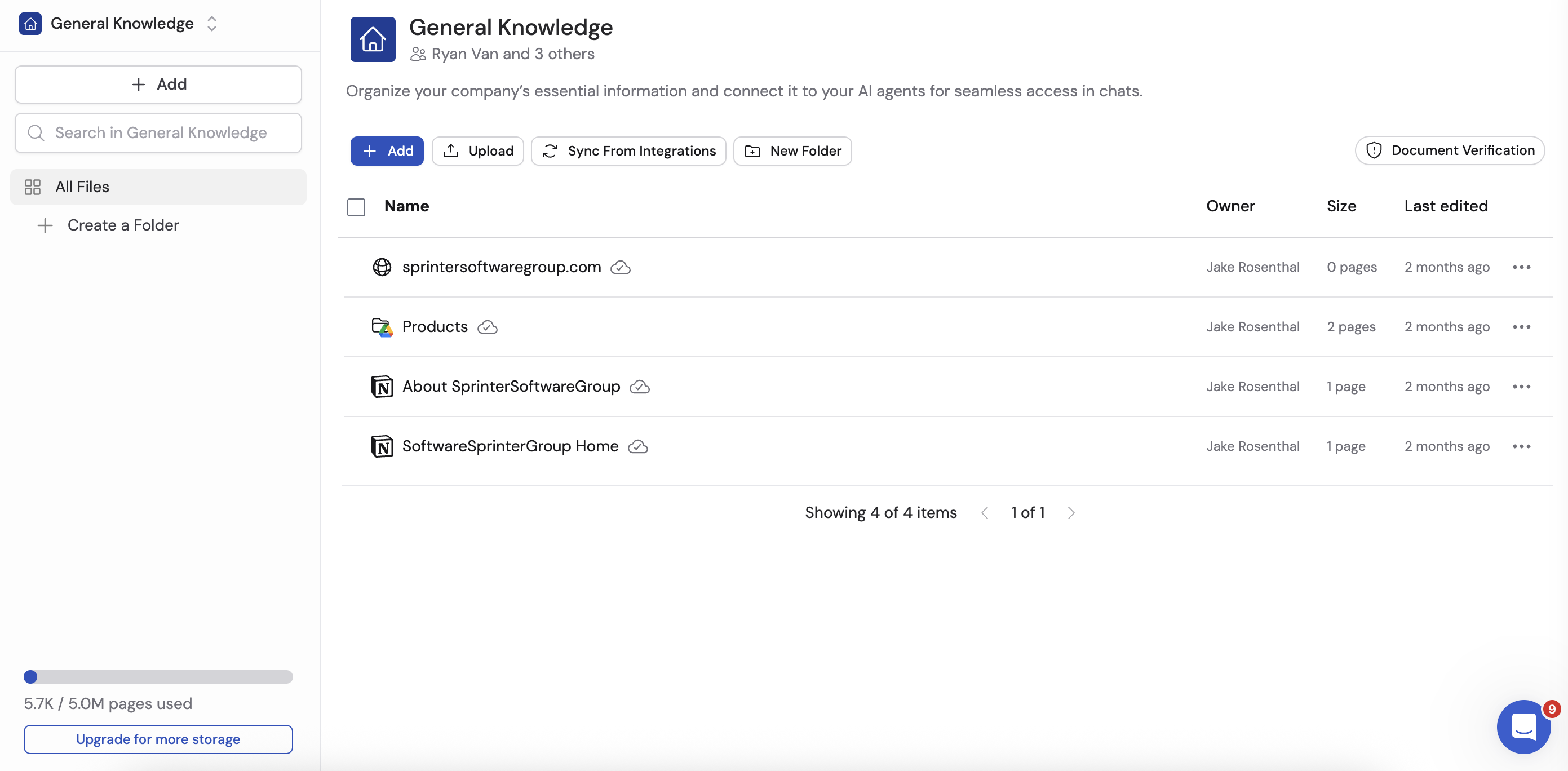
1. **[Knowledge Base](/knowledge-base/overview)** — The context behind every automation. Connect your documents, websites, meetings, and tools into a single source of truth that stays current with real-time syncing. Your Knowledge Base grounds every Agent and Workflow in real company knowledge — synced, cited, and permission-aware.
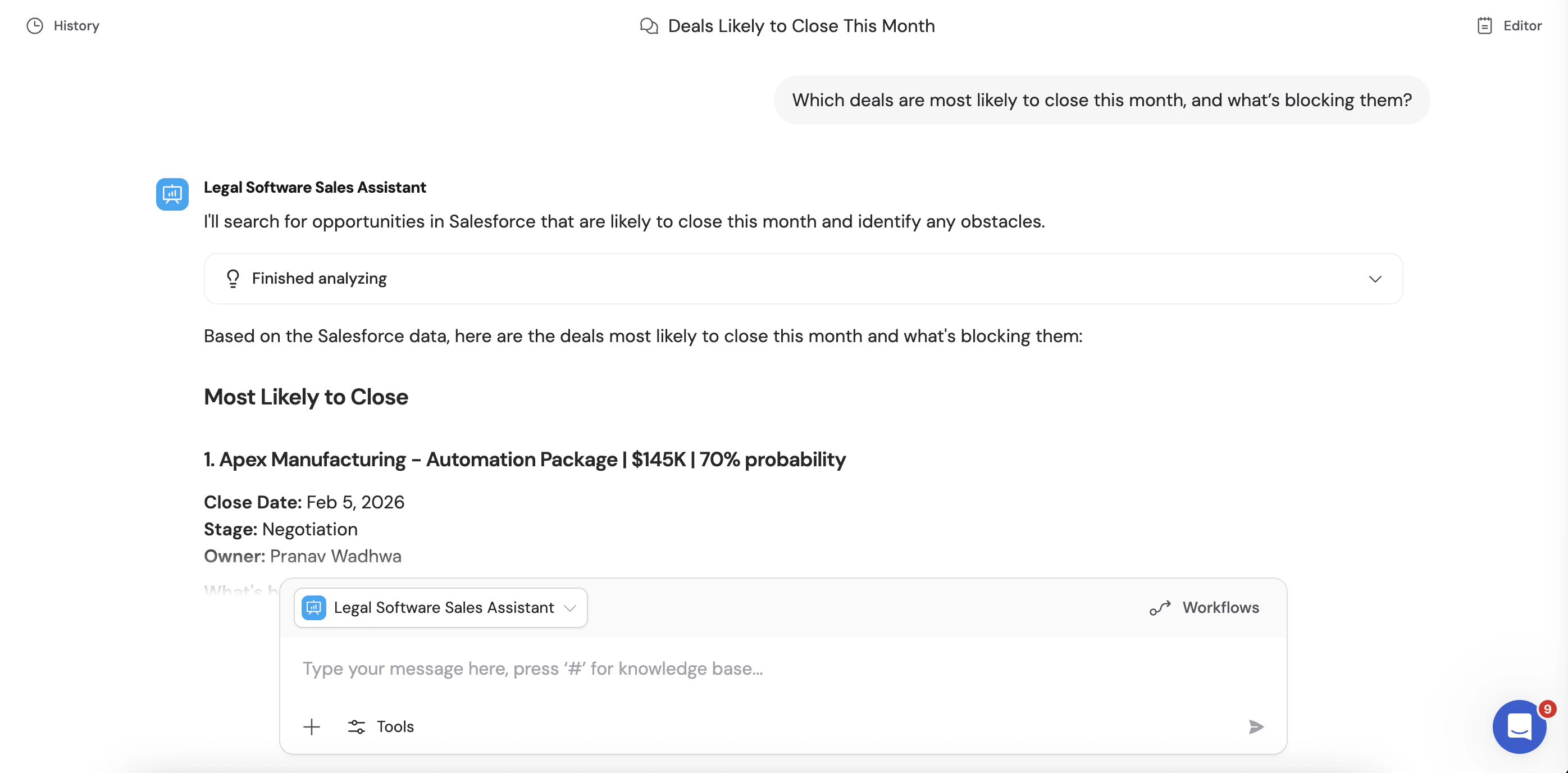
 2. **[Agents](/agents/overview)** — AI teammates anyone can build. Create Agents in minutes with natural language for specific roles — sales, support, ops, or anything your team needs. They answer questions, complete tasks, and take action across your tools, grounded in your Knowledge Base and trained on your brand voice. Deploy them to [Slack](/integrations/slack/deploy-agent), [Teams](/agents/deploy/microsoft-teams), [Google Chat](/agents/deploy/google-chat), [email](/agents/deploy/email), or [embed them](/agents/deploy/embed) wherever your team works.
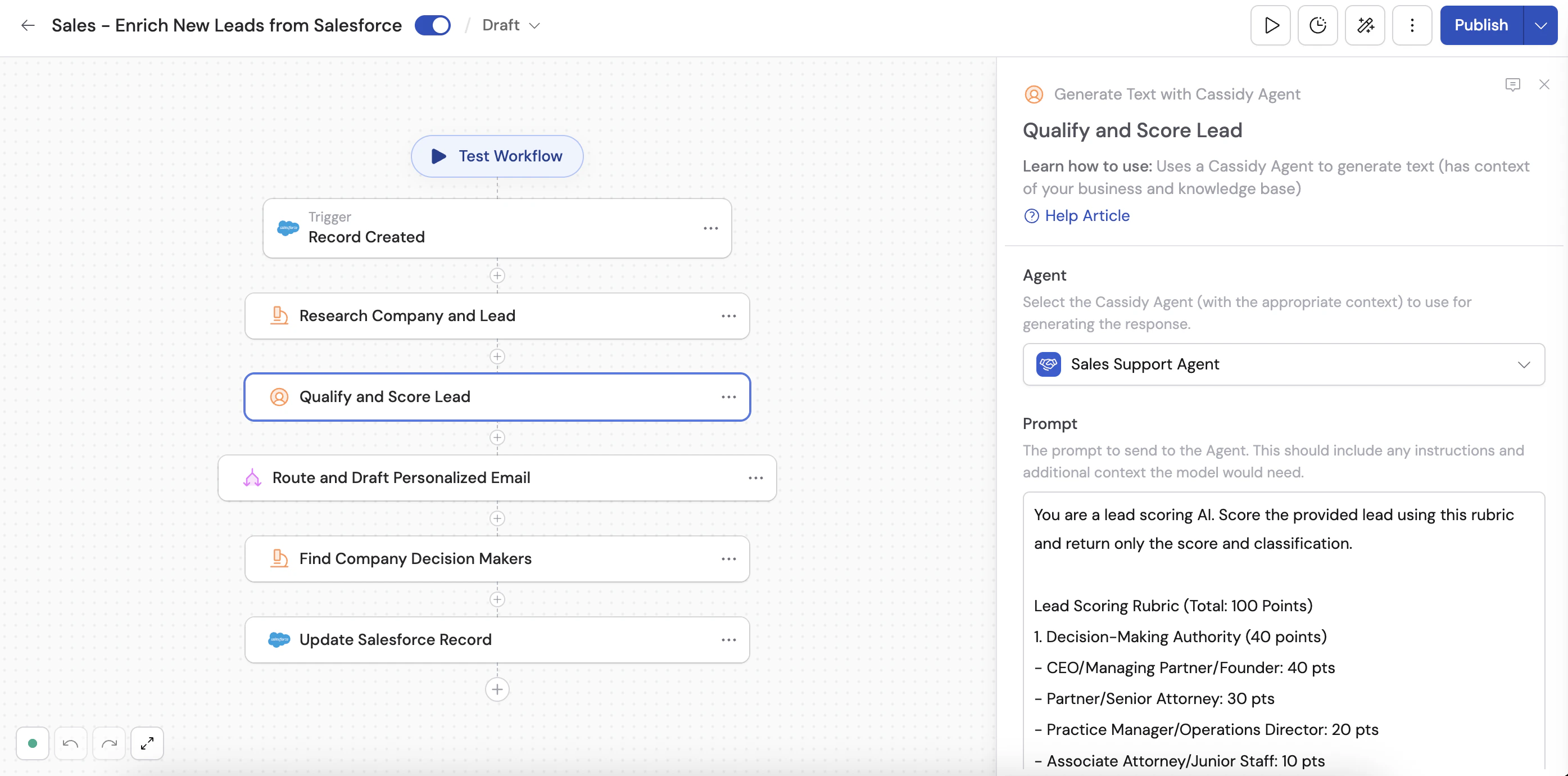
 3. **[Workflows](/workflows/overview)** — Multi-step automations that drive outcomes. Turn complex processes into automations without waiting on engineering. Unlike rigid scripts, Cassidy Workflows reason through logic, exceptions, and edge cases — handling work that traditionally required human expertise and judgment. From responding to RFPs to enriching leads to generating content, Workflows connect your tools and act on your data.
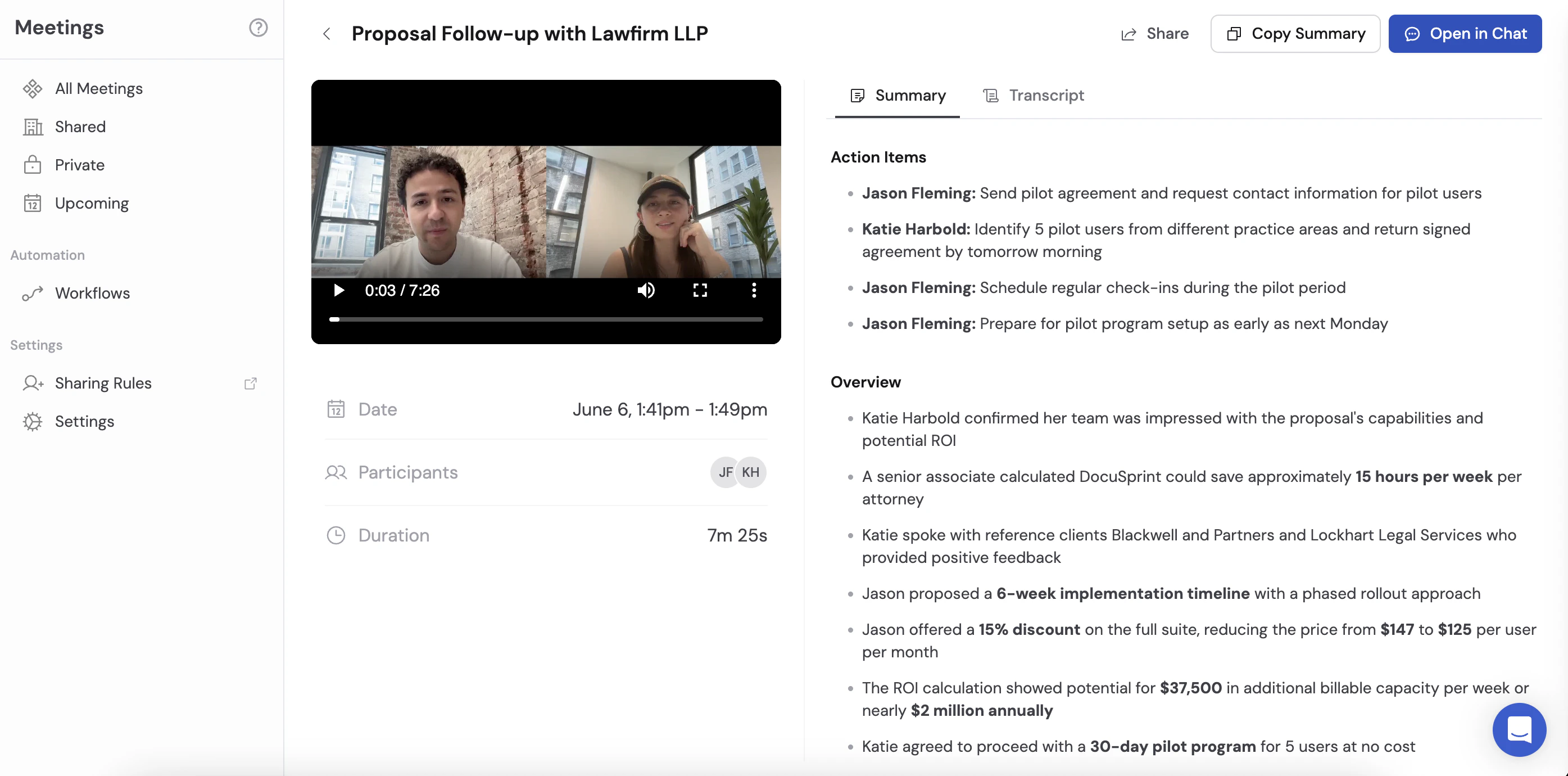
 4. **[Meetings](/meetings/getting-started)** — From conversation to action. Cassidy joins your meetings, transcribes and summarizes in real time, and makes everything searchable. Conversations become automated follow-ups, CRM updates, and long-term knowledge your whole organization can reference.
 ## Explore the docs
Give AI the context to work the way you do with synced, cited,
permission-aware knowledge.
Build AI teammates that answer questions, complete tasks, and take action
across your tools.
Turn complex processes into intelligent, multi-step automations — no code
required.
Record, transcribe, and turn conversations into searchable knowledge and
automated next steps.
Connect to Slack, HubSpot, Salesforce, Google Workspace, and dozens more.
Use Cassidy directly in Chrome, Outlook, Word, and Excel.
Best practices for chatting with Agents, choosing models, and writing
prompts.
Manage your team, plans, credits, roles, and security settings.
## Explore the docs
Give AI the context to work the way you do with synced, cited,
permission-aware knowledge.
Build AI teammates that answer questions, complete tasks, and take action
across your tools.
Turn complex processes into intelligent, multi-step automations — no code
required.
Record, transcribe, and turn conversations into searchable knowledge and
automated next steps.
Connect to Slack, HubSpot, Salesforce, Google Workspace, and dozens more.
Use Cassidy directly in Chrome, Outlook, Word, and Excel.
Best practices for chatting with Agents, choosing models, and writing
prompts.
Manage your team, plans, credits, roles, and security settings.