> ## Documentation Index
> Fetch the complete documentation index at: https://docs.cassidyai.com/llms.txt
> Use this file to discover all available pages before exploring further.
# New Outlook calendar event trigger
> Start a Workflow when a new event is created in your Outlook Calendar.
Runs when a new event is created in your Outlook Calendar. Use this trigger to automate meeting prep, sync new events to other tools, or notify your team when meetings are scheduled.
This trigger runs for all new calendar events. You may want to add an **Only continue if** block to filter when the Workflow should run based on specific conditions.
## Set up the trigger
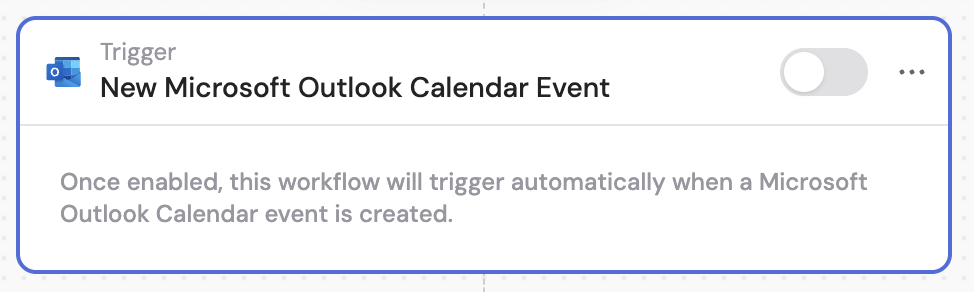
Create a new [Workflow](/workflows/overview) with the **New Microsoft Outlook Calendar Event** trigger, or change an existing Workflow's trigger type.
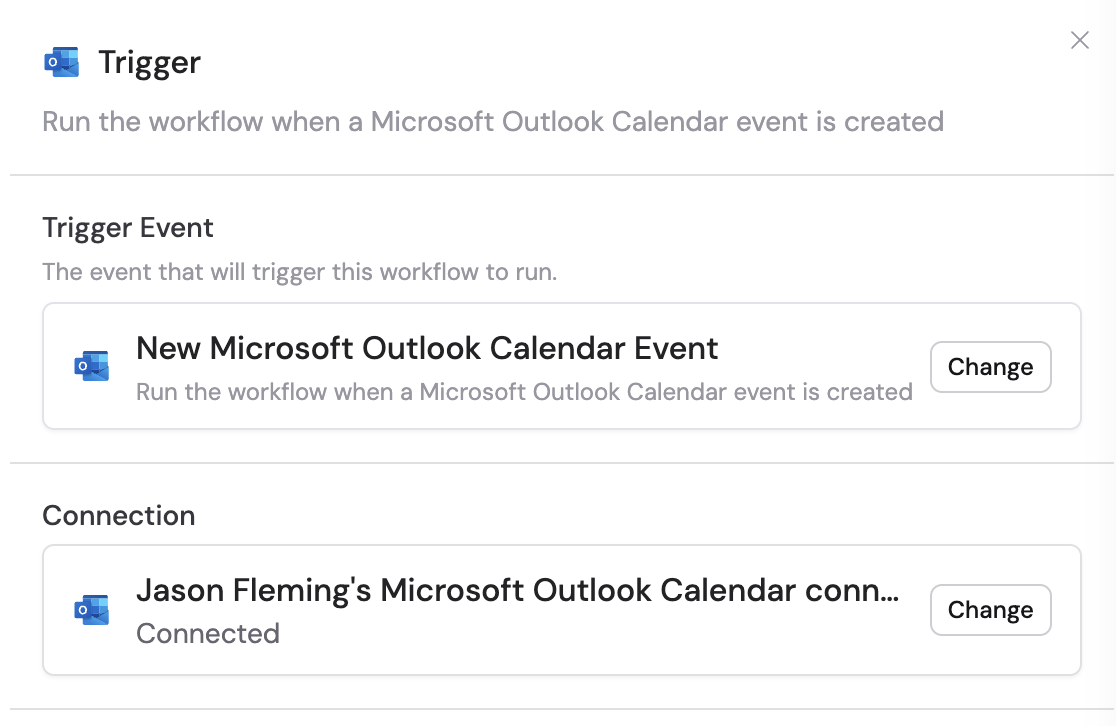
 If you haven't already, connect your Microsoft Outlook account to Cassidy.
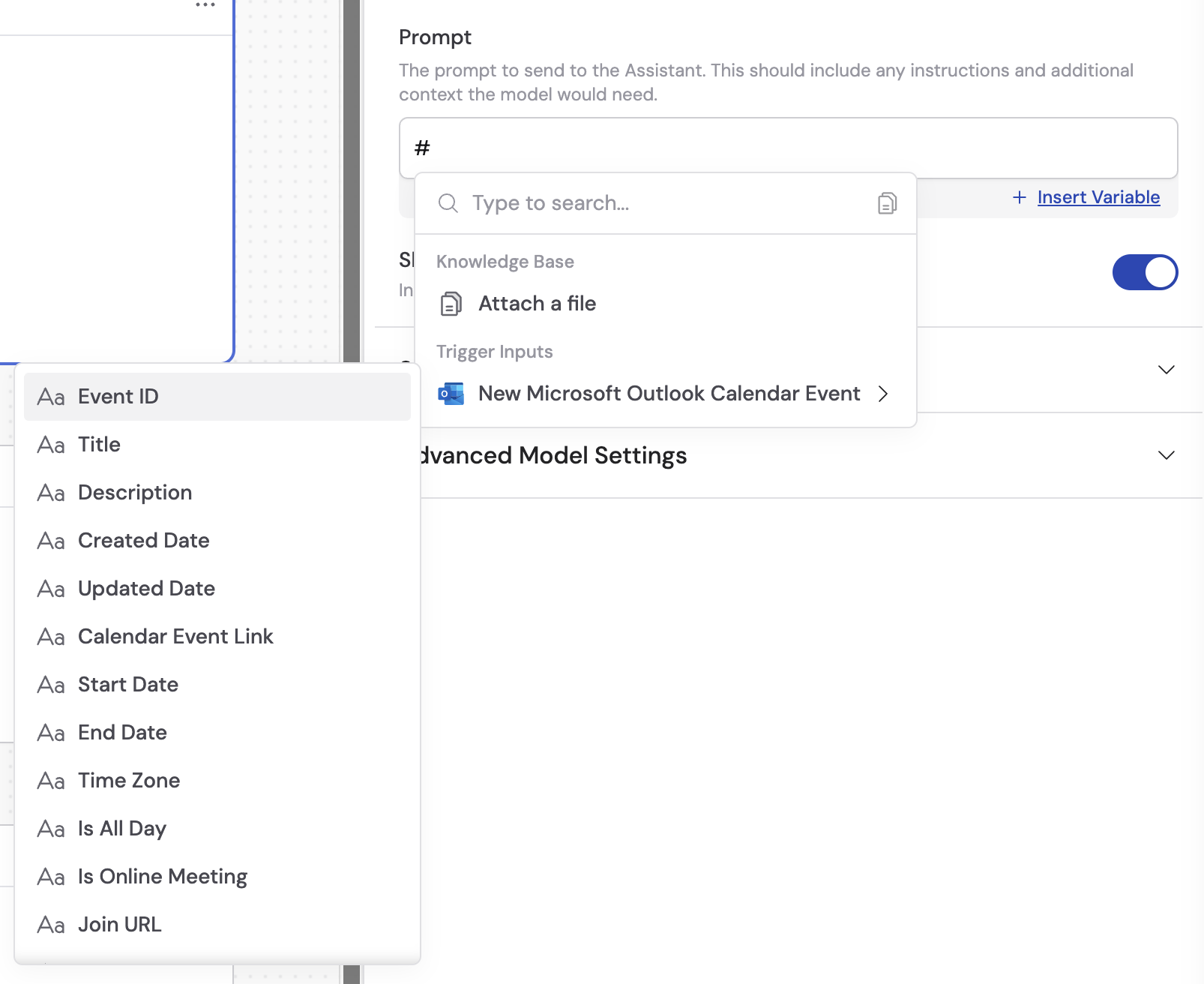
 In subsequent actions, use the variable picker to insert data from the trigger. Available variables:
* **Event ID** — unique identifier of the calendar event
* **Title** — title or subject of the calendar event
* **Description** — description or body content of the calendar event
* **Created Date** — when the calendar event was created
* **Updated Date** — when the calendar event was last modified
* **Calendar Event Link** — direct link to view the event in Outlook
* **Start Date** — start date and time of the event
* **End Date** — end date and time of the event
* **Time Zone** — time zone for the event
* **Is All Day** — whether the event is marked as an all-day event
* **Is Online Meeting** — whether the event includes an online meeting
* **Join URL** — meeting link if it's an online meeting
* **Location** — physical location of the event
* **Organizer (Name and Email)** — details about who organized the event
* **Attendees** — list of people invited to the event
In subsequent actions, use the variable picker to insert data from the trigger. Available variables:
* **Event ID** — unique identifier of the calendar event
* **Title** — title or subject of the calendar event
* **Description** — description or body content of the calendar event
* **Created Date** — when the calendar event was created
* **Updated Date** — when the calendar event was last modified
* **Calendar Event Link** — direct link to view the event in Outlook
* **Start Date** — start date and time of the event
* **End Date** — end date and time of the event
* **Time Zone** — time zone for the event
* **Is All Day** — whether the event is marked as an all-day event
* **Is Online Meeting** — whether the event includes an online meeting
* **Join URL** — meeting link if it's an online meeting
* **Location** — physical location of the event
* **Organizer (Name and Email)** — details about who organized the event
* **Attendees** — list of people invited to the event
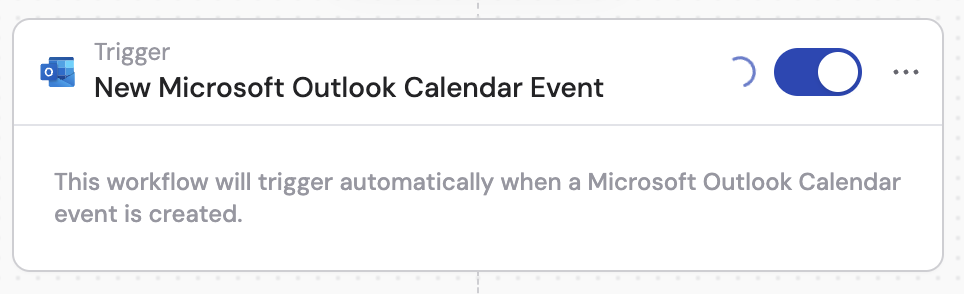
 In the trigger block, click the toggle switch to turn it on.
 ## Related
* [Updated calendar event trigger](/integrations/microsoft-365/outlook/updated-calendar-event-trigger)
* [Create calendar event](/integrations/microsoft-365/outlook/create-calendar-event)
* [Get calendar events](/integrations/microsoft-365/outlook/get-calendar-events)
* [Outlook Calendar for Workflows](/integrations/microsoft-365/outlook/calendar-workflows)
## Related
* [Updated calendar event trigger](/integrations/microsoft-365/outlook/updated-calendar-event-trigger)
* [Create calendar event](/integrations/microsoft-365/outlook/create-calendar-event)
* [Get calendar events](/integrations/microsoft-365/outlook/get-calendar-events)
* [Outlook Calendar for Workflows](/integrations/microsoft-365/outlook/calendar-workflows)