> ## Documentation Index
> Fetch the complete documentation index at: https://docs.cassidyai.com/llms.txt
> Use this file to discover all available pages before exploring further.
# Send Slack message
> Send a message to a Slack channel, thread, or DM as part of a Workflow.
The Send Slack Message action sends a message to a Slack channel as part of your [Workflow](/workflows/overview). Use it to post results, send notifications, or reply to the user or channel that triggered the workflow.
While editing a workflow, click the **+** button between existing blocks. This opens a modal where you can select from Cassidy's pre-configured actions. Choose **Send Slack Message** to add it to your workflow.
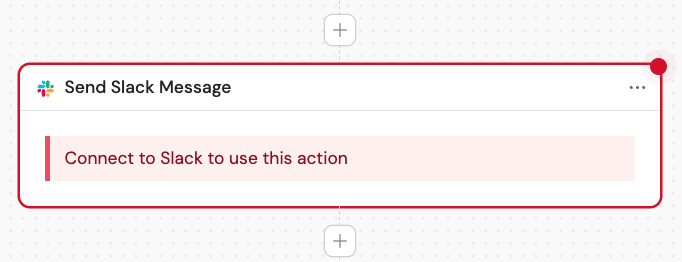
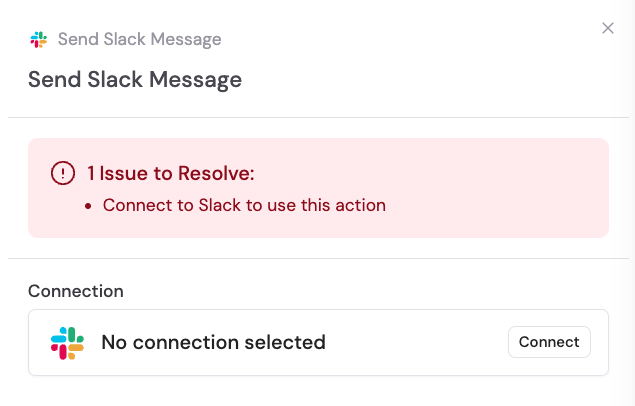 If you want to make the action more descriptive or easier to reference as a variable later, enter a new name.
 If you haven't already, connect your Slack account to Cassidy.
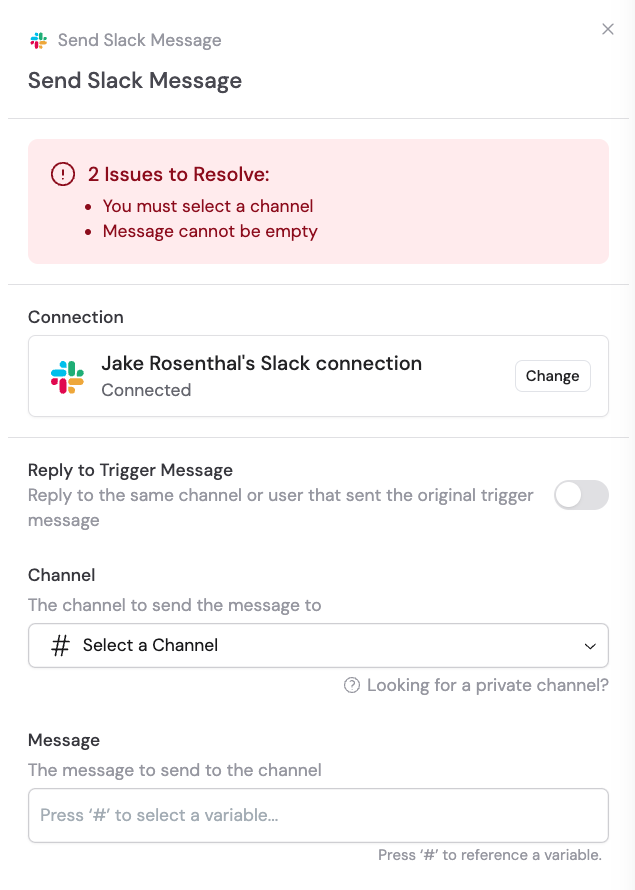 Optionally, toggle on **Reply to Trigger Message** to reply to the same channel or user that sent the original message.
 If **Reply to Trigger Message** is not toggled on, select the **Channel** to send the message to.
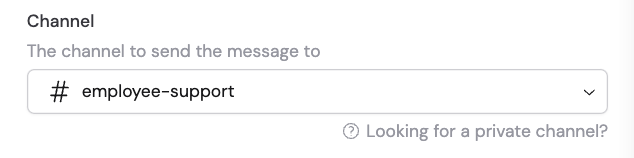 Private channels only appear after Cassidy has been added. In the desired channel, send `/invite @Cassidy`.
If **Reply to Trigger Message** is toggled on, you can also optionally toggle on **Reply in a Thread** to reply to the trigger message within its thread.
Private channels only appear after Cassidy has been added. In the desired channel, send `/invite @Cassidy`.
If **Reply to Trigger Message** is toggled on, you can also optionally toggle on **Reply in a Thread** to reply to the trigger message within its thread.
 Enter the message to send to the channel. You can type the message directly or reference a variable containing the message from a previous step or the trigger.
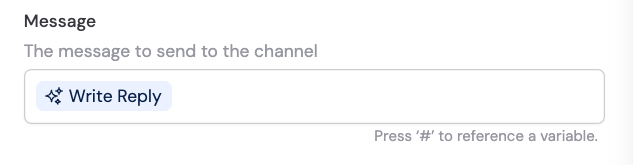 Variables are inputs from the trigger, or outputs from previous steps. Use the variable picker to insert them.
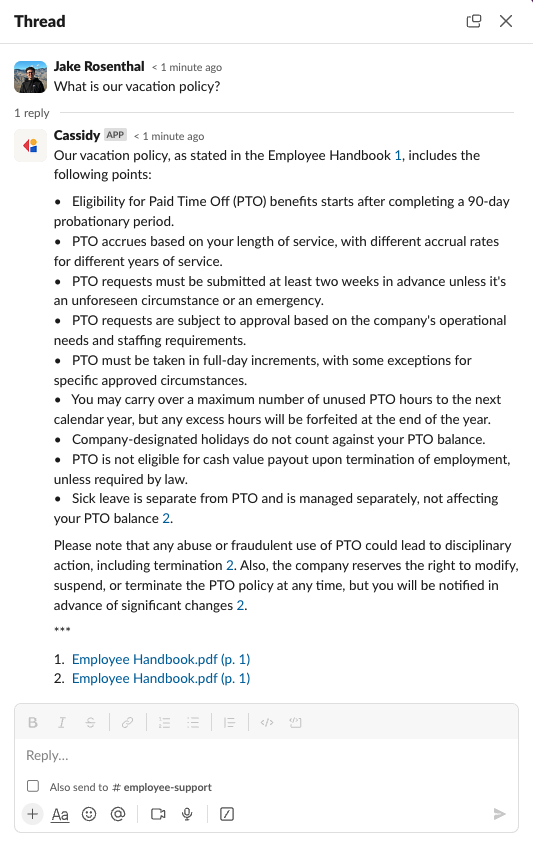
Here's a sample of the type of output you can expect:
Variables are inputs from the trigger, or outputs from previous steps. Use the variable picker to insert them.
Here's a sample of the type of output you can expect:
 ## Fields
| Field | Description |
| ---------------------------- | ------------------------------------------------------------------------------------------------ |
| **Reply to Trigger Message** | When on, sends the message to the same channel or user that triggered the Workflow |
| **Channel** | The Slack channel to send to (when not replying to trigger) |
| **Reply in a Thread** | When on, posts the message as a reply in the trigger message's thread |
| **Message** | The message content — supports plain text and [variables](/workflows/advanced/utility-variables) |
## Related
* [Slack Message trigger](/integrations/slack/slack-message-trigger)
* [Slack for Workflows](/integrations/slack/workflows)
* [Deploy an Agent to Slack](/integrations/slack/deploy-agent)
## Fields
| Field | Description |
| ---------------------------- | ------------------------------------------------------------------------------------------------ |
| **Reply to Trigger Message** | When on, sends the message to the same channel or user that triggered the Workflow |
| **Channel** | The Slack channel to send to (when not replying to trigger) |
| **Reply in a Thread** | When on, posts the message as a reply in the trigger message's thread |
| **Message** | The message content — supports plain text and [variables](/workflows/advanced/utility-variables) |
## Related
* [Slack Message trigger](/integrations/slack/slack-message-trigger)
* [Slack for Workflows](/integrations/slack/workflows)
* [Deploy an Agent to Slack](/integrations/slack/deploy-agent)