> ## Documentation Index
> Fetch the complete documentation index at: https://docs.cassidyai.com/llms.txt
> Use this file to discover all available pages before exploring further.
# Analyze sentiment
> Determine the sentiment of text — very negative, neutral, positive, or very positive — using AI.
Analyze the sentiment of text using AI. Use this to gauge the tone of customer messages, support tickets, reviews, or any text content.
In the Workflow builder, click **+** between blocks and select **Analyze Sentiment** from the action library.
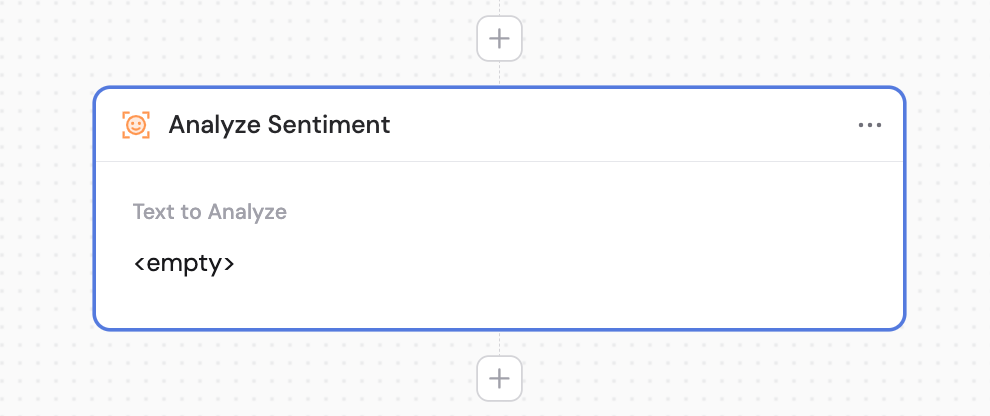
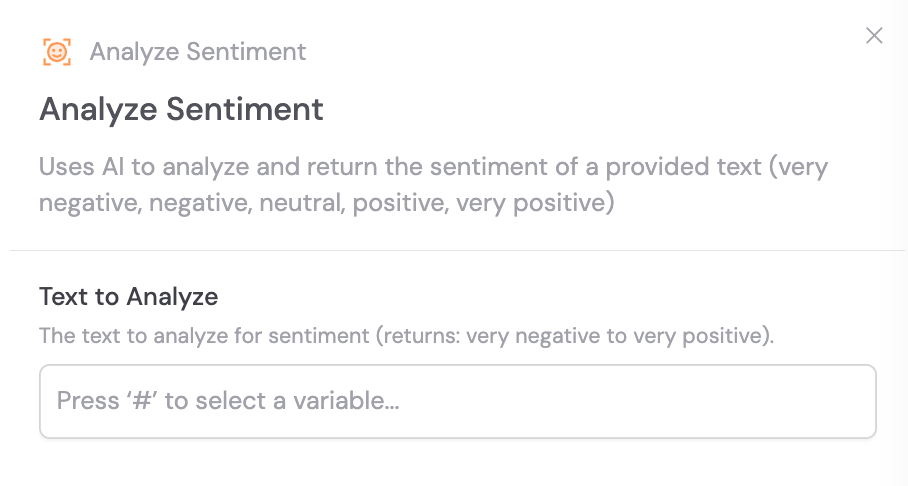 In the **Text to Analyze** field, enter or reference the content you want to analyze for sentiment. Use **#** to [reference variables](/guides/prompt-engineering#workflow-prompts) from previous steps or the trigger.
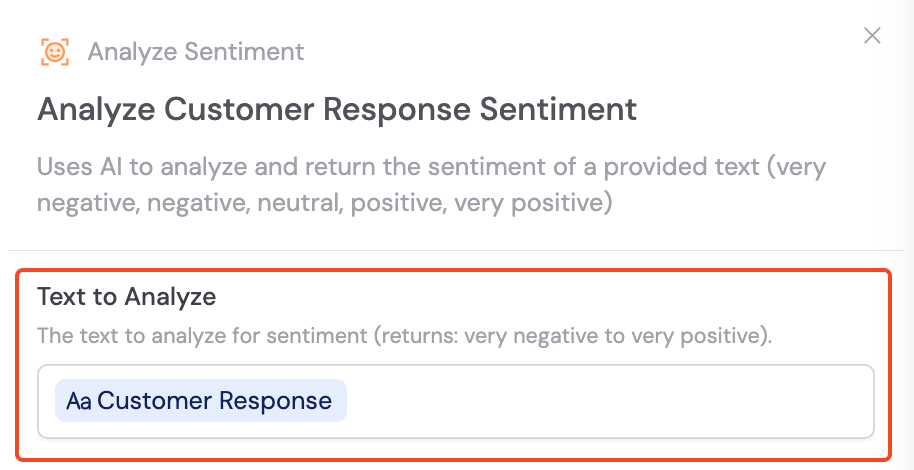 The action returns one of the following sentiment classifications: **very negative**, **neutral**, **positive**, or **very positive**. You can reference this value in later steps.
Combine with [Only Continue If](/reference/actions/only-continue-if) or [Paths](/reference/actions/paths) to route your Workflow based on sentiment — for example, escalating very negative support tickets automatically.
## Related
* [Only Continue If](/reference/actions/only-continue-if)
* [Paths](/reference/actions/paths)
* [Categorize Text](/reference/actions/categorize-text)
The action returns one of the following sentiment classifications: **very negative**, **neutral**, **positive**, or **very positive**. You can reference this value in later steps.
Combine with [Only Continue If](/reference/actions/only-continue-if) or [Paths](/reference/actions/paths) to route your Workflow based on sentiment — for example, escalating very negative support tickets automatically.
## Related
* [Only Continue If](/reference/actions/only-continue-if)
* [Paths](/reference/actions/paths)
* [Categorize Text](/reference/actions/categorize-text)