

Where you choose models
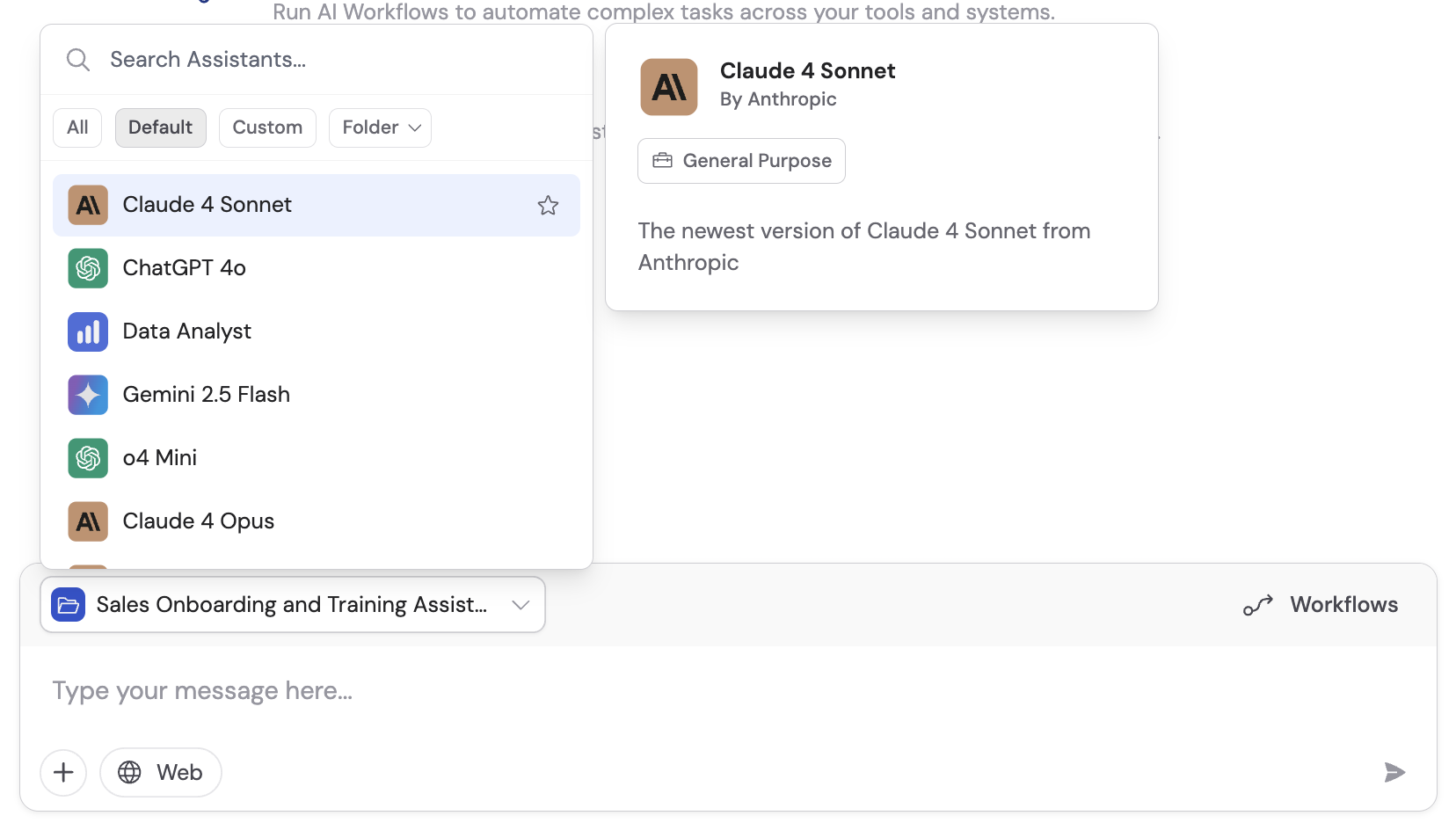
- Agents
- Chat
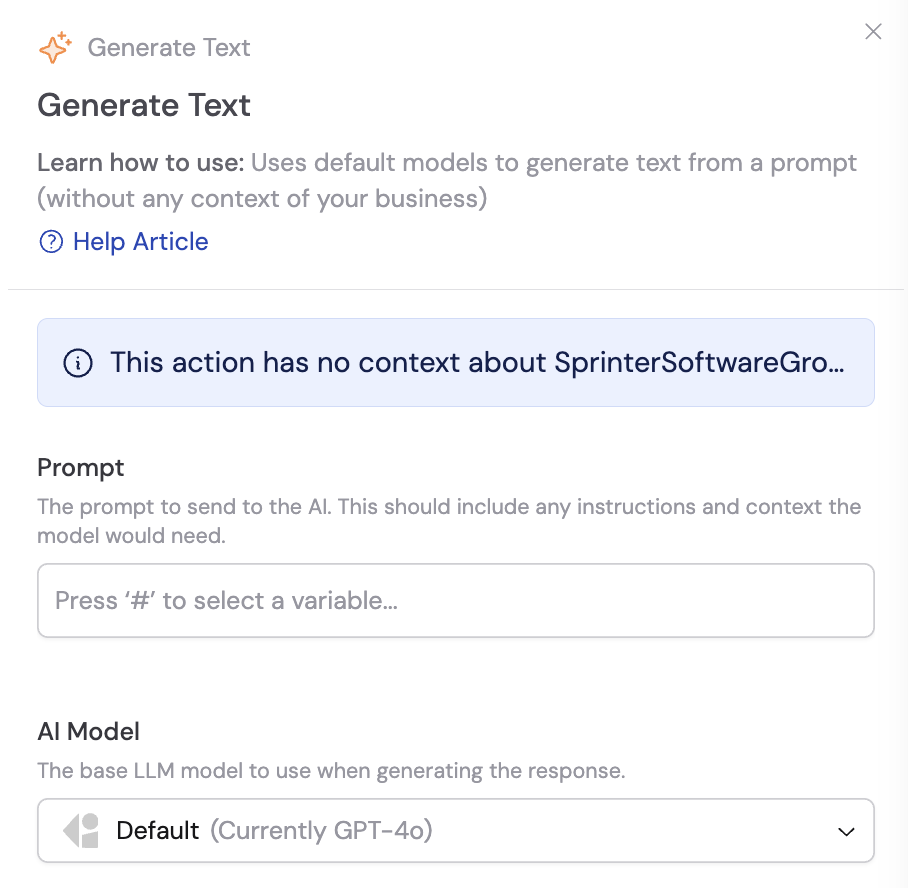
- Workflows
Choose any foundational model as the base for your custom Agents. You can also use default Agents that run on foundational models without your business context.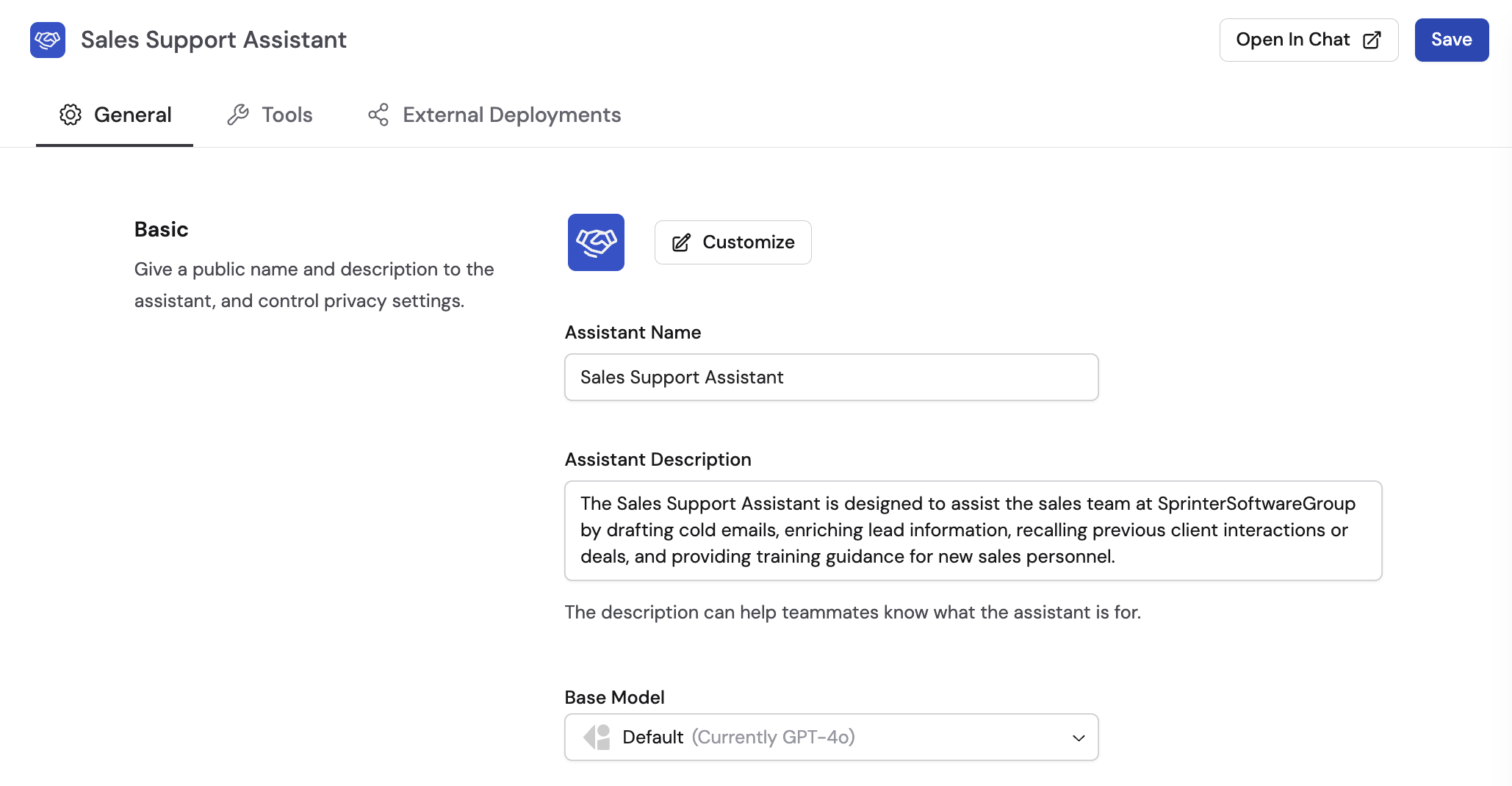
Start with recommended models
Cassidy’s Recommended Models section is continuously updated as new models are released and evaluated. The platform surfaces the best-performing, most cost-effective models for your needs, and cost reductions from providers are automatically passed on to you.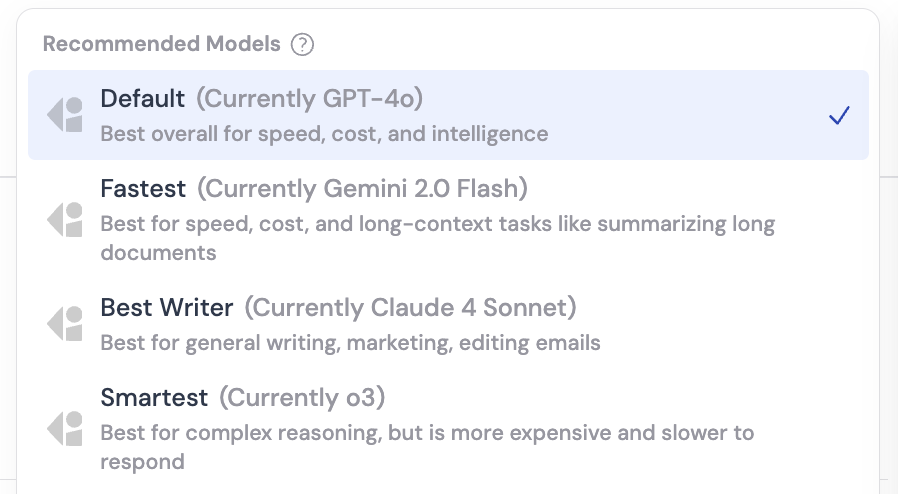
Model providers and strengths
Each provider has distinct strengths. Use this as a starting point, then experiment to find what works best for your specific tasks.GPT (OpenAI)
Best for general Agent applications, everyday tasks, and Q&A. Reliable for
information retrieval and a wide range of business queries. Excels at
automation and general knowledge tasks.
Claude (Anthropic)
Preferred for creative writing, sales, and marketing content that needs a
human-like touch. Ideal for drafting emails, marketing copy, and
communication-heavy tasks that require natural-sounding language.
Gemini (Google)
Strong at combining information from many sources and working with
documents, images, and other files. A good fit for deep
research and analysis that pulls from a lot of
material at once.
Which model and how much thinking
When you look past Recommended, two settings matter: which model you pick, and how much thinking it does. Not all models within a provider are the same. Some are faster and cheaper; others are more capable and cost more.Thinking level
Thinking level controls how long the model works before it answers.
Thinking variants use the same credit rate as Instant for that model. They cost more per task because they generate extra thinking tokens and run longer before answering.
You can use this analogy to understand the model and thinking level choices: model power is how smart the brain is, and thinking level is how long that brain gets to work.
Understanding credit consumption
Credit usage scales with prompt size and response length. Longer prompts, more Knowledge Base context, and more thinking all use proportionally more credits.
For more on managing credits, see Manage credits.
Best practices
- Start with Default unless you already know you need Fastest, Best Writer, or Smartest.
- Use Mini models for summarization, formatting, and other high-volume Workflow steps.
- Turn thinking up (Thinking or High Thinking) when accuracy matters more than speed.
- Use High-powered models for complex analysis, planning, or Agents that rely on tools.
- In a single Workflow, mix models: Mini for routine steps, Standard for generating content, High-powered or High Thinking only where the extra cost pays off.
Consider your specific use case
Next steps
Build and configure an Agent
Create a custom Agent and select the right model for its role.
Prompt engineering guide
Write effective prompts that get the most out of any model.