

Enable Deep Research
Deep Research is enabled per chat session, not per Agent.1
Open a Chat
Start a new chat or open an existing one.
2
Open the Tools picker
Click Tools at the bottom of the chat input.
3
Toggle Deep Research on
Enable the Deep Research toggle.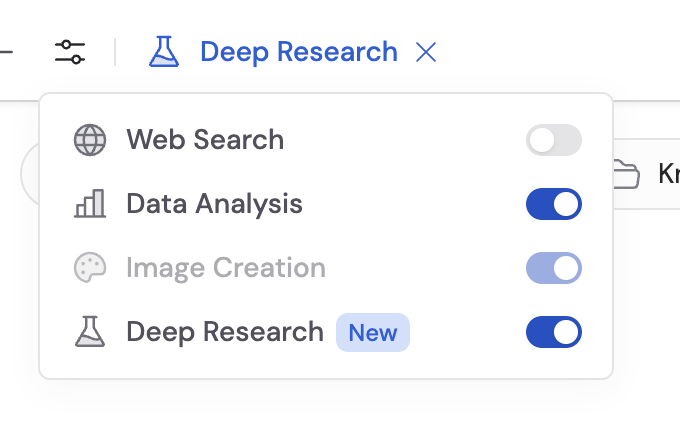
How to use it
1
Ask a research question
Type your research question. Deep Research works best with open-ended, complex questions that benefit from multiple angles — competitive analysis, market research, technical comparisons, or policy reviews.
2
Answer clarifying questions
The Agent may ask follow-up questions to refine the scope and direction of the research. Answer these to help it focus on what matters most.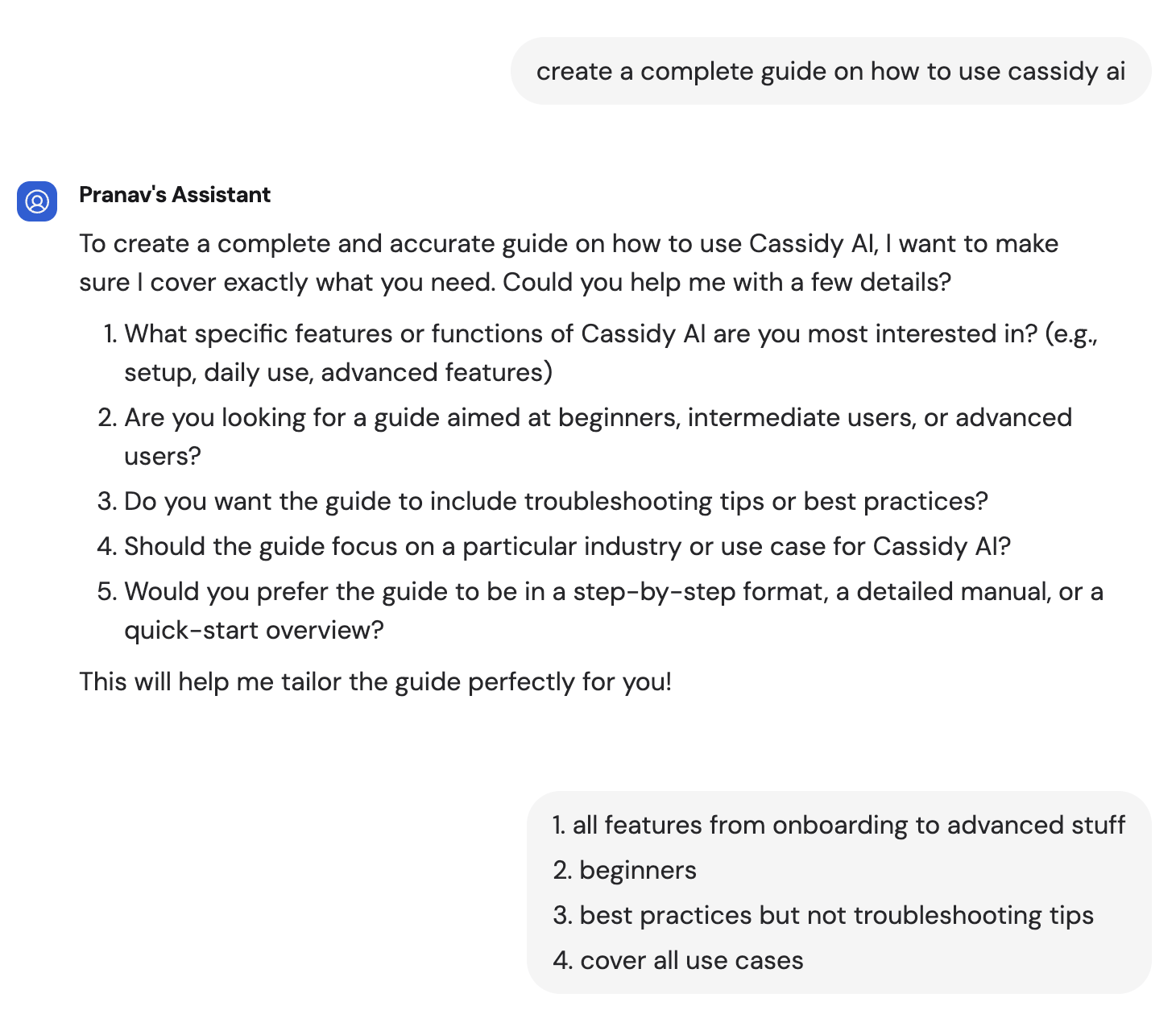
3
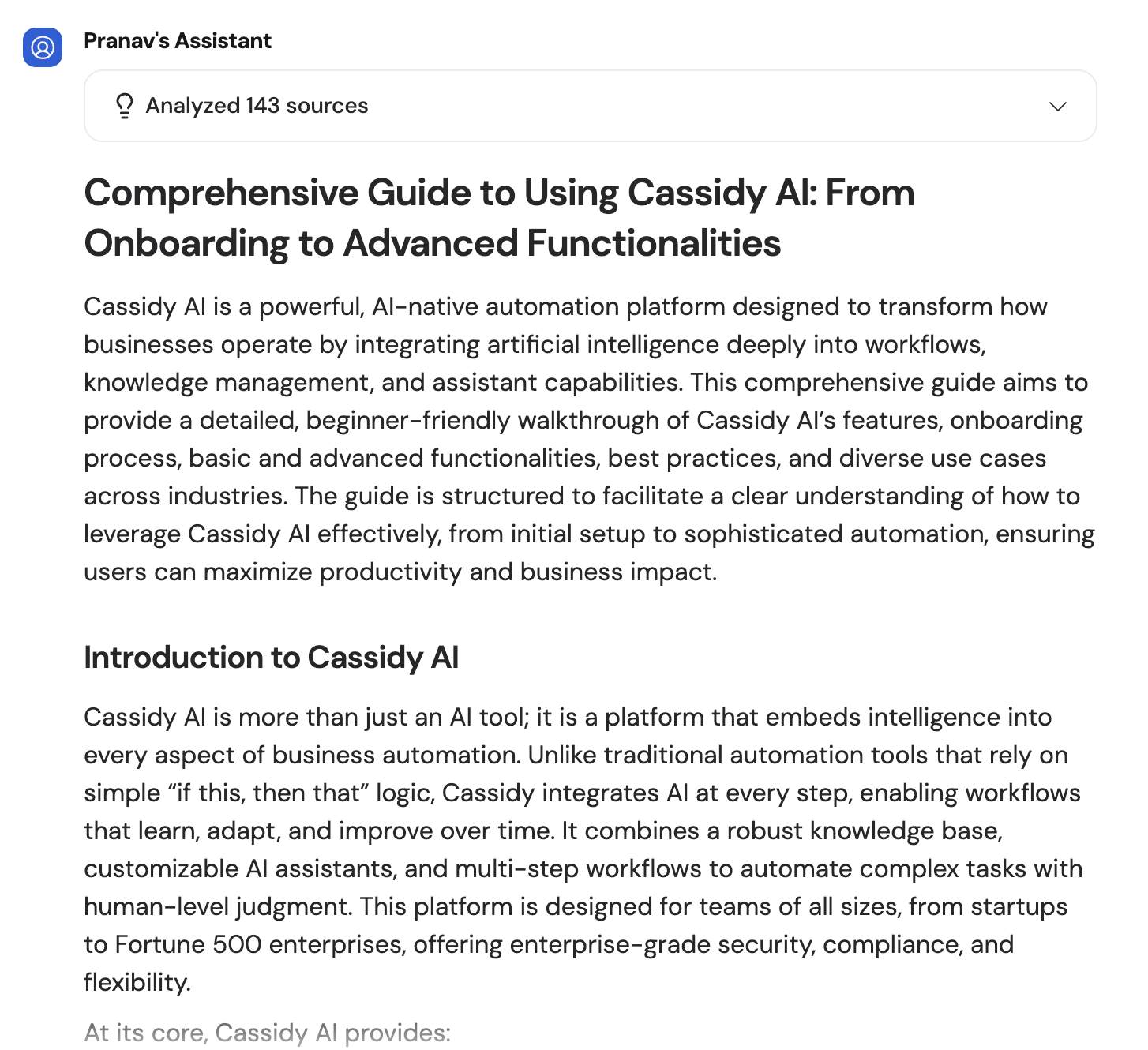
Review the analysis
The Agent delivers a comprehensive report with its findings, analysis steps, and citations to the sources it used — both web results and Knowledge Base documents.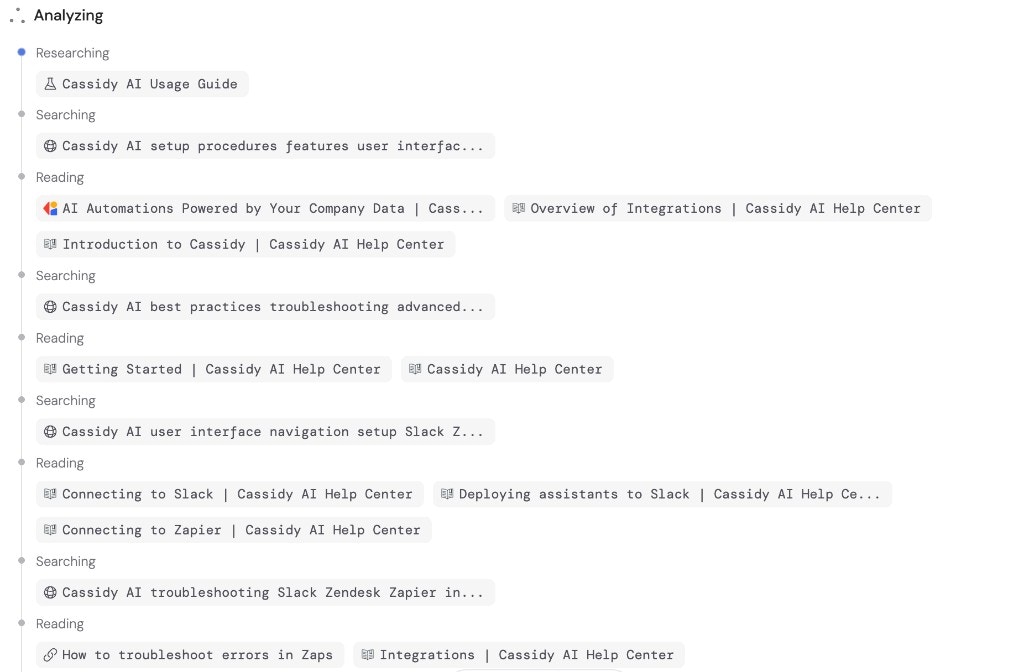

Cost
Deep Research uses approximately 500–1,300 credits per run, depending on the complexity of the question and how many searches are needed. This is significantly more than a standard chat message because the Agent performs multiple searches and analysis steps.Monitor your credit usage in Settings. Consider using Deep Research for high-value research tasks where thoroughness matters more than speed.
Next steps
Web Search
For quick, single-search lookups instead of multi-step research.
Manage credits
Monitor and manage your organization’s credit usage.