

Four types of integrations
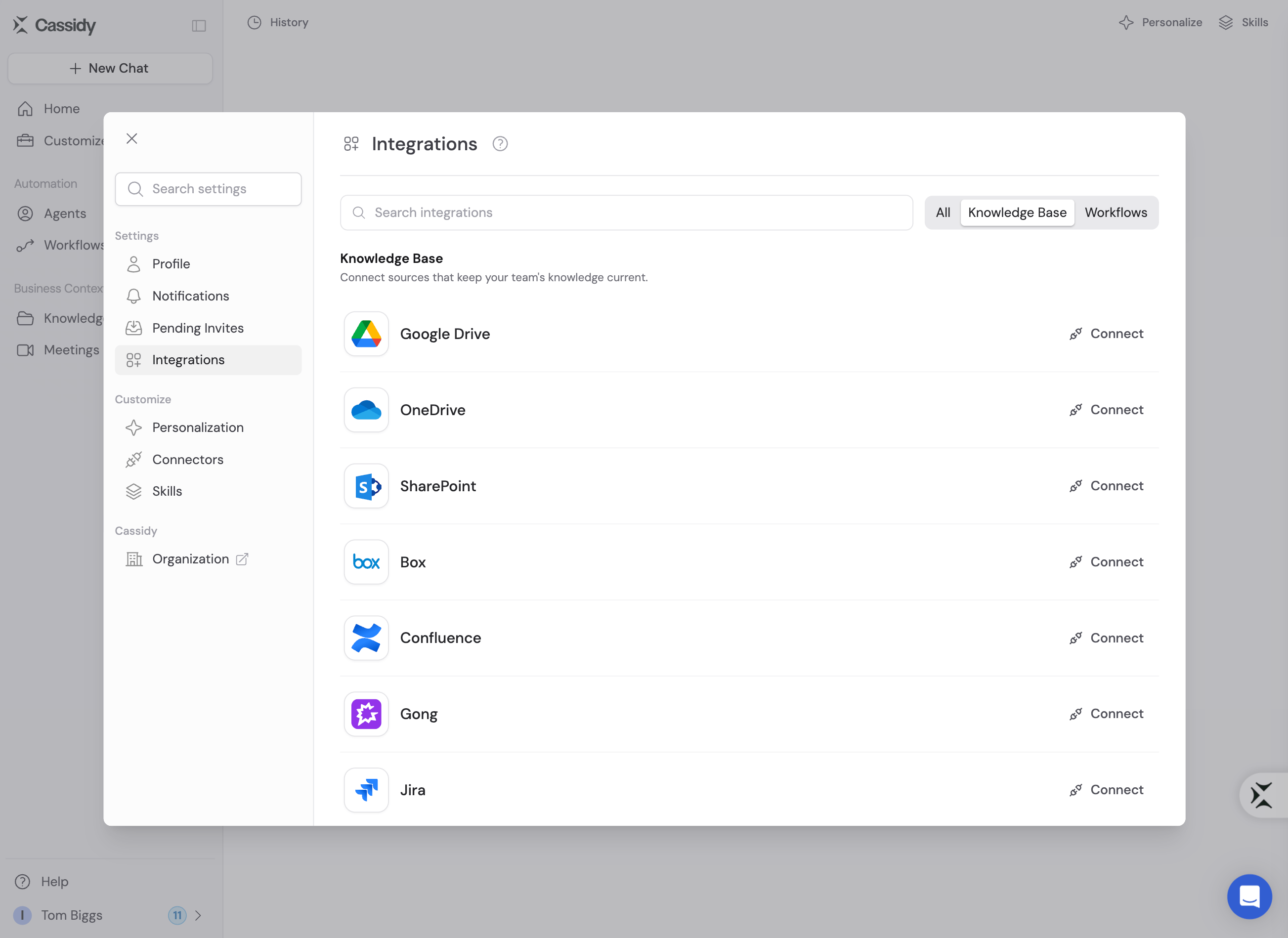
Cassidy offers four types of integrations, each designed for a different purpose. Many apps support more than one type, so you can use the same tool across your Knowledge Base, Agents, Workflows, and deployed channels.Knowledge Base integrations
Knowledge Base integrations sync documents, files, and content from external tools into your Knowledge Base. Once imported, this content is indexed for AI-powered semantic search — your Agents and Workflows can reference it to produce accurate, cited answers grounded in your company’s own data. Examples: Import Google Drive folders, Confluence pages, Notion databases, or Slack channel history.Agent Connectors
Connectors let Agents, Skills, and Workflow AI actions read and update data in external tools live. Unlike Knowledge Base integrations, Connectors don’t import anything; they reach the app when an action runs. Examples: Look up a contact in HubSpot, update a Salesforce opportunity, or query a Snowflake data warehouse.Workflow integrations
Workflow integrations connect your Workflows to external apps through triggers and actions. A trigger starts the Workflow when something happens in a connected tool, and actions let the Workflow read from, write to, or interact with those tools as part of a multi-step automation. Examples: Trigger a Workflow when a Zendesk ticket is created, when a Smartsheet row is added or updated, send a Slack message as an action step, or update a Google Sheet with results.Deploy integrations
Deploy integrations let you surface your Agents directly inside the communication platforms your team already uses. Once deployed, team members can chat with an Agent without leaving their daily tools — through channel mentions, direct messages, email, or embedded chat widgets. Examples: Deploy an Agent to Slack channels and DMs, add an Agent to Microsoft Teams, deploy an Agent via email, or embed an Agent on your website.How to connect your apps
Use the appropriate settings area for what you want to manage:- Open Account Settings → Integrations for Knowledge Base and Workflow connections.
- Open Customize → Connectors for your own Agent Connectors.
- Open Organization Settings → Connectors to control which Connectors and actions the organization can use, and when approval is required.
- OAuth — For apps like Google Drive, Slack, HubSpot, and Salesforce, you authorize access through a secure OAuth flow. Click Connect, sign in to the app, and grant Cassidy the required permissions.
- API keys or tokens — Some apps require you to provide an API key or access token. You’ll find these in the app’s developer or admin settings, then paste them into Cassidy’s integration configuration.
Supported integrations
Browse the full list of supported apps in the sidebar. Each integration page details the available connection types and setup instructions.Next steps
Set up your Knowledge Base
Import documents and content from connected apps for AI-powered search.
Explore Agent Connectors
Give your Agents live, real-time access to external business tools.
Build a Workflow
Create multi-step automations powered by your integrations.
Deploy an Agent
Put your Agent in Slack, Teams, Google Chat, email, or embed it on your
website.
Connect non-native apps
Use webhooks and Zapier to connect tools without a native integration.