

Set up the action
1
Add the action
While editing a Workflow, click the + button between existing blocks. Select Add Comment to Zendesk Ticket from the action list.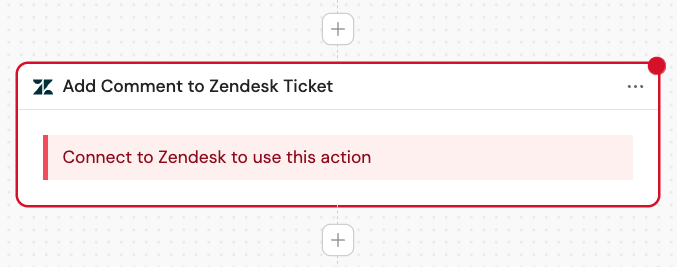
2
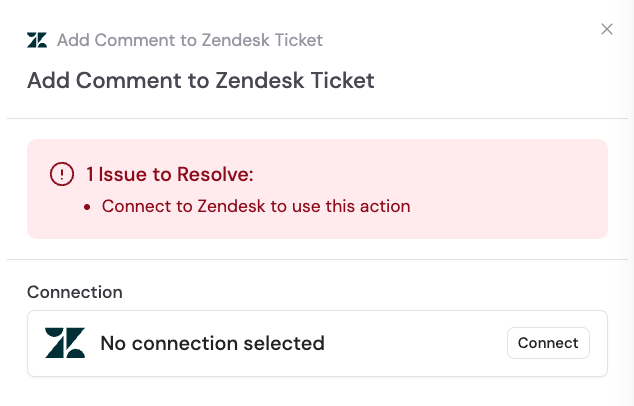
Connect your Zendesk account
If you haven’t already, connect your Zendesk account to Cassidy.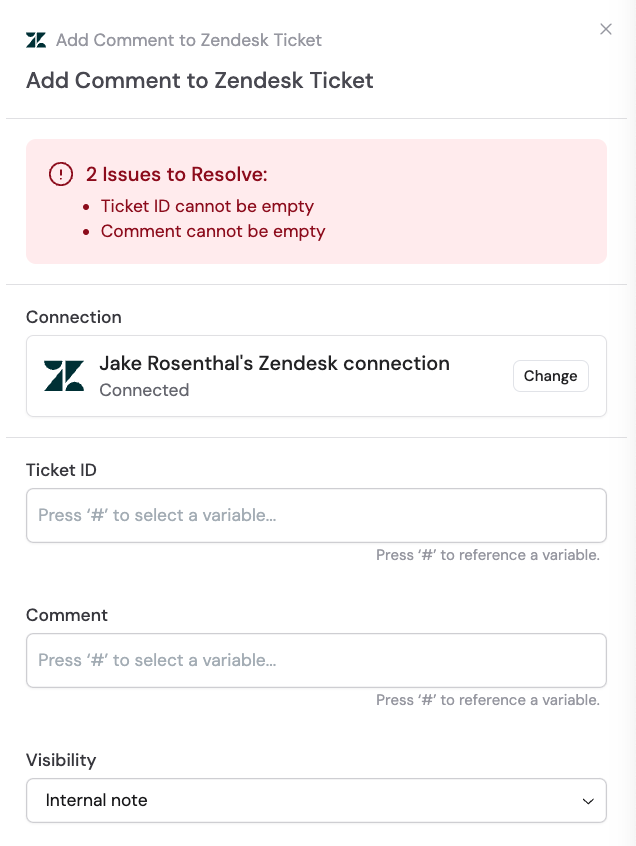
3
Rename the action (optional)
Click the action name to give it a more descriptive label, making it easier to reference as a variable in later steps.
4
Enter the ticket ID
Provide the ID of the Zendesk ticket you want to comment on. You can type a ticket ID directly or reference a variable from a previous step or the trigger.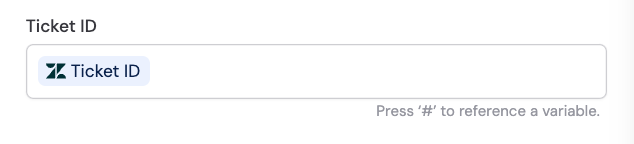
5
Enter the comment
Type the comment you want to add to the ticket, or reference a variable containing the comment text from a previous step.
6
Select visibility
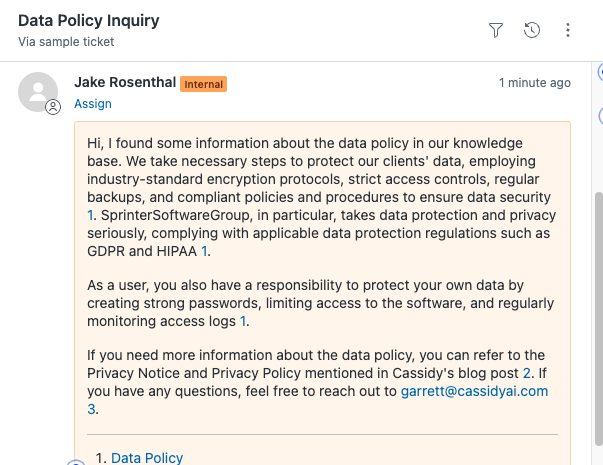
Choose the visibility for the comment:
- Internal note — visible only to agents and admins
- Public reply — visible to the ticket requester
Related
New ticket trigger
Trigger a Workflow when a new ticket is created.
Updated ticket trigger
Trigger a Workflow when a ticket is updated.