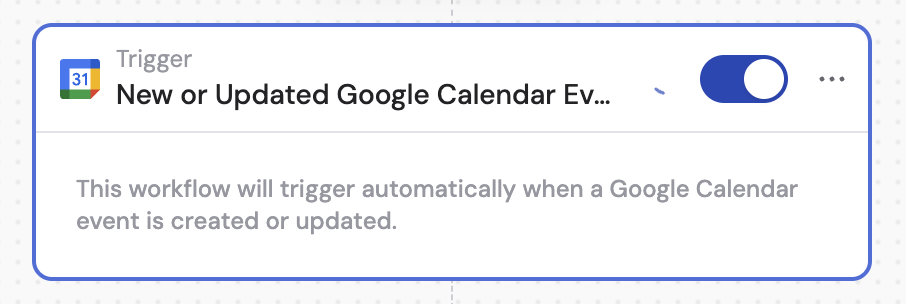
Set up the trigger
1
Add the trigger
Create a new Workflow with the New or Updated Google Calendar Event trigger, or change an existing Workflow’s trigger type.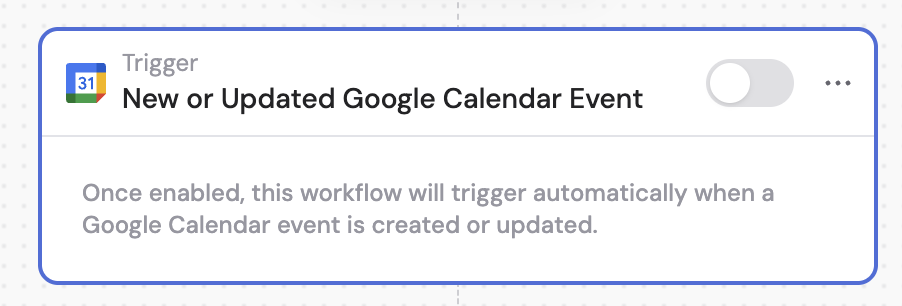
2
Connect Google Calendar
If you haven’t already, connect your Google Calendar account to Cassidy.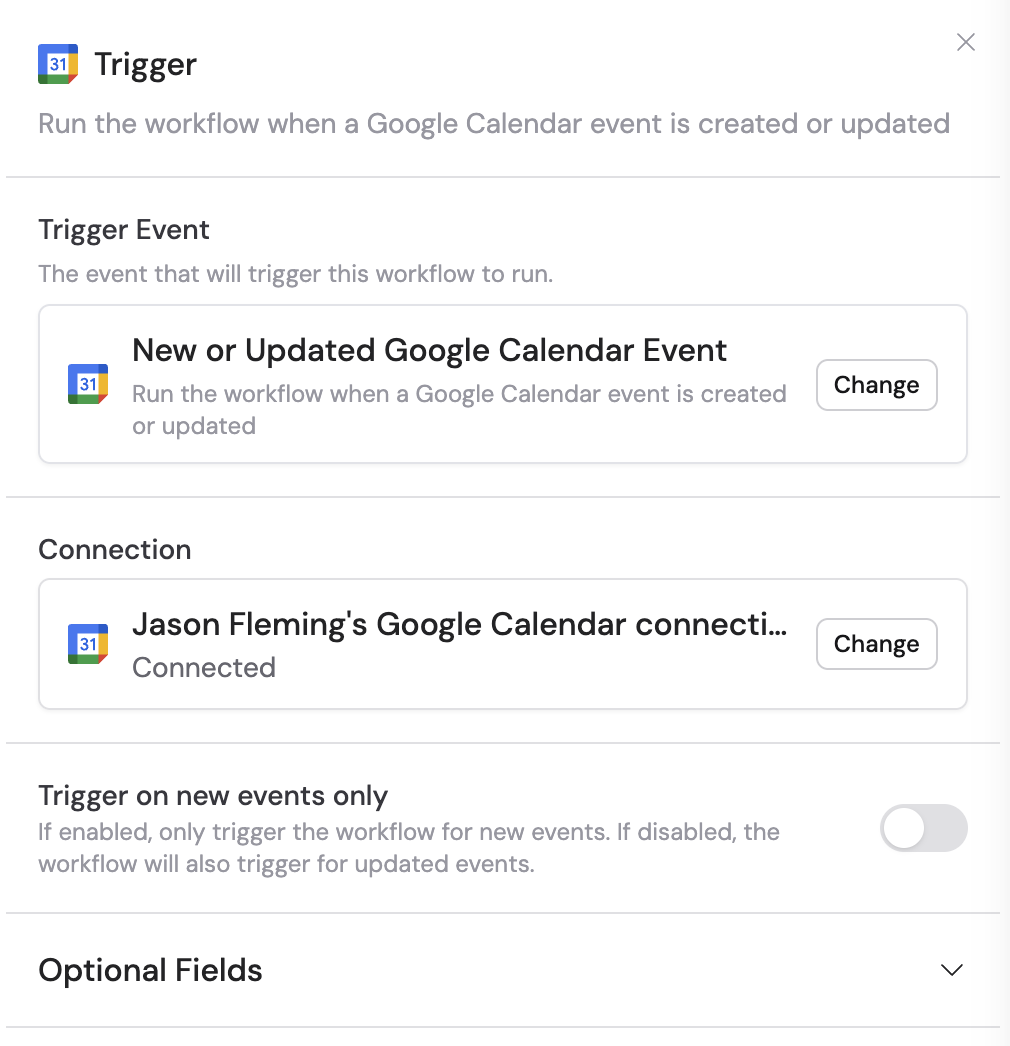
3
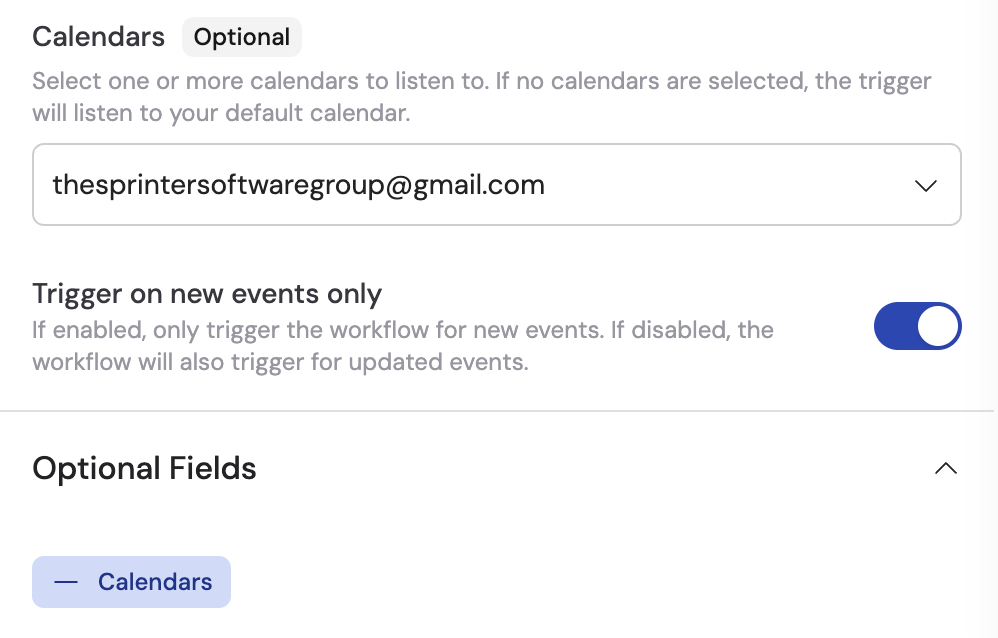
Toggle trigger on new events only (optional)
Enable Trigger on new events only if you want the Workflow to run only for newly created events. When disabled, the Workflow also triggers for updated events.
4
Select specific calendars (optional)
Under optional fields, select which calendars to monitor. If no calendars are selected, the trigger listens to your default calendar.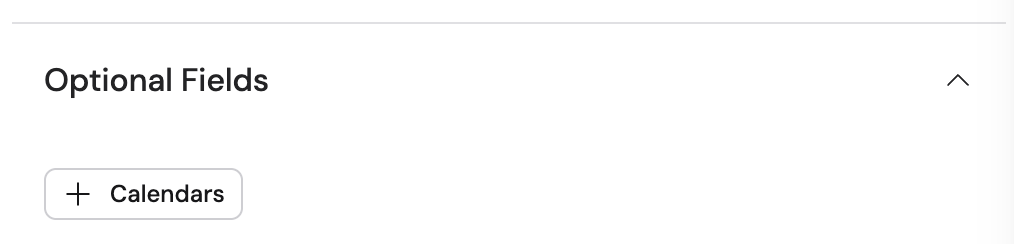
5
Reference the trigger variables
In subsequent actions, use the variable picker to insert data from the trigger. Available variables: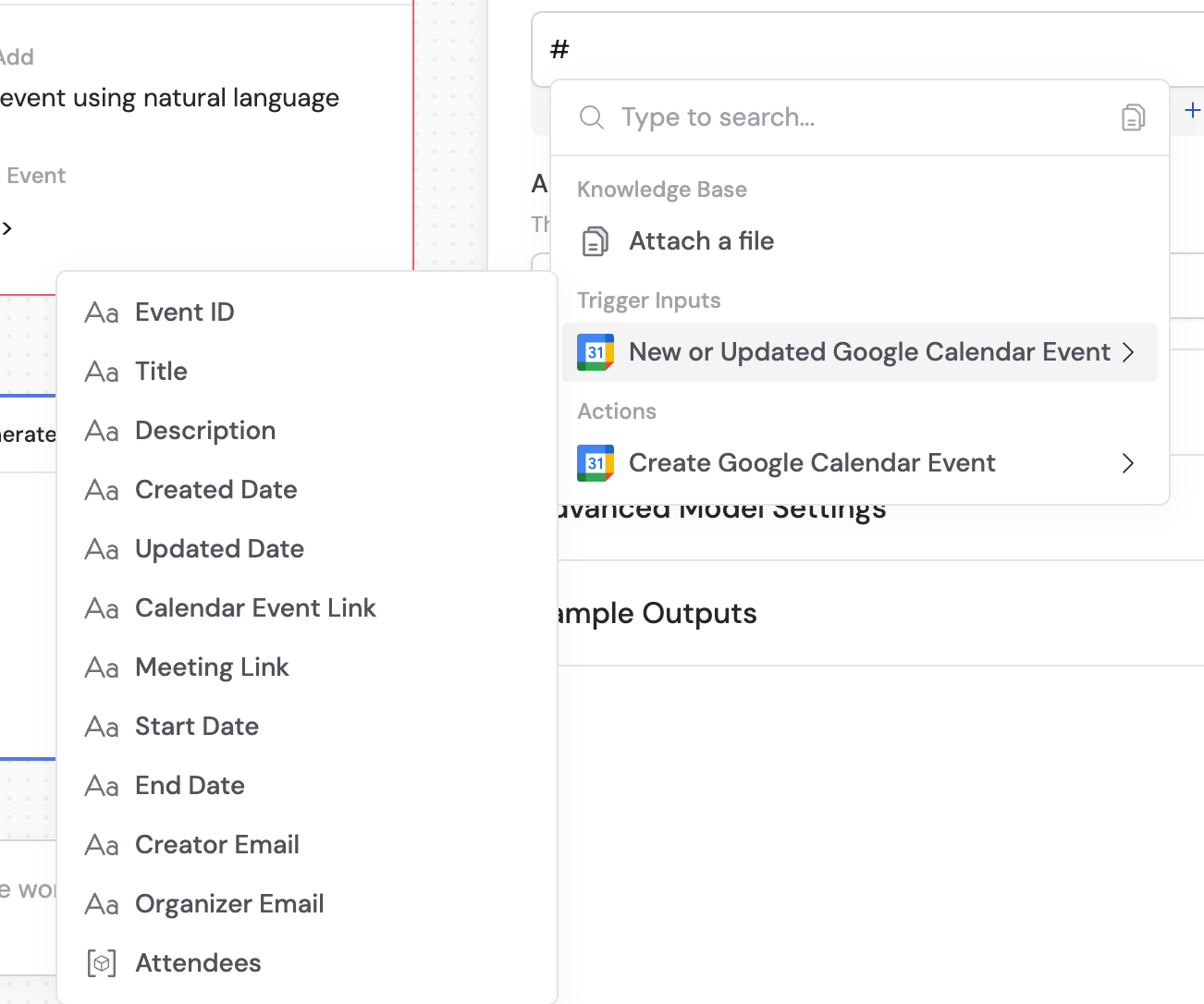
- Event ID — unique identifier of the calendar event
- Title — title or subject of the calendar event
- Description — description or details of the calendar event
- Created Date — when the event was created
- Updated Date — when the event was last updated
- Calendar Event Link — link to the calendar event
- Start Date — when the event begins
- End Date — when the event ends
- Creator Email — email of the event creator
- Organizer Email — email of the event organizer
- Attendees — list of people invited to the event
6
Activate the trigger
In the trigger block, click the toggle switch to turn it on.