

Connect your account
1
Open Integrations
Open Account Settings, select Integrations, then find
ServiceNow.
2
Enter your subdomain
Type your ServiceNow subdomain (the part before 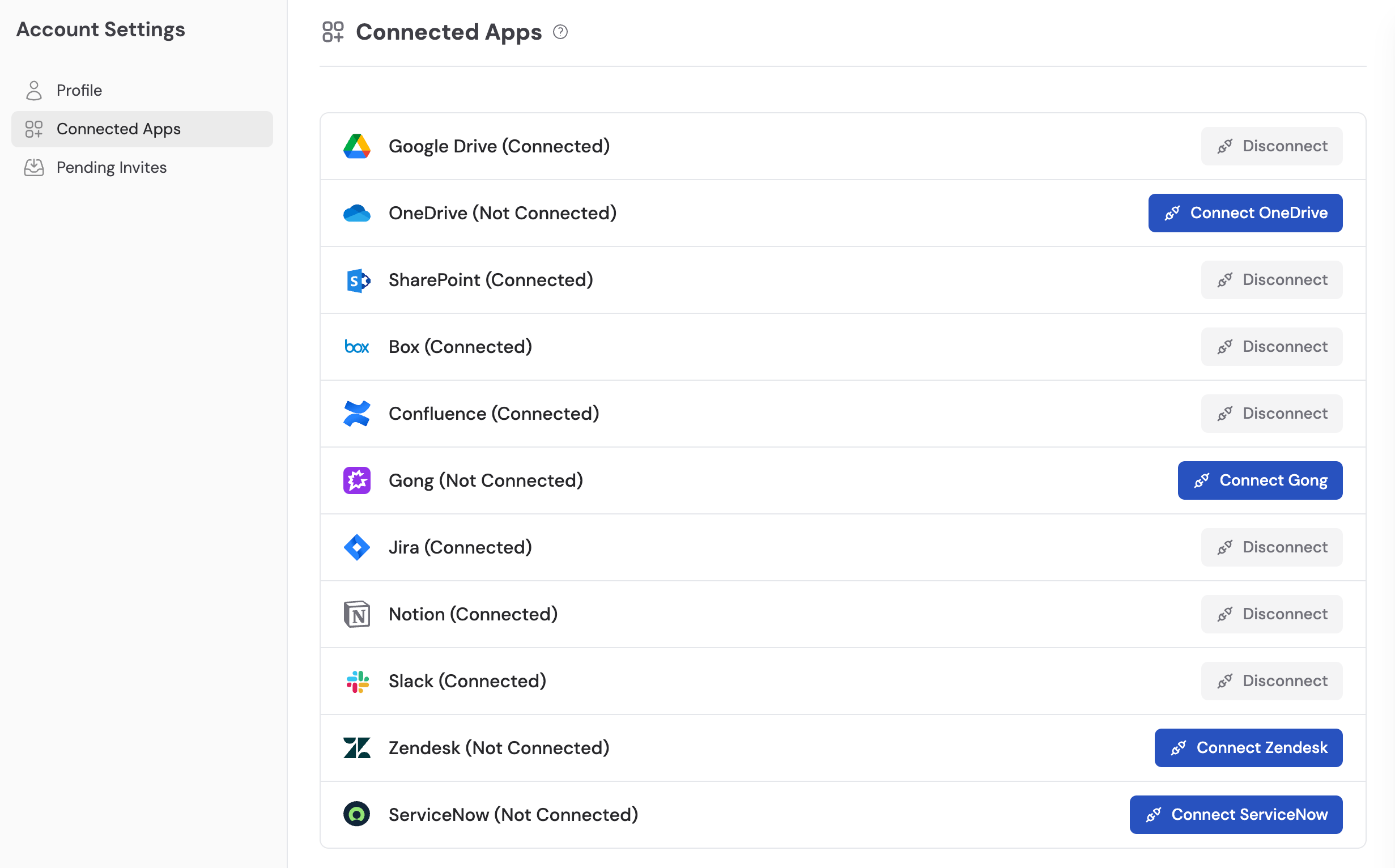
.service-now.com in your instance URL).3
Enter your Client ID
Enter the Client ID from your ServiceNow application registry. If you haven’t set up an application registry yet, follow ServiceNow’s OAuth setup documentation to create one.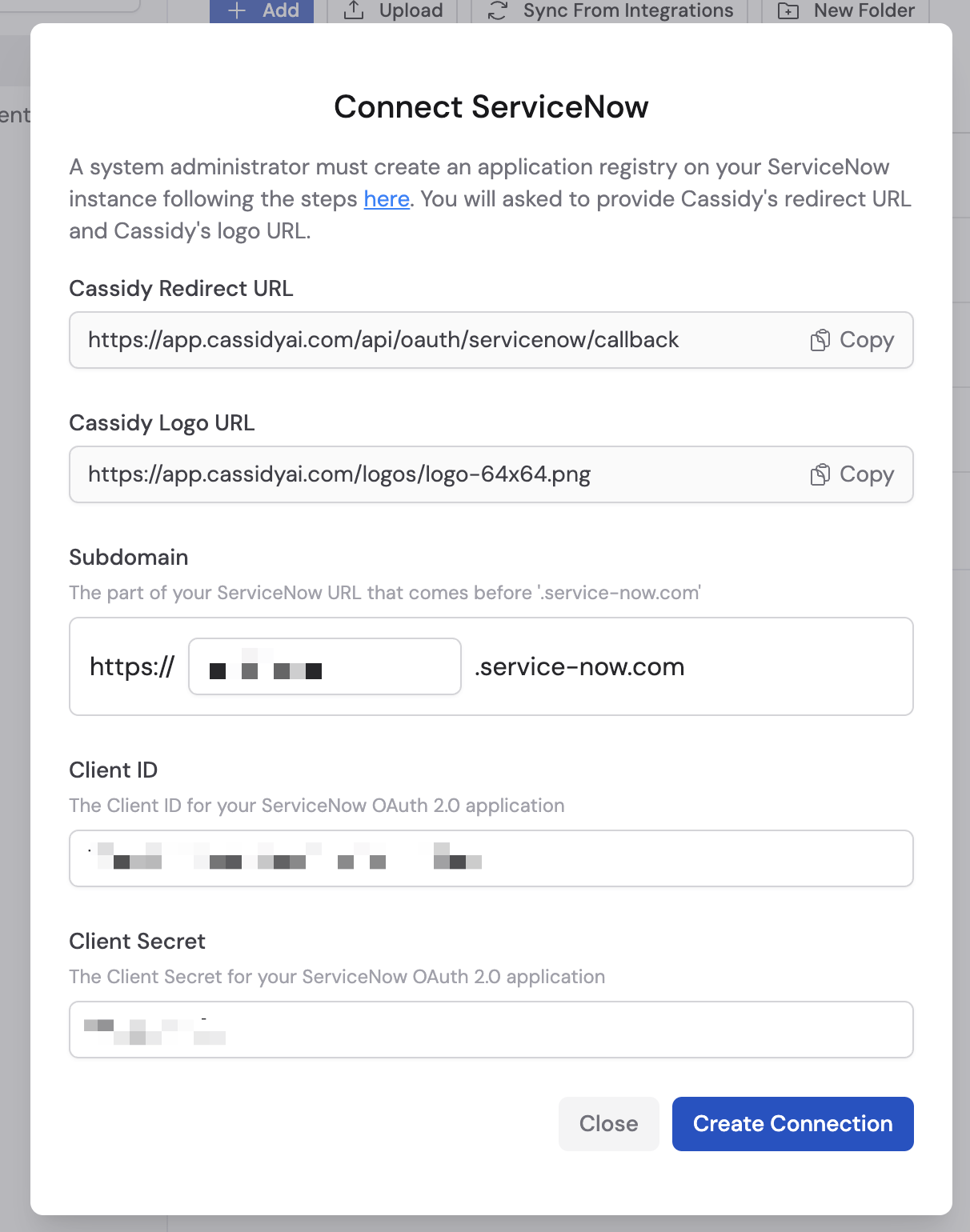
4
Enter your Client Secret
Enter the Client Secret from the same application registry entry.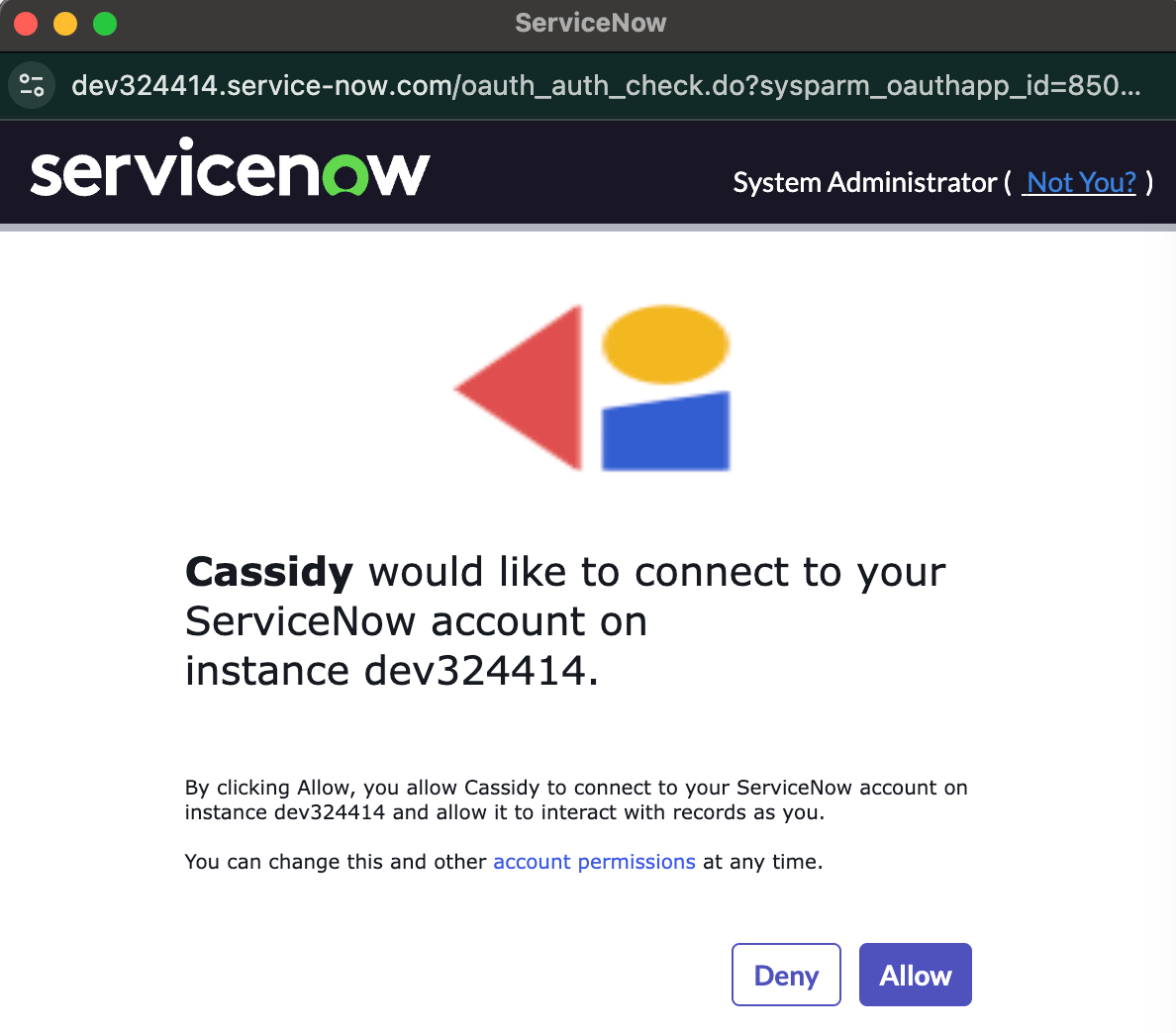
5
Create the connection
Click Create Connection to save your credentials.
6
Authorize access
Click Allow to authorize Cassidy to access your ServiceNow instance.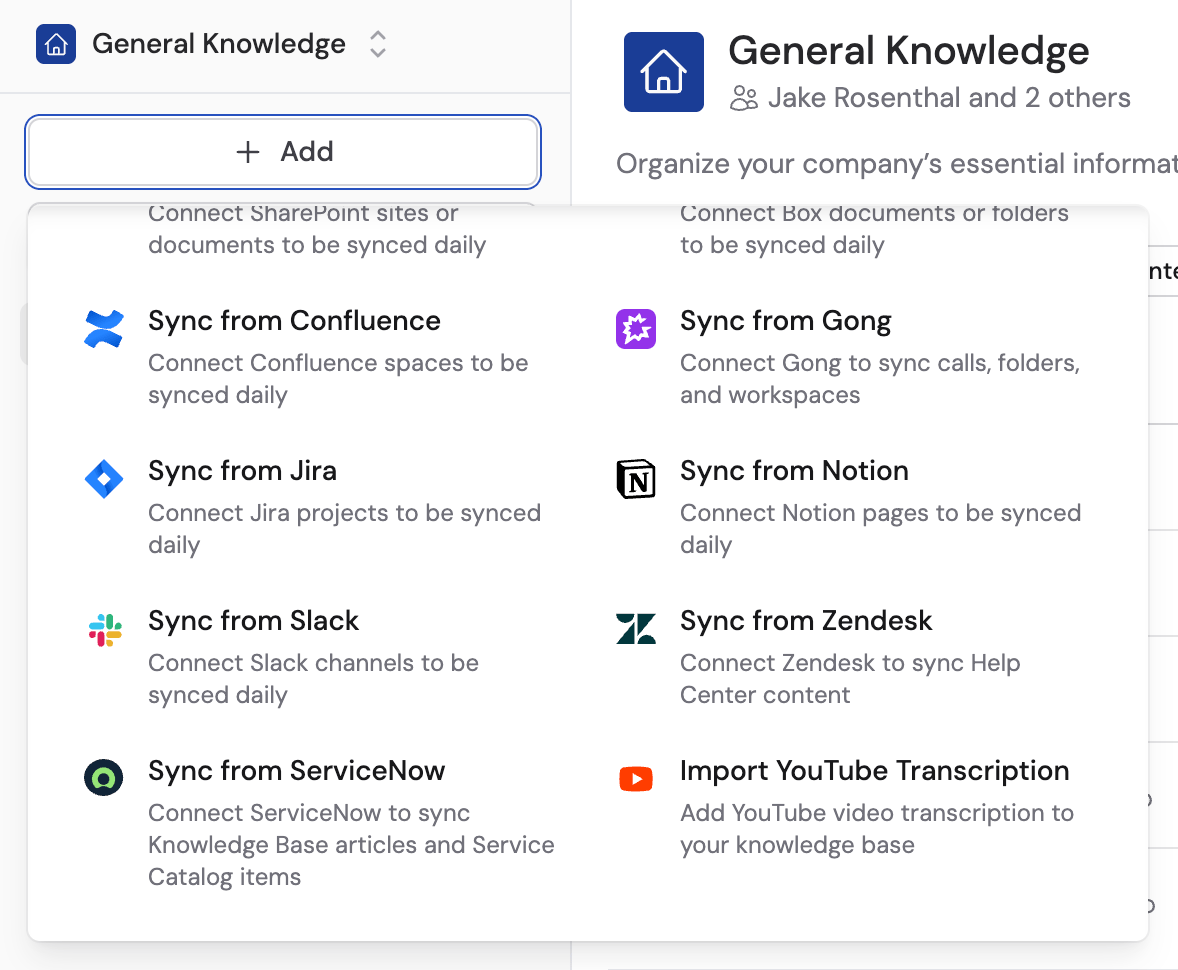
Import content
1
Add a ServiceNow source
Go to your Knowledge Base and click Add. Select ServiceNow from the list of sources.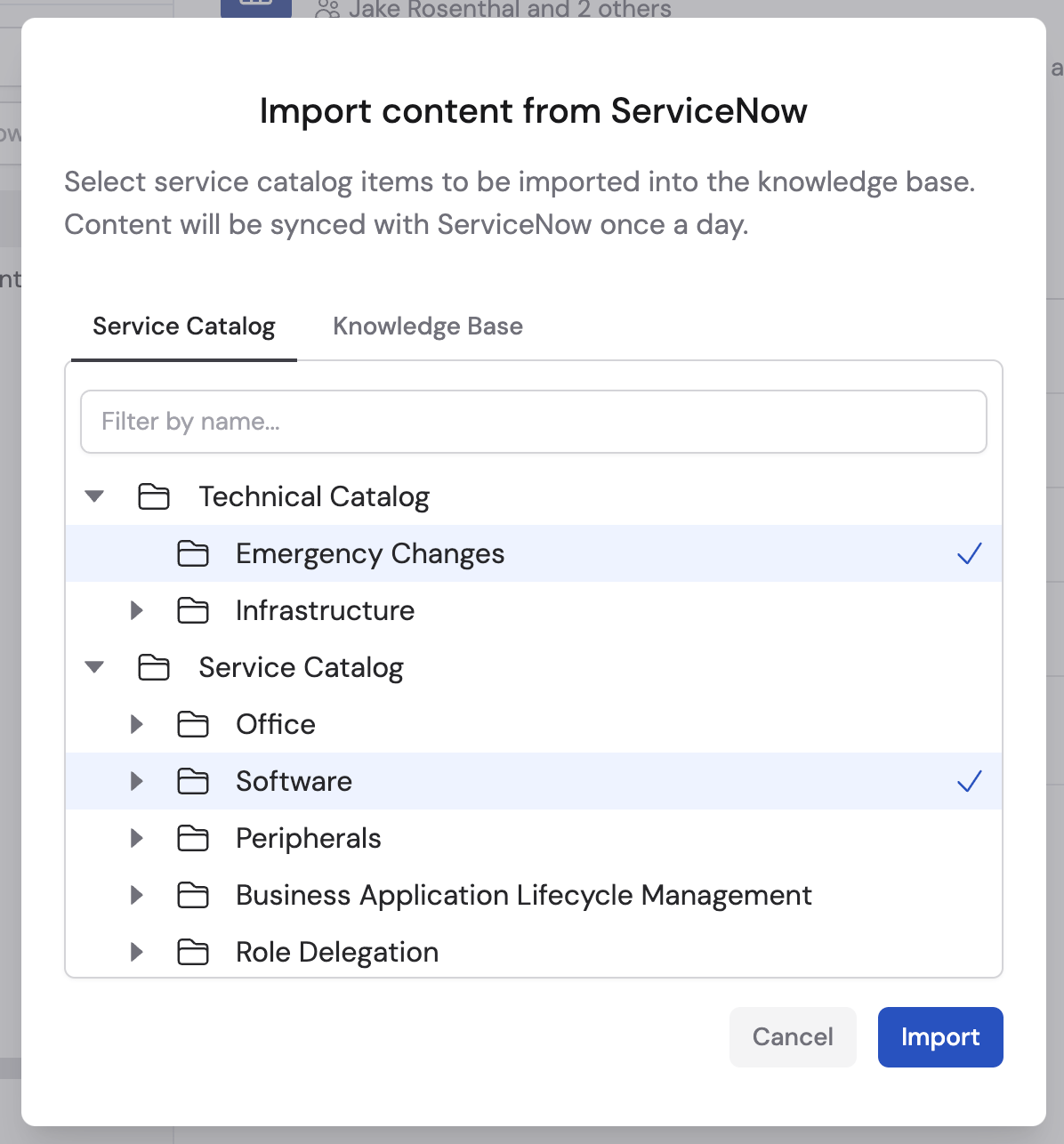
2
Select articles and catalog items
Browse your ServiceNow instance, select the knowledge base articles or service catalog items you want to import, then click Import.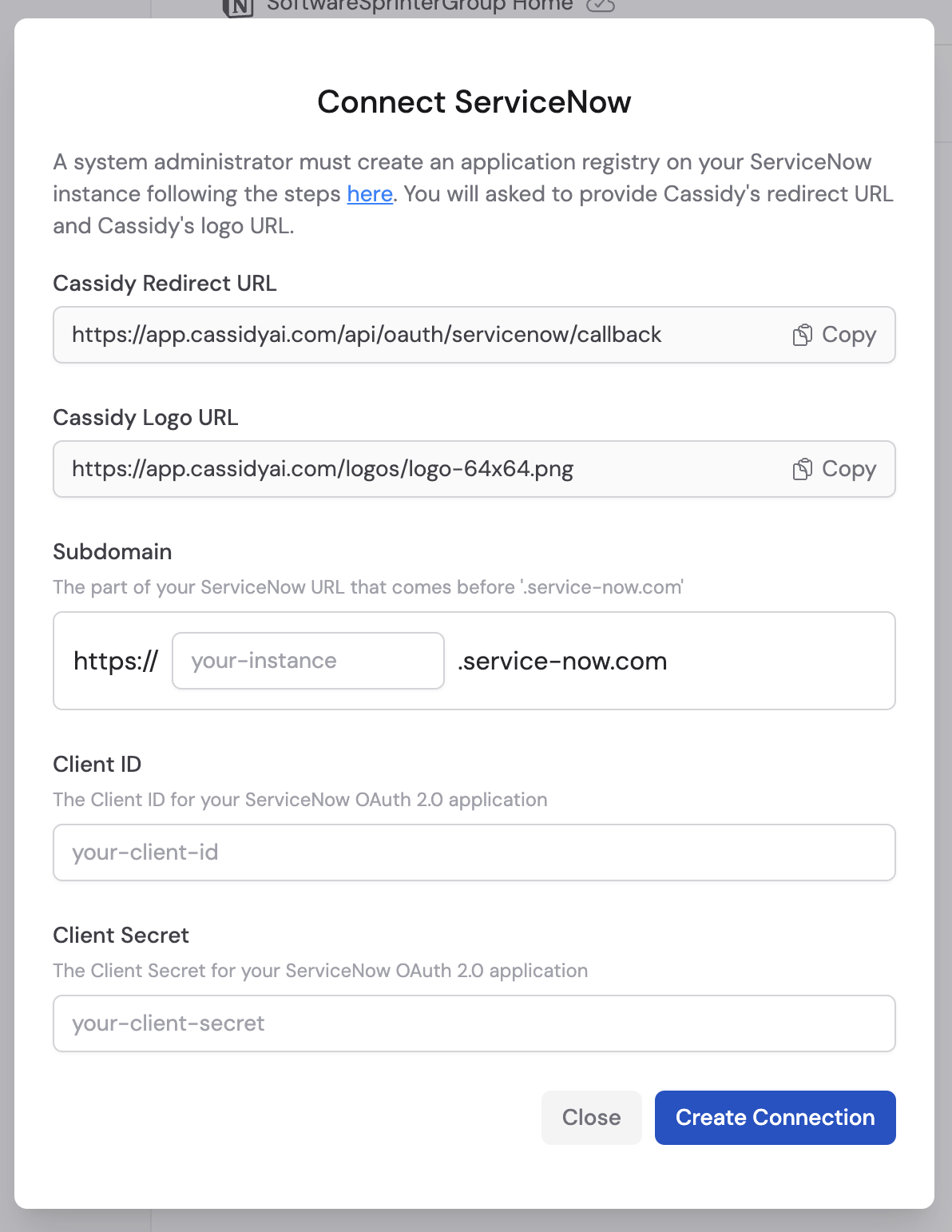
Next steps
Knowledge Base overview
Learn how to organize and manage your imported content.
Learn about Agent Connectors
See how Agents can query ServiceNow records in real time.