1
Add a Look Up HubSpot Record action
In the Workflow builder, click the + button between existing blocks. Select Look Up HubSpot Record from the action list.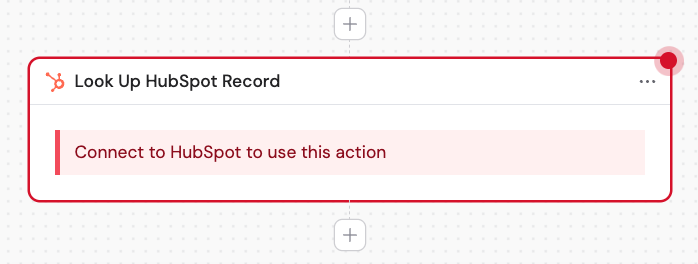
2
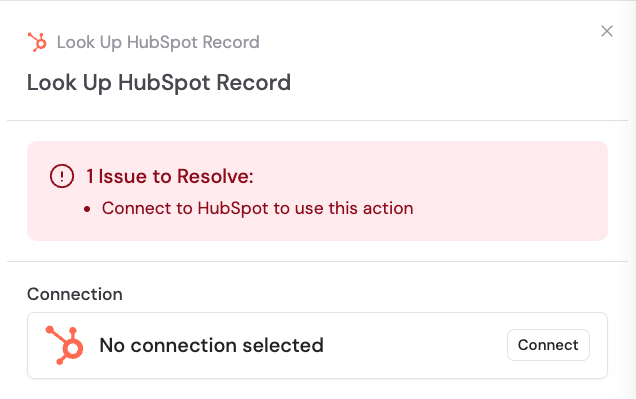
Connect your HubSpot account
If you haven’t already, connect your HubSpot account to Cassidy. This allows Cassidy to access and look up your HubSpot records.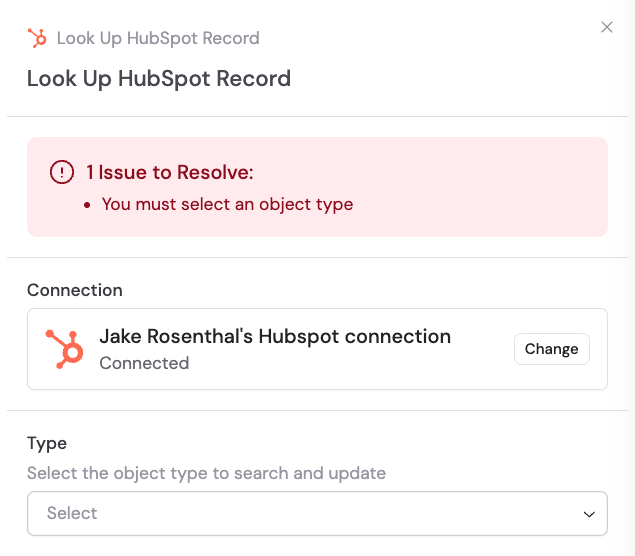
3
Rename the action (optional)
Enter a more descriptive name to make the action easier to reference as a variable later.
4
Select the record type
Choose the HubSpot object type you want to search for: Companies, Contacts, Deals, or Tickets.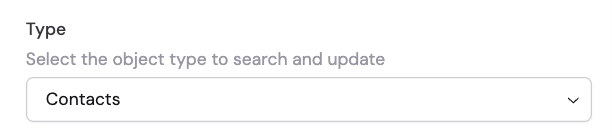
5
Define search criteria
Under Fields to search by, click Add Condition to locate the specific record(s). Select the field to search on, choose an operation (equals, contains, etc.), and enter the value to match. You can add multiple conditions combined with an AND operator. Use variables from the trigger or previous steps to match dynamically.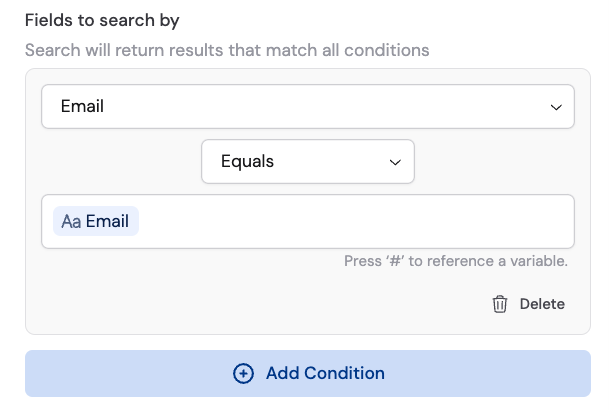
6
Select fields to return
Under Fields to return, click + Add Field and select the HubSpot fields whose values you want to use in subsequent Workflow steps. Click the trash icon to remove a selected field.
Sample output