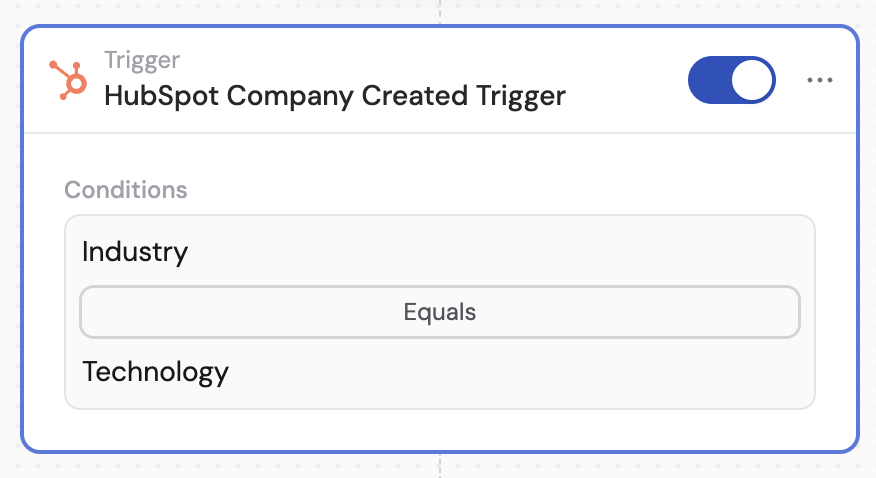
This trigger works for various HubSpot record types, including companies, contacts, deals, and tickets. The setup process is the same for all record types — this guide uses a new company record as an example.
1
Add a HubSpot Record Created trigger
Create a new Workflow with a HubSpot Record Created trigger, or change an existing Workflow’s trigger type. For example, select HubSpot Company Created to trigger on new companies.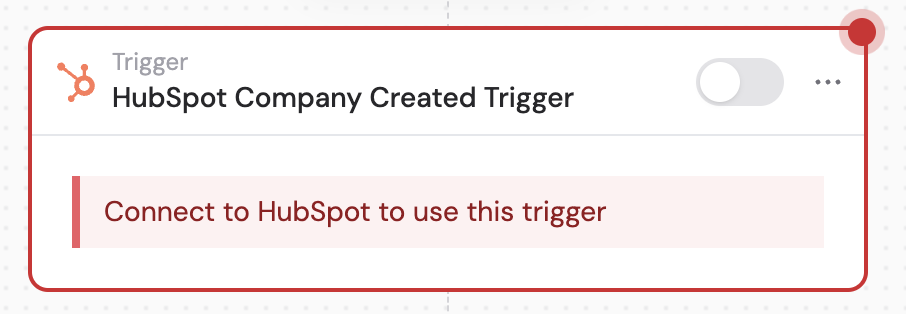
2
Connect your HubSpot account
If you haven’t already, connect your HubSpot account to Cassidy. This allows Cassidy to access your HubSpot records and trigger Workflows based on new record creation.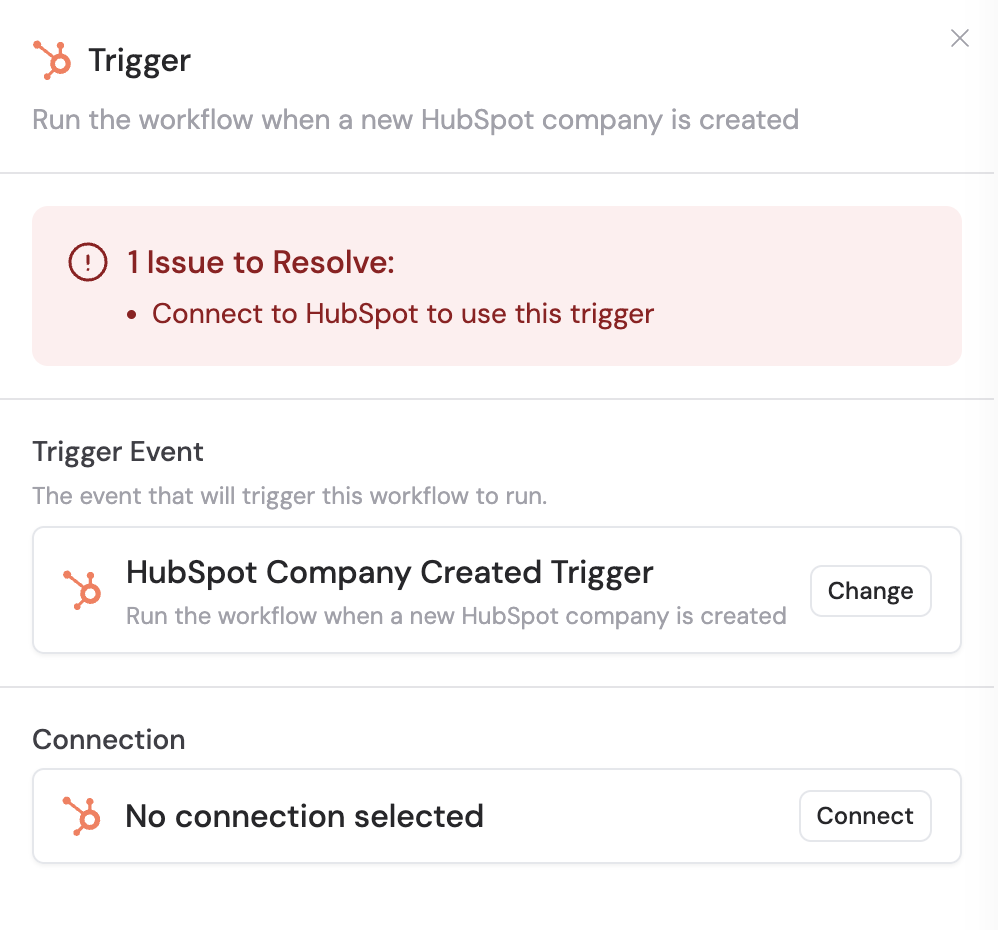
3
Add filters (optional)
Click Add Filter to trigger the Workflow only for specific records. Set conditions based on the record’s properties — for example, trigger only when a company’s industry is set to “Technology.”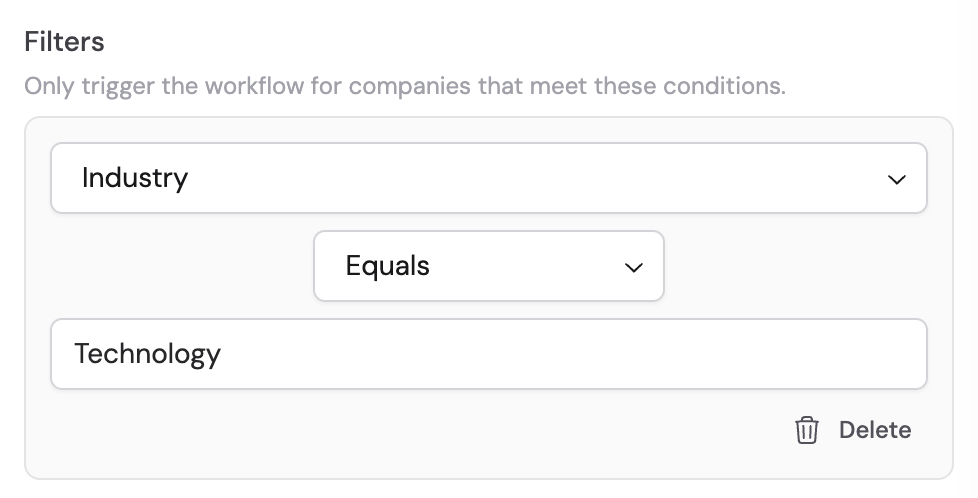
4
Reference the trigger variables
In subsequent actions, use the variable picker to insert data from the trigger. Available variables: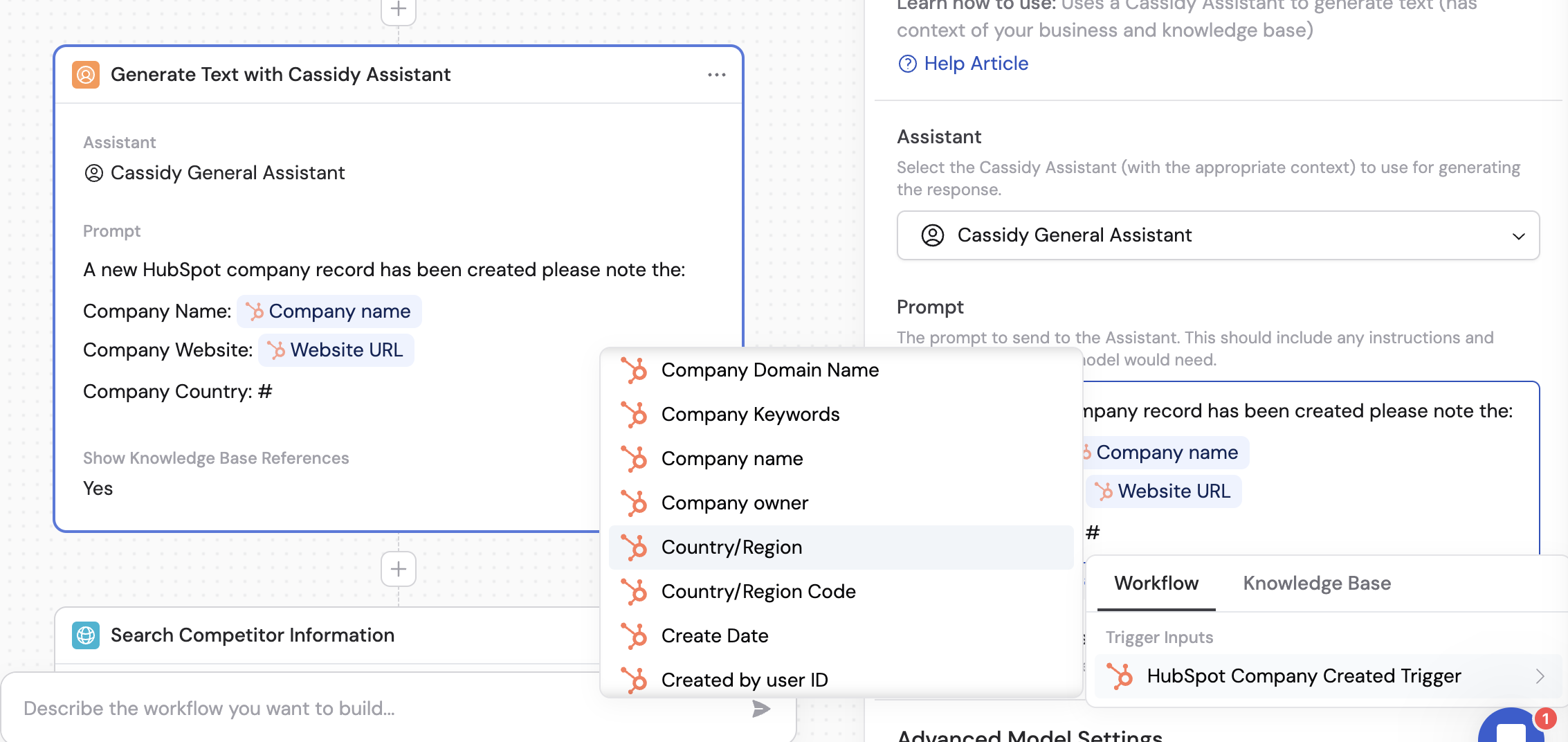
- Record ID — unique identifier for the new record
- Record Type — the HubSpot object type (Company, Contact, Deal, or Ticket)
- Record fields — all field values from the new record (name, email, deal stage, etc.)
5
Activate the trigger
In the trigger block, click the toggle switch to turn it on. Your Workflow will now run whenever a matching record is created in HubSpot.