1
Add a Remove Association action
In the Workflow builder, click the + button between existing blocks. Select Remove Association from the action list.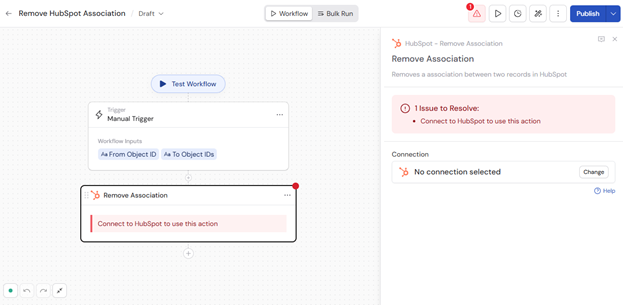
2
Connect your HubSpot account
If you haven’t already, connect your HubSpot account to Cassidy.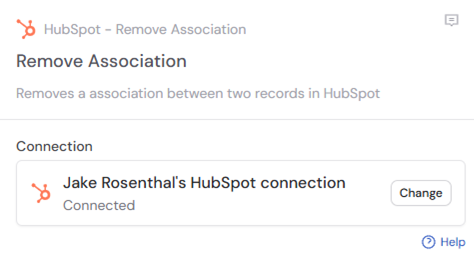
3
Rename the action (optional)
Enter a more descriptive name to make the action easier to reference as a variable later.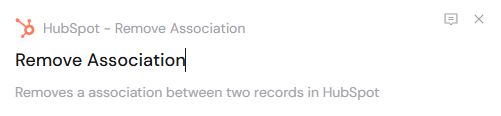
4
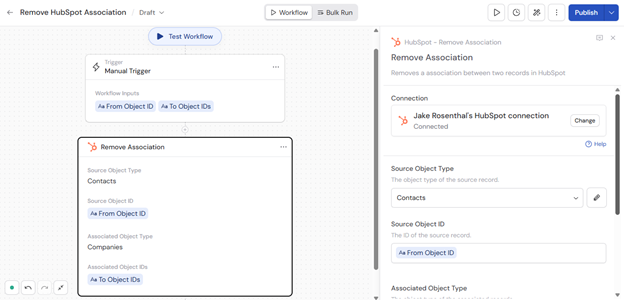
Select the source object type
Choose the object type of the source record: Contacts, Companies, Deals, Tickets, Calls, or Meetings.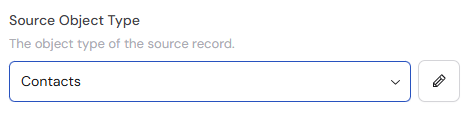
5
Enter the source object ID
Provide the ID of the source record. Type the ID directly or reference a variable from a previous step or trigger.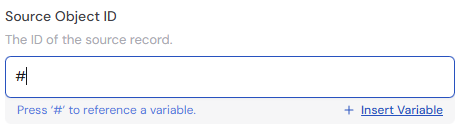
6
Select the associated object type
Choose the object type of the records you want to disassociate: Contacts, Companies, Deals, or Tickets.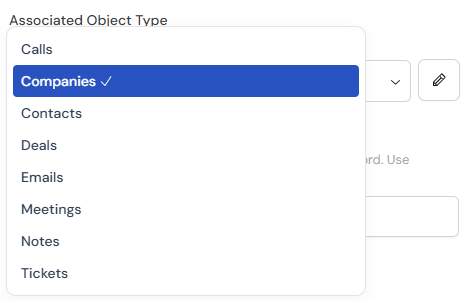
7
Enter the associated object IDs
Provide the IDs of the records to disassociate from the source record. Separate multiple IDs with commas. Type the IDs directly or reference a variable from a previous step or trigger.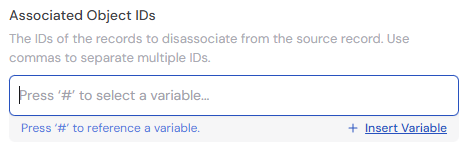
8
Publish and run the Workflow
The action removes the association between the specified HubSpot records. The output confirms the disassociation was completed.