

1
Add the Record Created trigger
Create a new Workflow with a Salesforce Record Created trigger, use an existing Workflow with this trigger, or change an existing Workflow’s trigger type to Salesforce Record Created.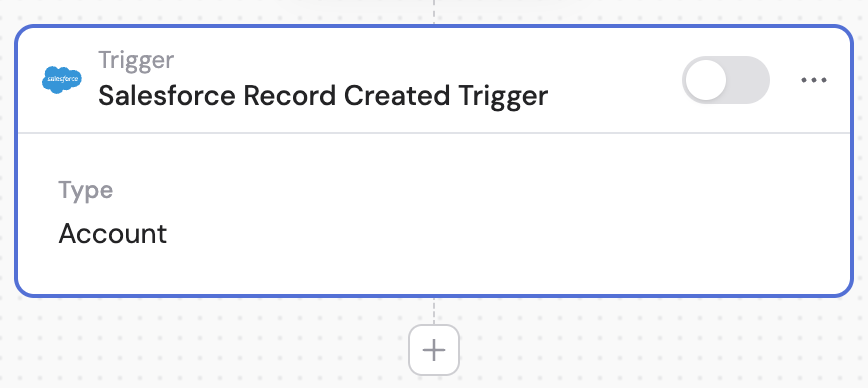
2
Connect your Salesforce account
If you haven’t already, connect your Salesforce account to Cassidy. This allows Cassidy to access your Salesforce records and trigger Workflows based on new record creation.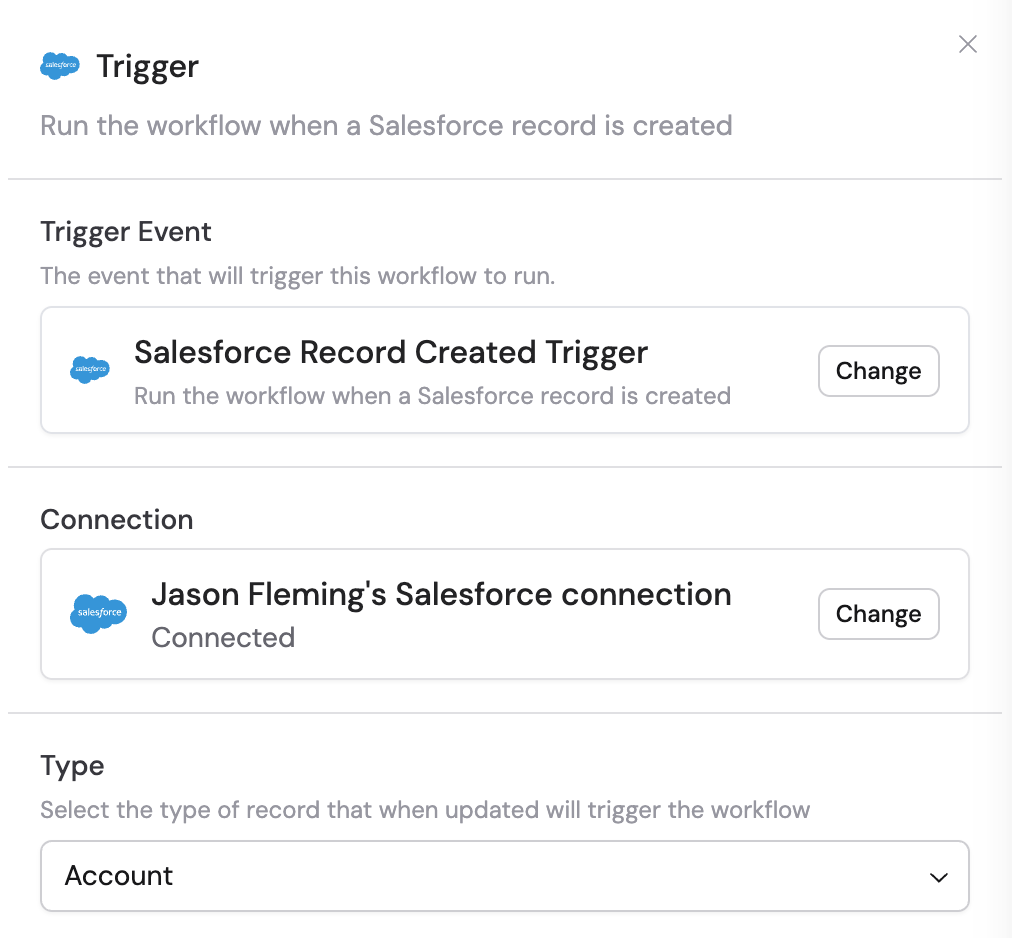
3
Select the record type
Use the Type dropdown to choose which Salesforce object type you want to monitor for new records — for example, Account, Contact, Lead, Opportunity, or a custom object.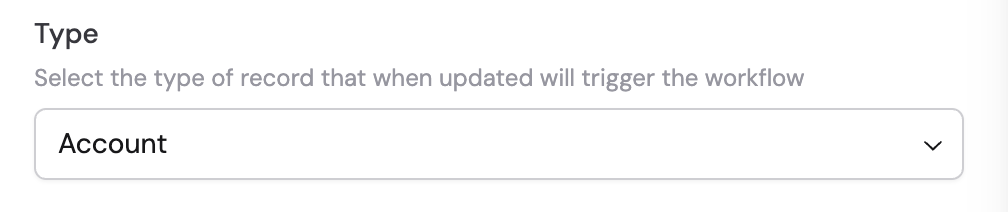
4
Add filters (optional)
To trigger the Workflow only for records that meet certain criteria, add an Only Continue If action after the trigger. This lets you filter by specific field values before the rest of the Workflow runs.
5
Reference the trigger variables
In subsequent actions, use the variable picker to insert data from the trigger. Variables map to the Salesforce properties of the new record, letting you use record data throughout your Workflow.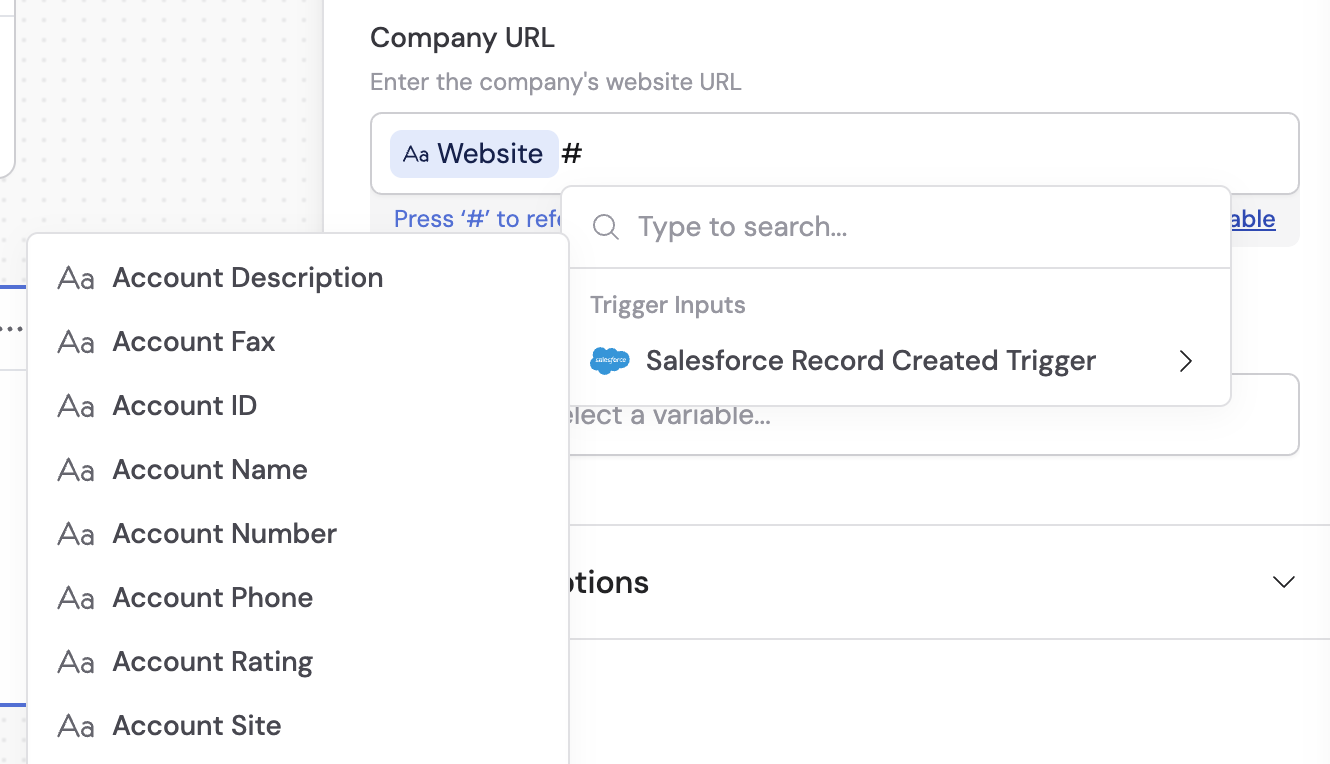
6
Activate the trigger
In the trigger block, click the toggle switch to turn it on.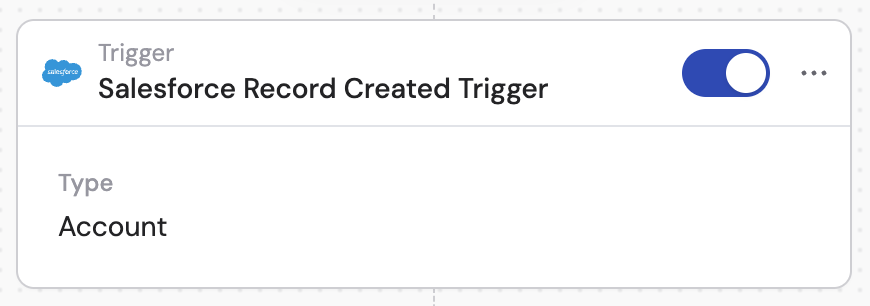
The Salesforce Record Created trigger does not activate for records that already exist. It only triggers when a new record is created after the trigger has been activated.