

1
Add the action
In the Workflow builder, click + between blocks and select Only Continue If from the action library.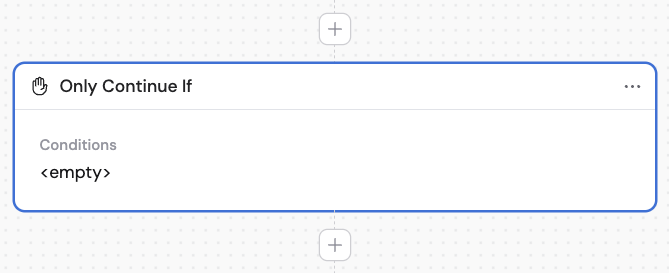
2
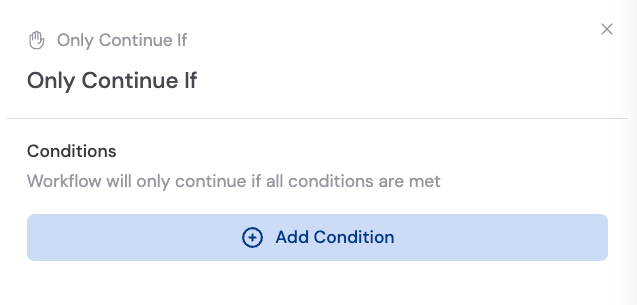
Add a condition
Click Add Condition and configure: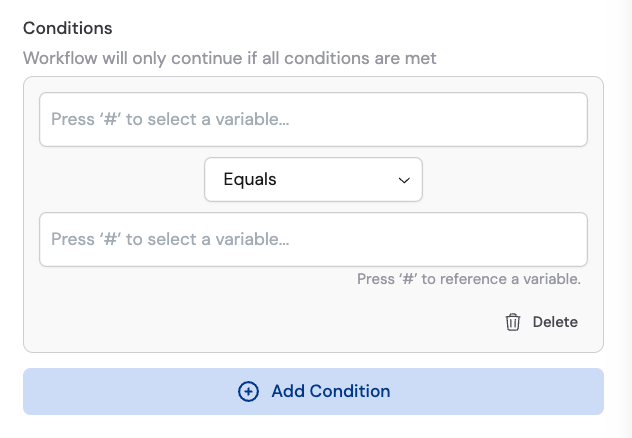
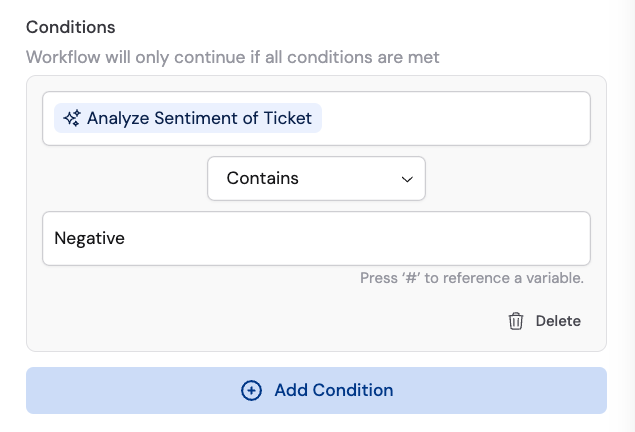
- Field — The variable to evaluate (from a previous step or the trigger)
- Operator — The comparison type (Equals, Contains, etc.)
- Value — The value to compare against
#Analyze Sentiment of Ticket contains Negative, continue.3
Add more conditions (optional)
Click Add Condition to add additional conditions. All conditions must be met for the Workflow to continue. If any condition fails, the Workflow stops.