1
Add the action
In the Workflow builder, click + between blocks and select Run Code from the action library.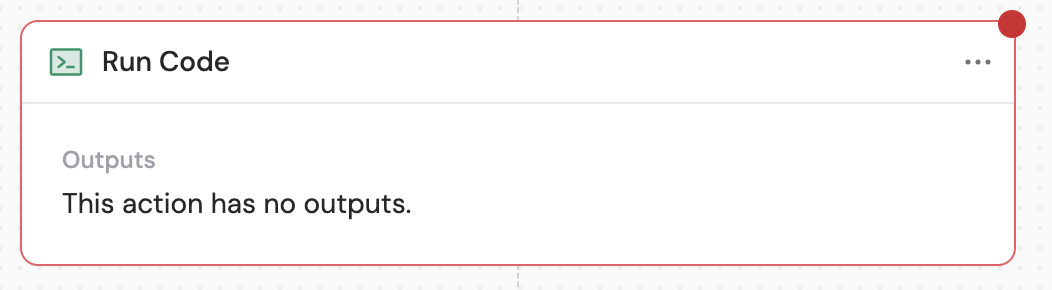
2
Configure NPM packages
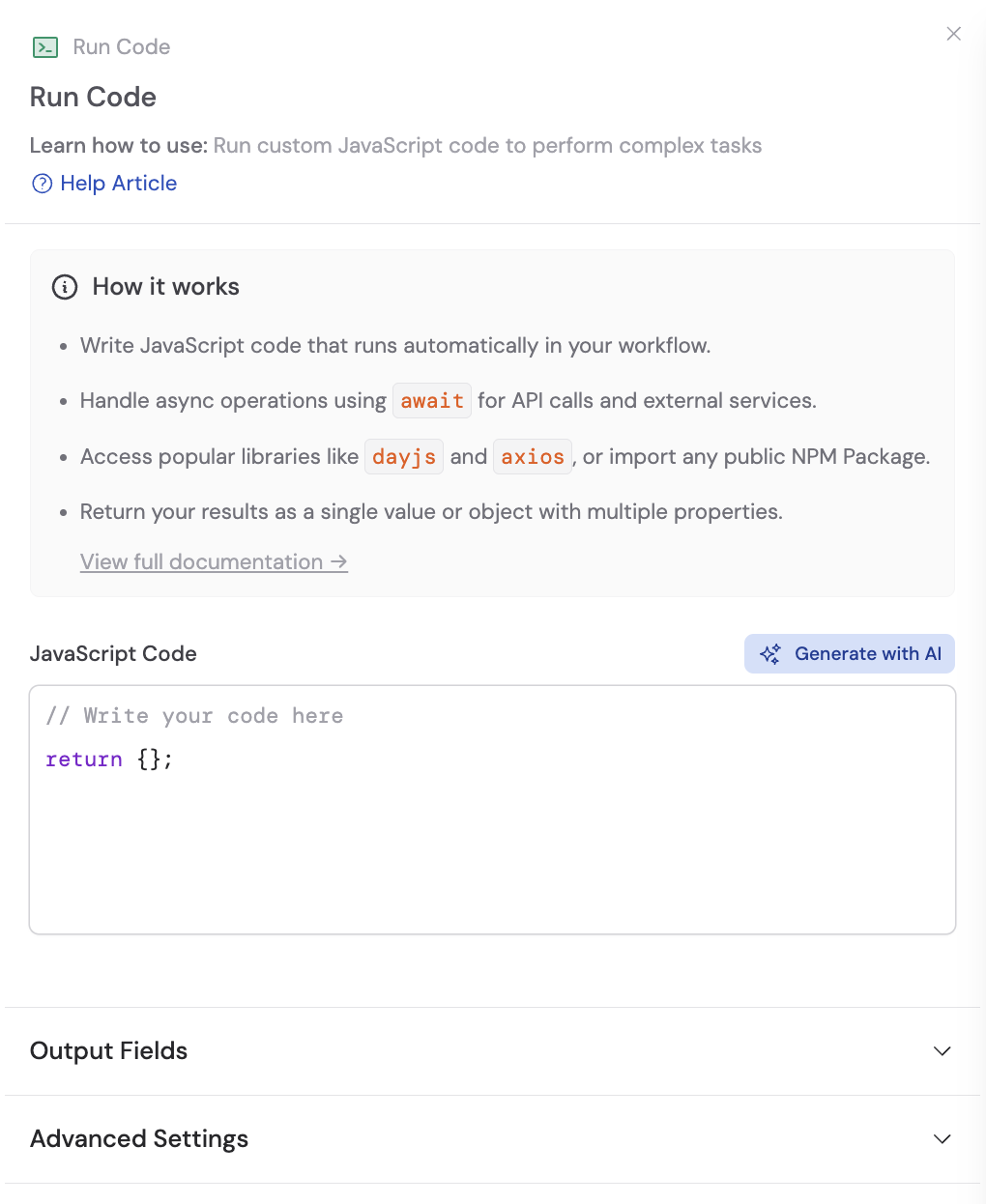
Click Advanced Settings to access additional configuration. In the NPM Packages section, search and select any JavaScript libraries you need for your code. Dayjs (date formatting) and axios (HTTP requests) are included by default.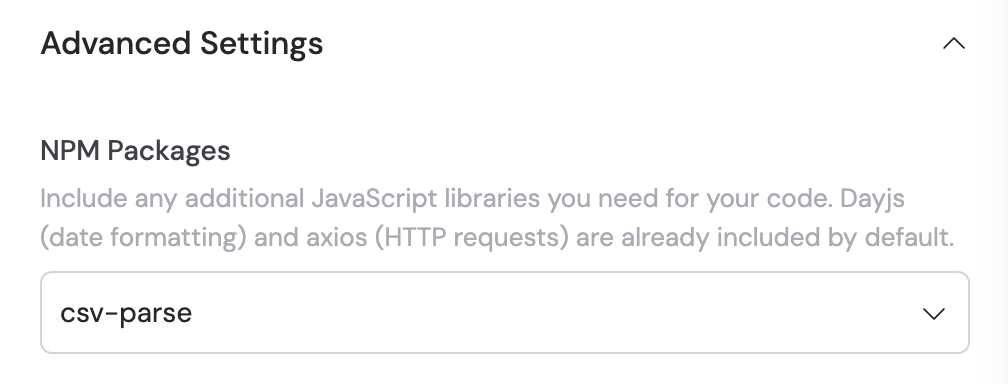
3
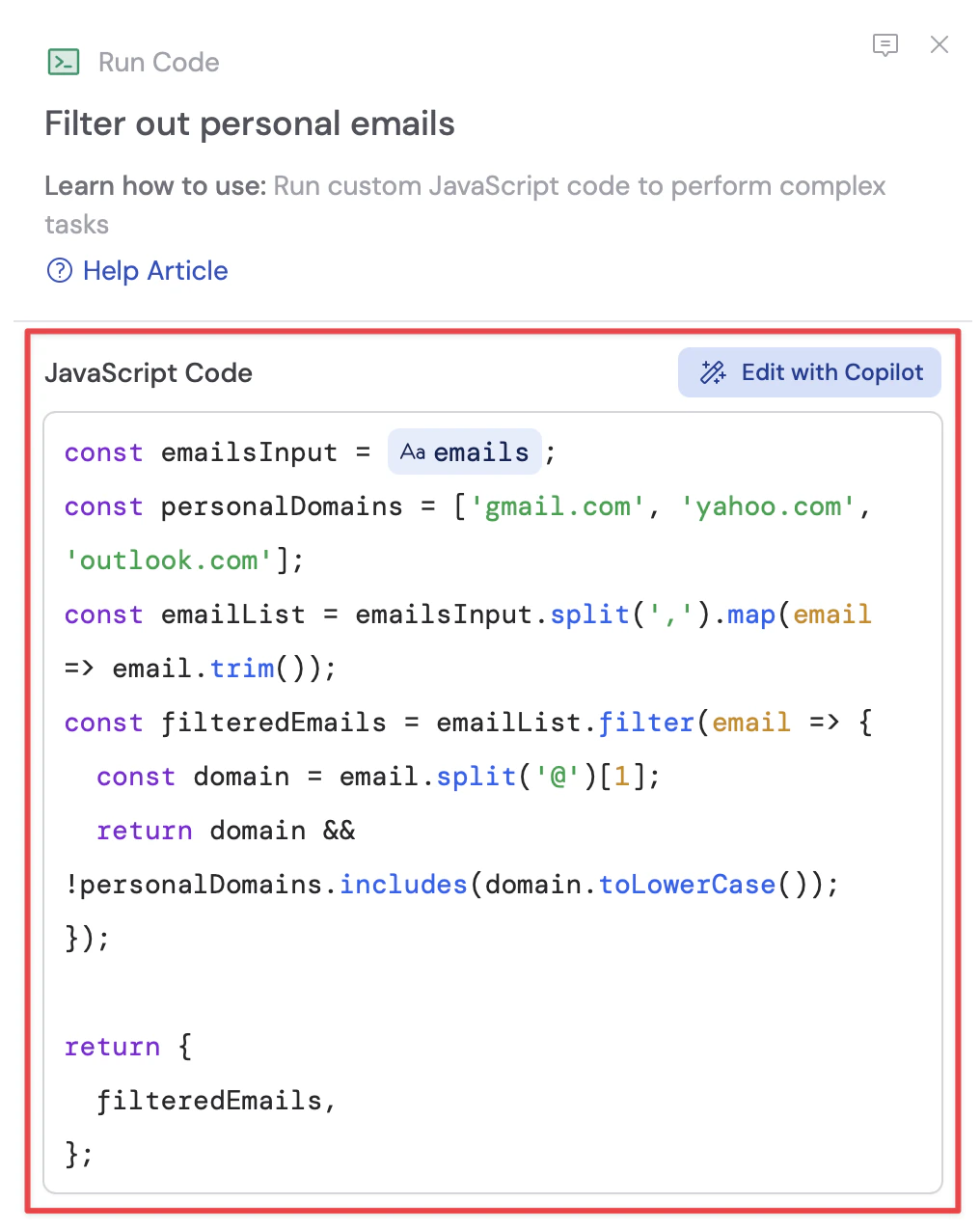
Write your code
In the code editor, write your custom JavaScript code. Reference variables from previous steps or the trigger using # to use data from earlier in the Workflow. For managing secret API keys or other secure information, see Secret Keys.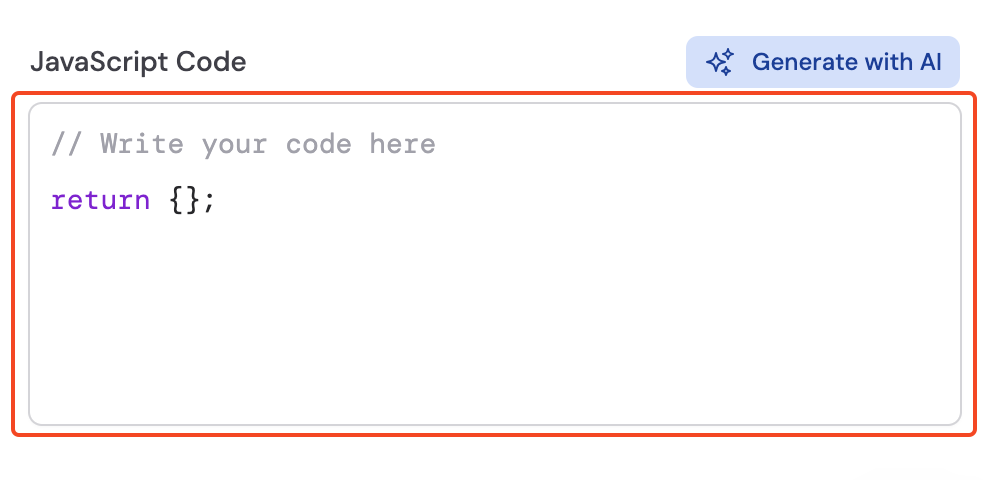

4
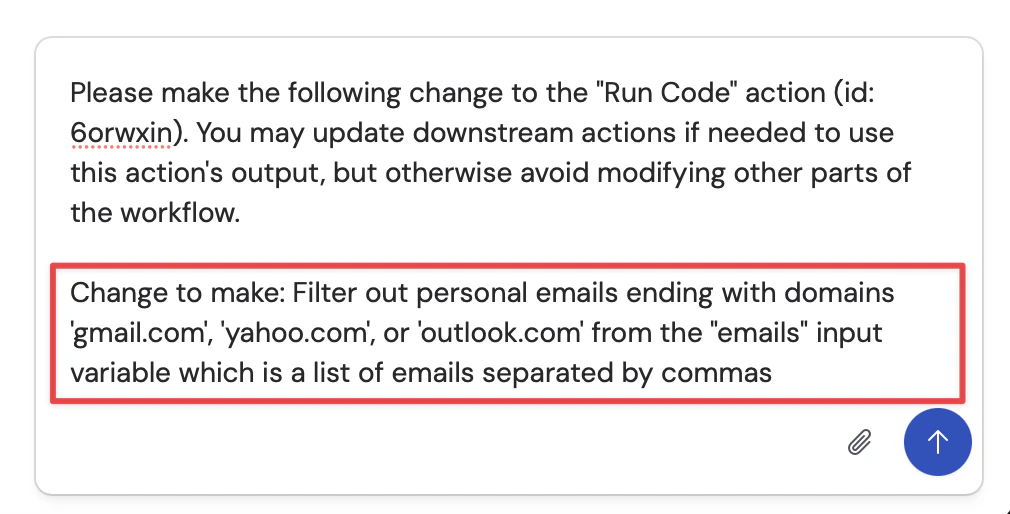
Generate code with Copilot
Optionally, click Edit with Copilot above the code editor to have AI write or modify code for you.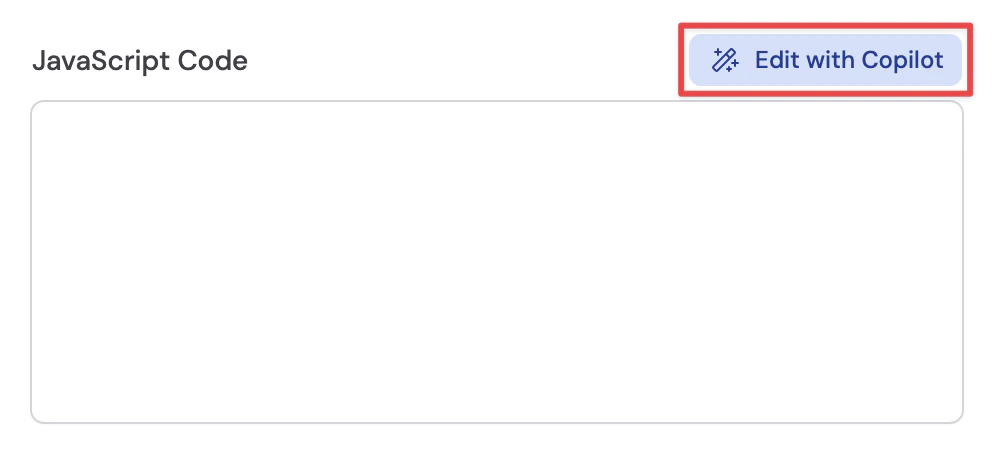
5
Configure output fields
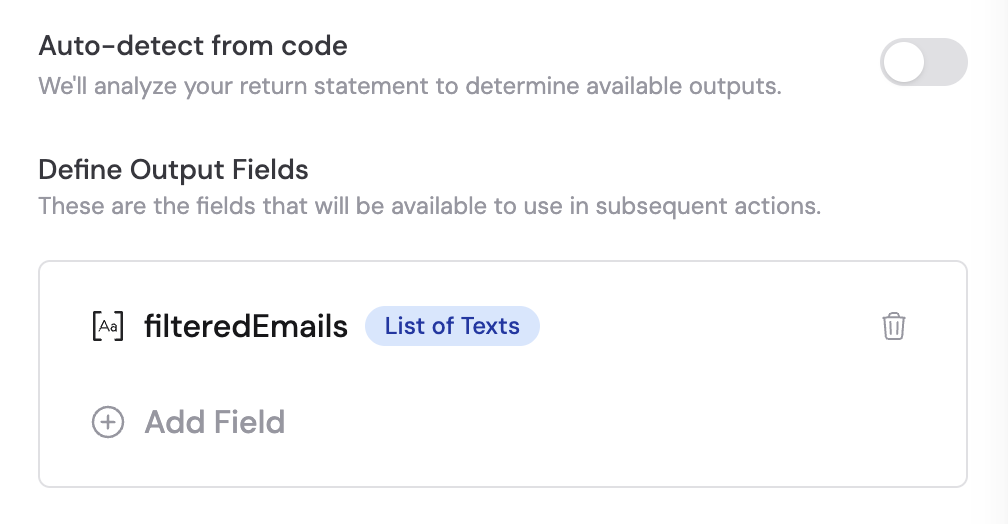
The return value of your JavaScript code becomes the output of the action. In the Output Fields section, you have two options: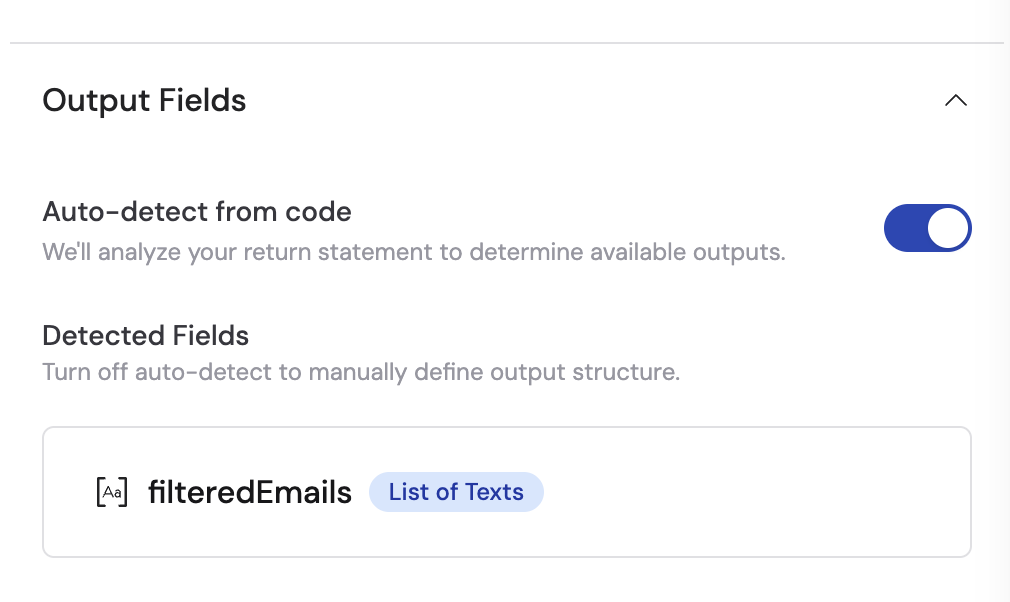
- Auto-detect from code (recommended): When enabled, Cassidy analyzes the return statement in your code to automatically determine available outputs. These detected fields appear in the Detected Fields section and can be referenced in later Workflow steps.
- Define output fields manually: Toggle off Auto-detect from code to manually add fields. Click + Add Field to specify the field name and data type for each output value. For more details, see Structured Output Fields.
Working with files in Run Code
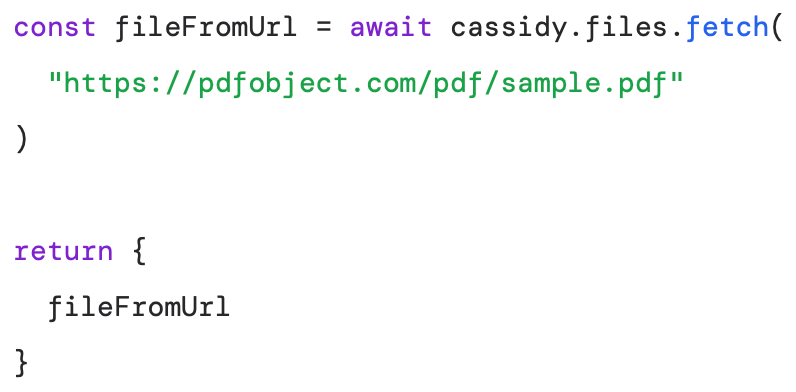
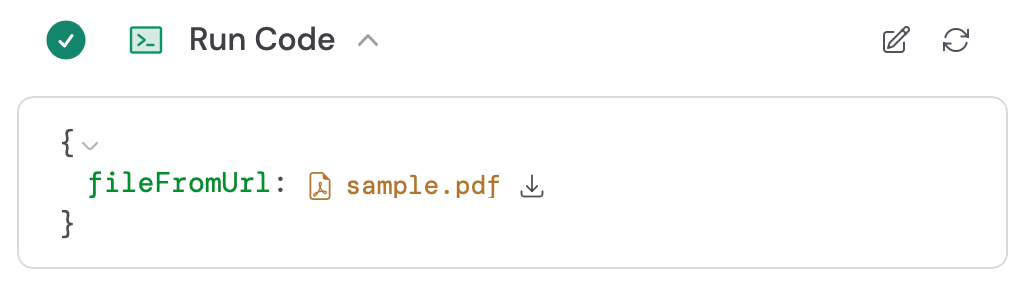
The Run Code action supports reading, creating, transforming, and outputting files using the built-inCassidyFile class and the cassidy.files helper methods. This lets you process file data, generate new files, download files from URLs, and pass files to subsequent Workflow steps.
Inputting files
To work with a file variable from a previous Workflow step, wrap the variable in theCassidyFile constructor:

Working with files
TheCassidyFile class provides several convenience methods to get the content in different formats, including as a string, in base64, or as a buffer:
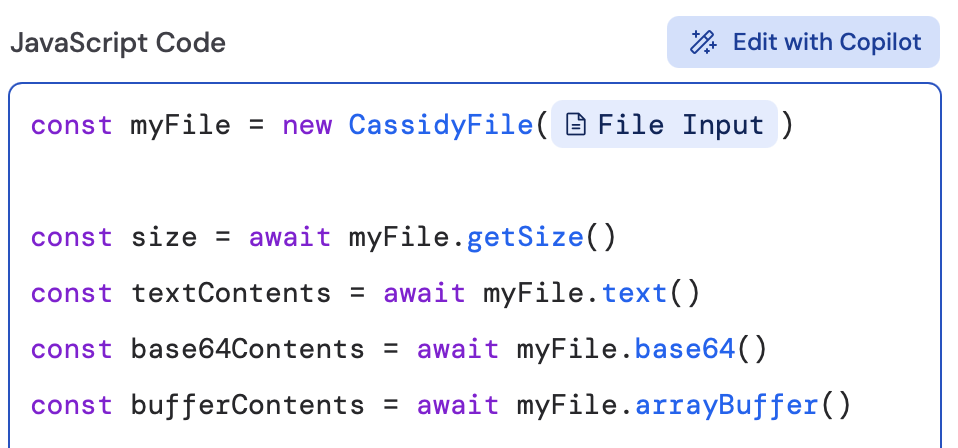
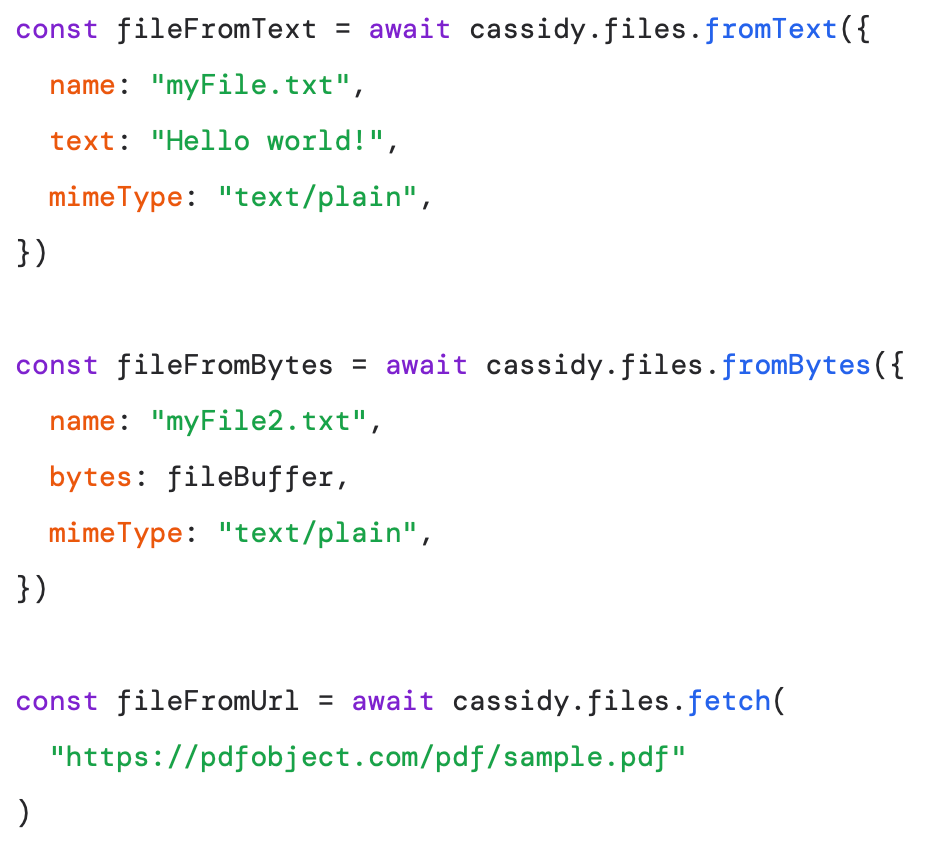
cassidy.files object also provides convenience methods for constructing and working with files:
Outputting files
To output files from the action, return them in the output object. These will be available to use in later actions of the Workflow: