Analyze the sentiment of text using AI. Use this to gauge the tone of customer messages, support tickets, reviews, or any text content.
1

Add the action

In the Workflow builder, click + between blocks and select Analyze Sentiment from the action library.
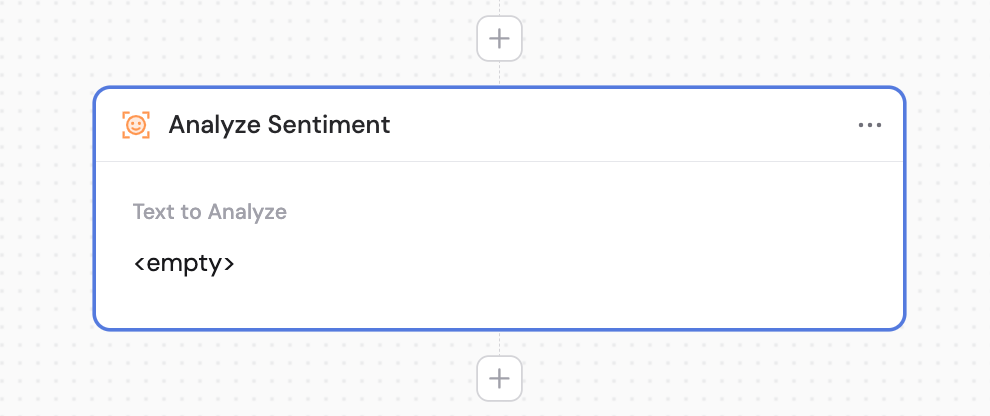
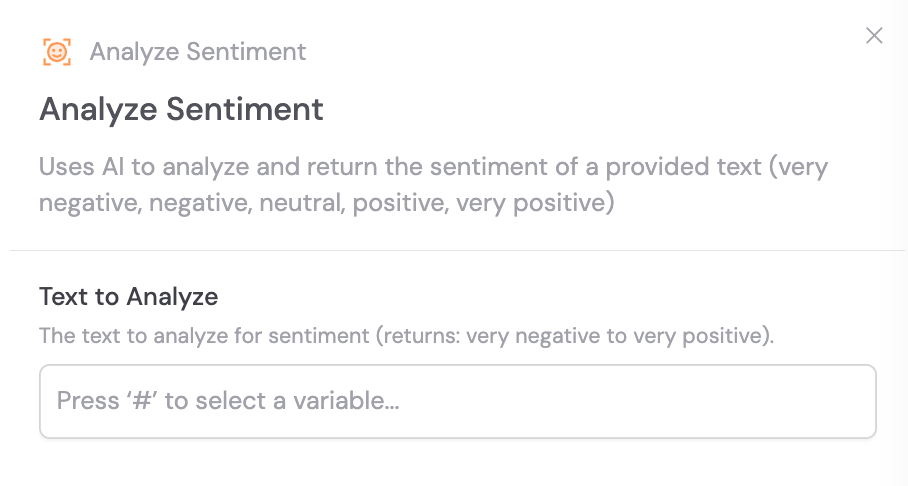
Action library with Analyze Sentiment highlighted
Analyze Sentiment action added to the Workflow
2

Provide the text to analyze

In the Text to Analyze field, enter or reference the content you want to analyze for sentiment. Use # to reference variables from previous steps or the trigger.
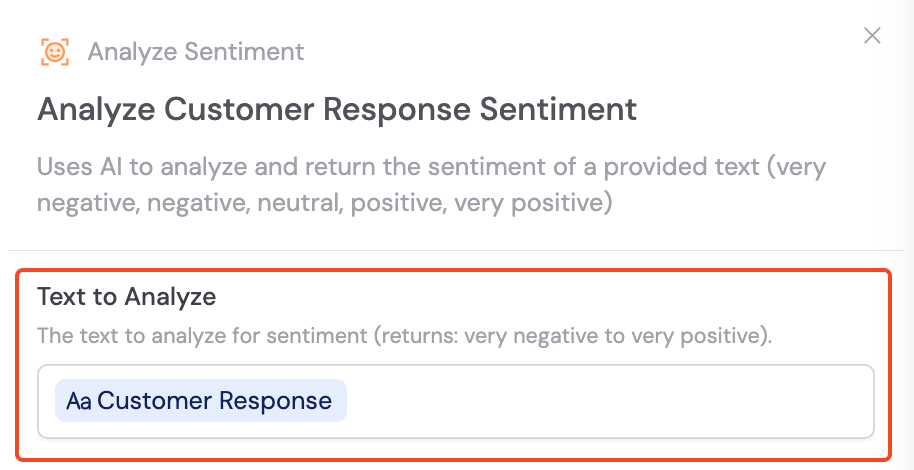
Text to Analyze field with variable reference
The action returns one of the following sentiment classifications: very negative, neutral, positive, or very positive. You can reference this value in later steps.
Combine with Only Continue If or Paths to route your Workflow based on sentiment — for example, escalating very negative support tickets automatically.