

1
Add the action
In the Workflow builder, click + between blocks and select Write Company Description from Email Address from the action library.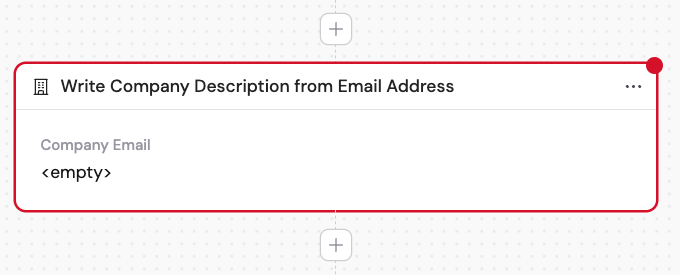
2
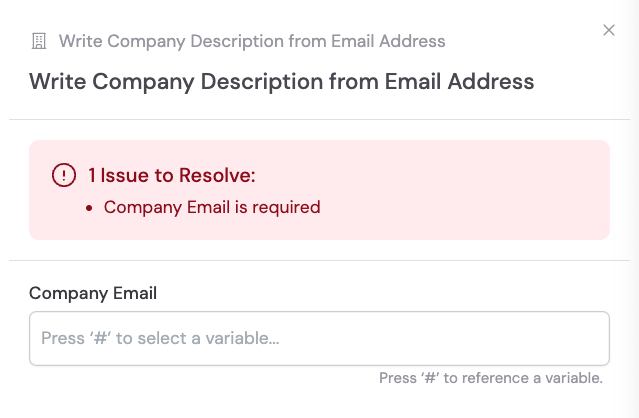
Enter the company email
In the Company Email field, enter an individual person’s company email address — for example, 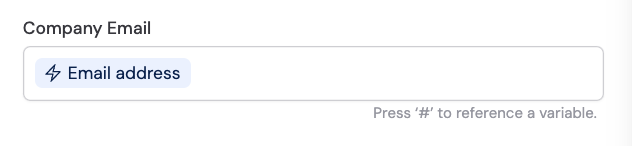
tim.cook@apple.com. Cassidy identifies the company (in this case, Apple) based on the email domain and generates a description. Use # to reference a variable from a previous step or trigger.