1
Add the action
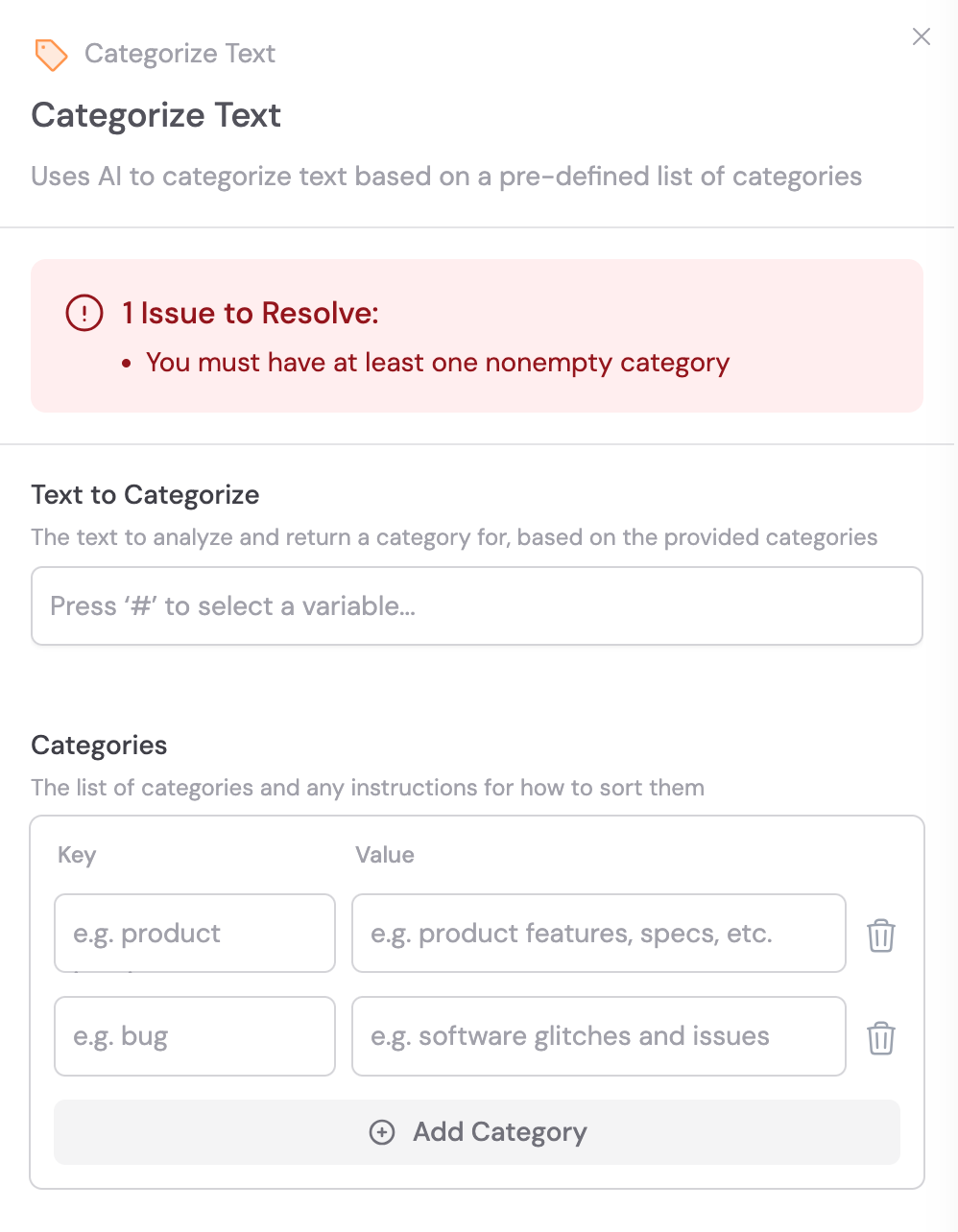
In the Workflow builder, click + between blocks and select Categorize Text from the action library.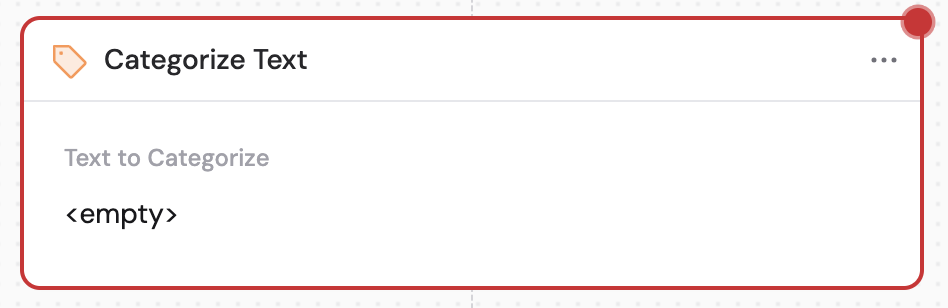
2
Provide the text to categorize
In the Text to Categorize field, enter or reference the content to classify. Use # to reference variables from previous steps or the trigger.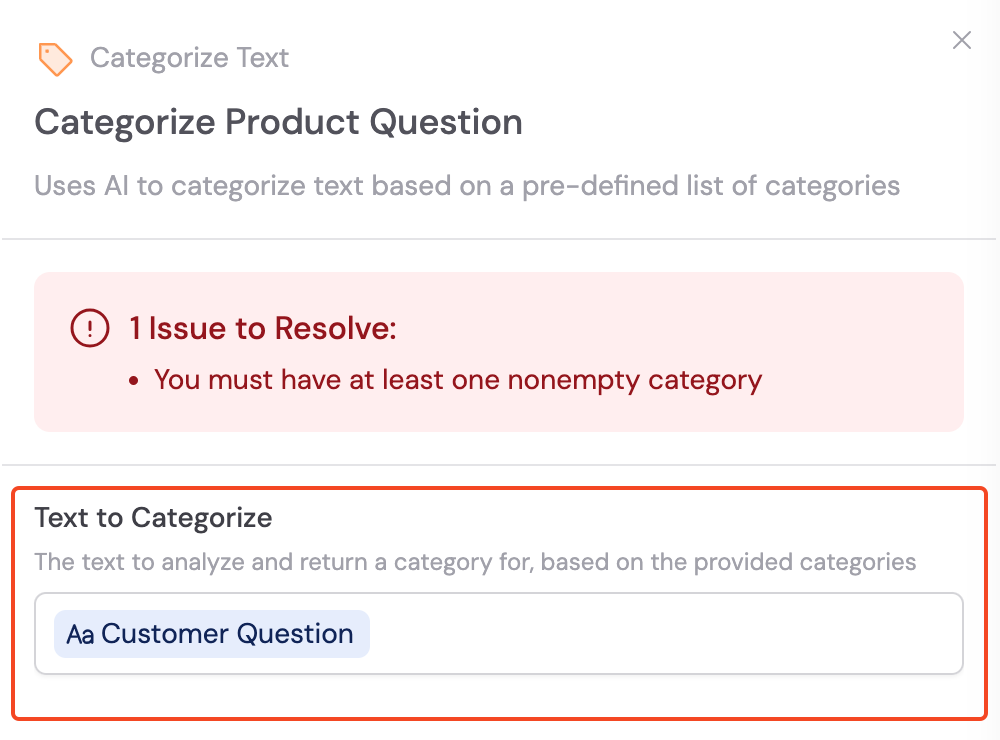
3
Define your categories
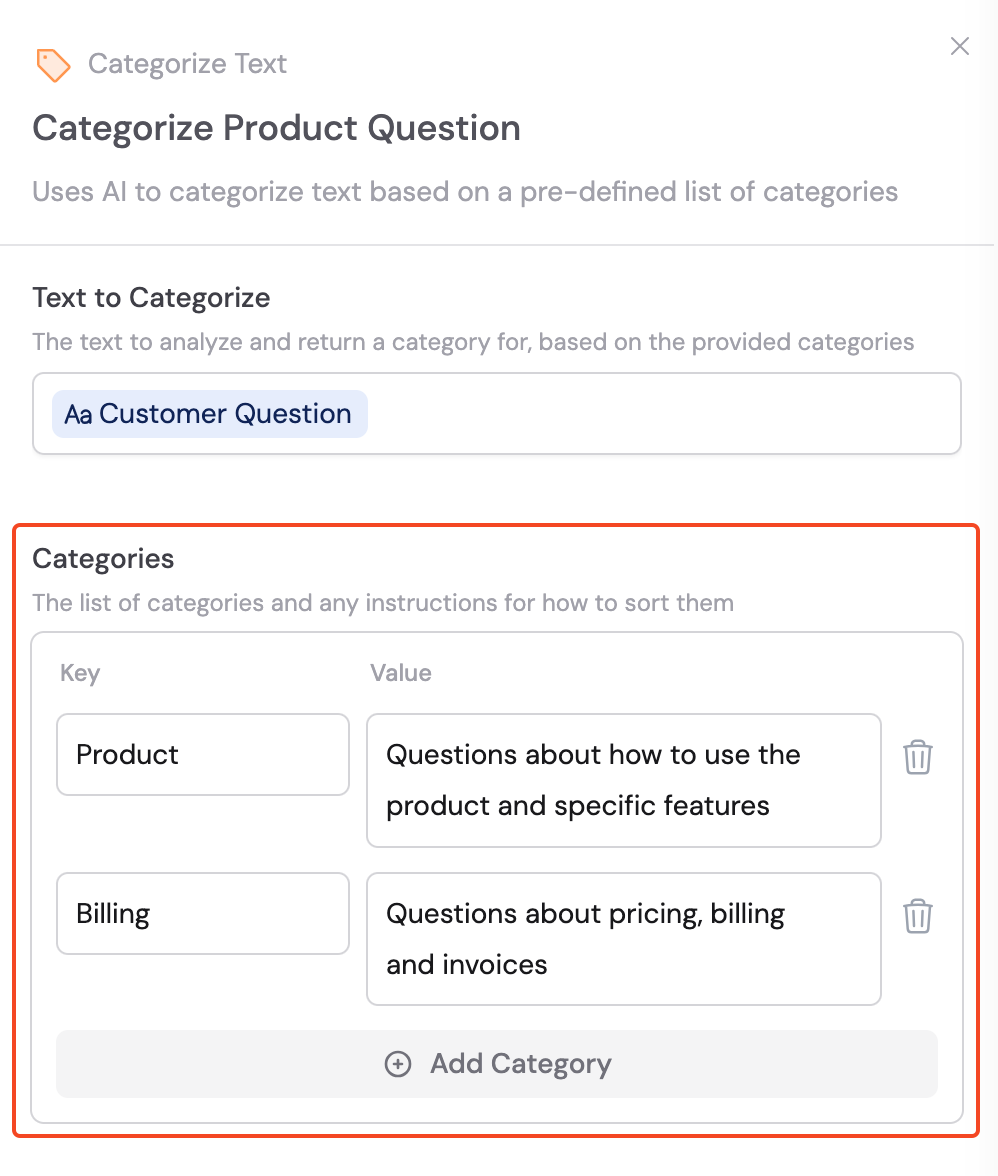
Under the Categories section, add a Key and Value pair for each category. The Key is a unique identifier for the category, and the Value provides instructions that tell the AI when to assign that category.