

1
Add the action
In the Workflow builder, click + between blocks and select Search Internet from the action library.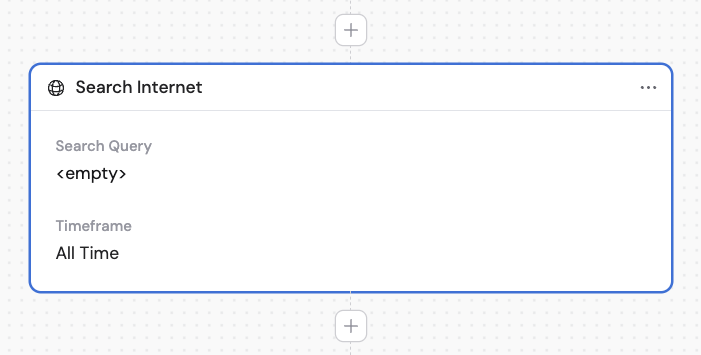
2
Enter the search query
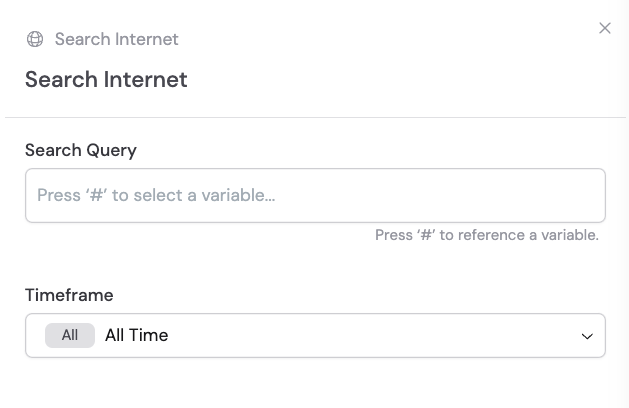
In the Search Query field, enter the query you want to search the internet for. Reference variables from previous steps or the trigger using # to make the search dynamic.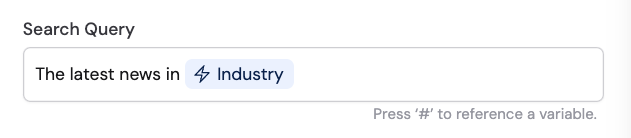
3
Select a timeframe
Choose the Timeframe for the search results. This narrows down results to the most relevant and up-to-date information.