1
Add the action
In the Workflow builder, click + between blocks and select Extract Information from the action library.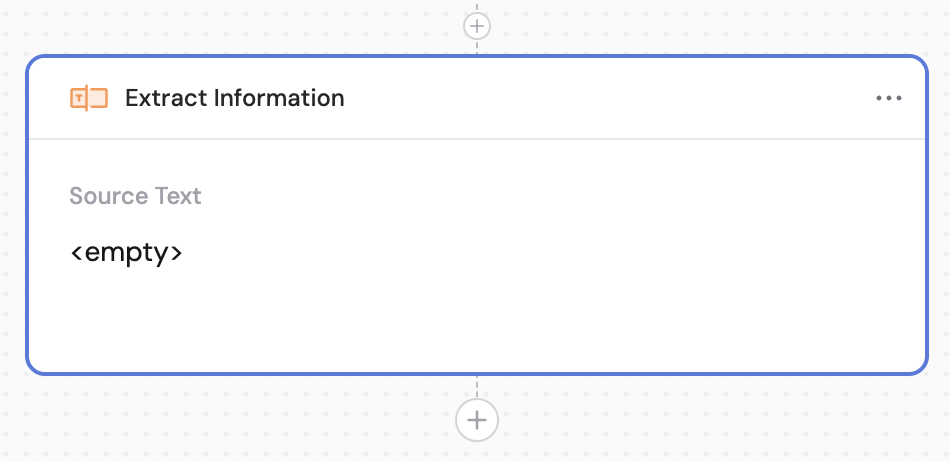
2
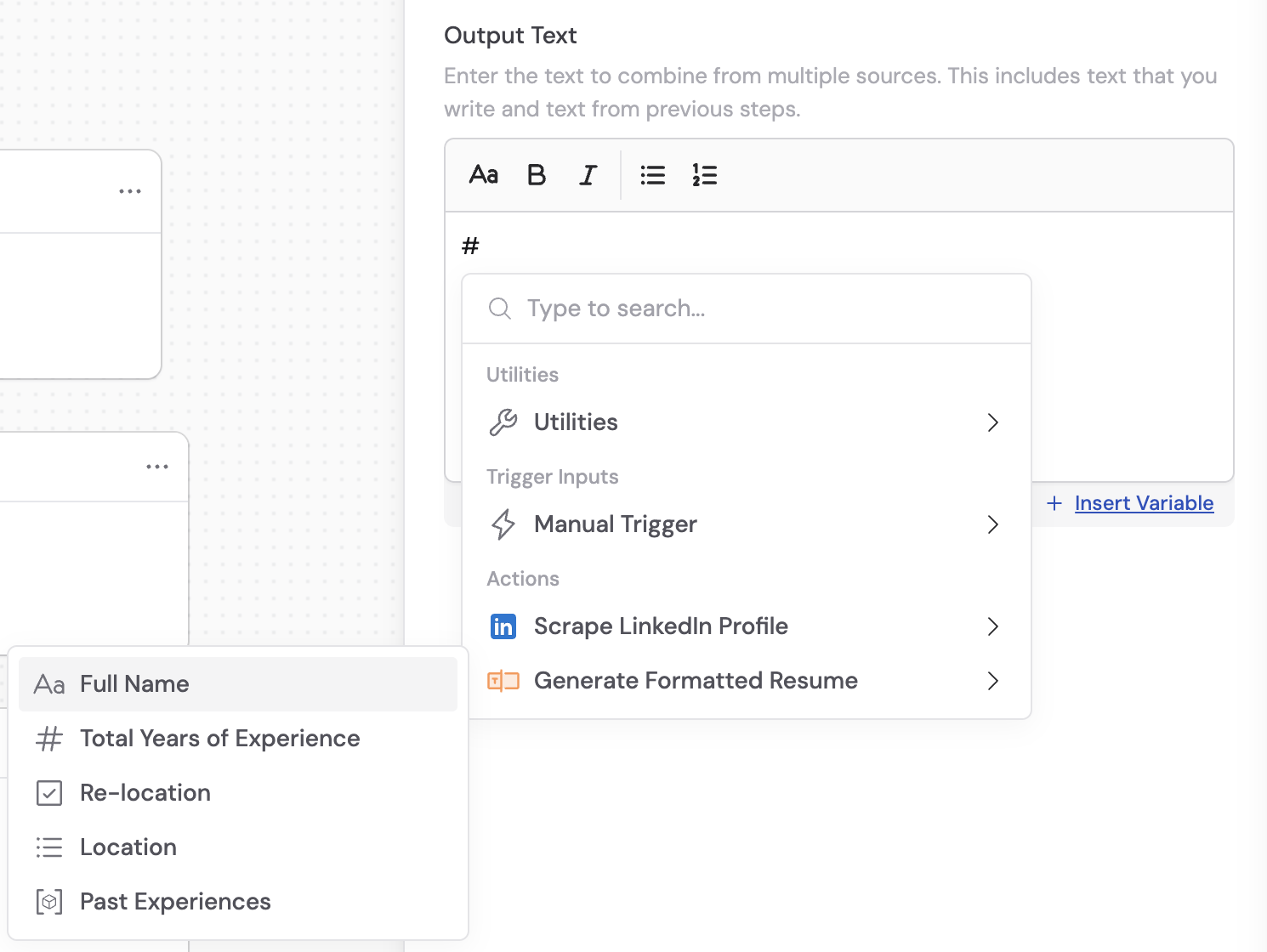
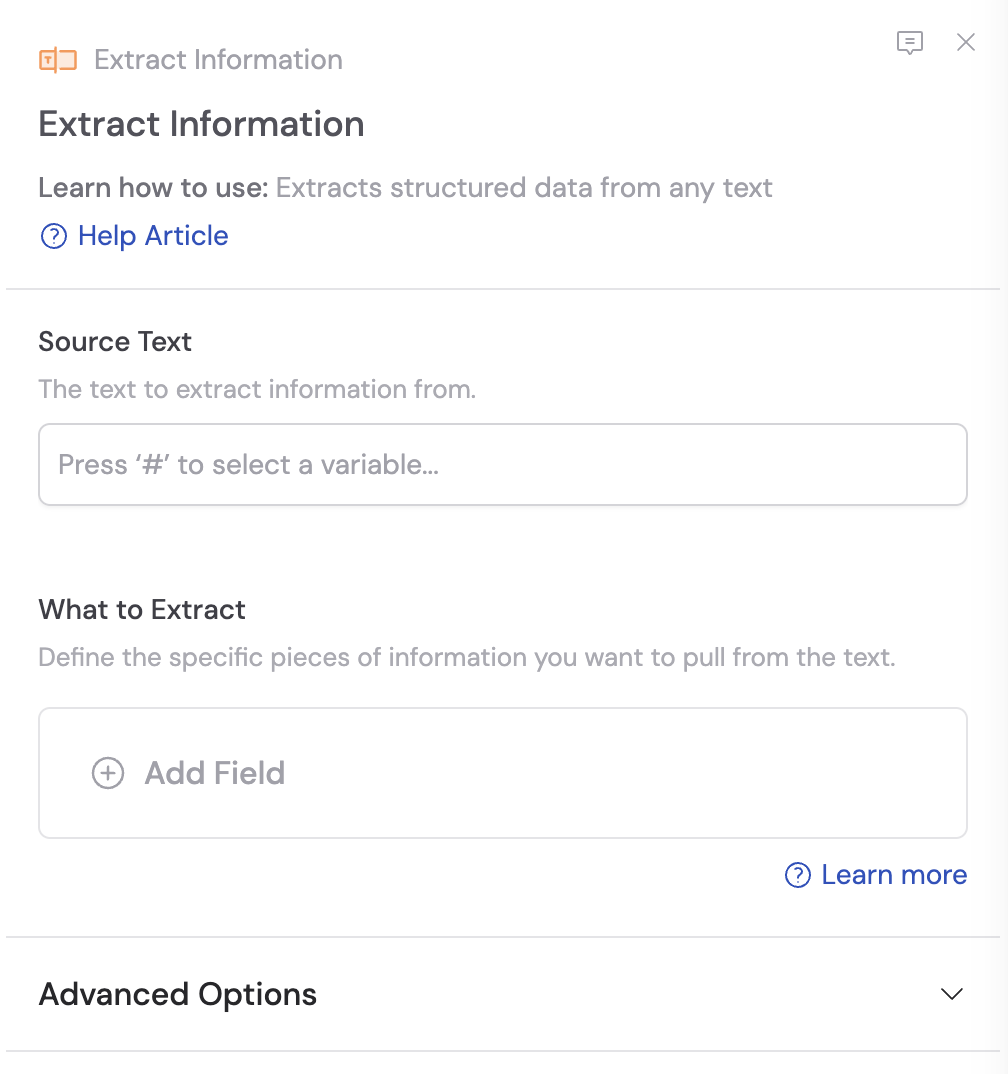
Enter the source text
In the Source Text field, provide the text you want to extract information from. Use # to reference variables from previous steps or the trigger.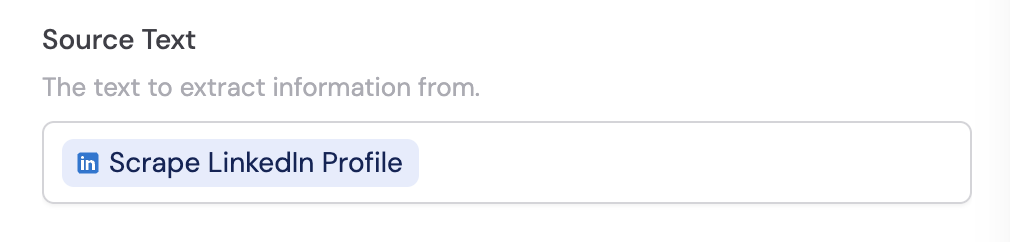
3
Add extraction fields
Under What to Extract, click + Add Field to create each field you want to extract from the source text.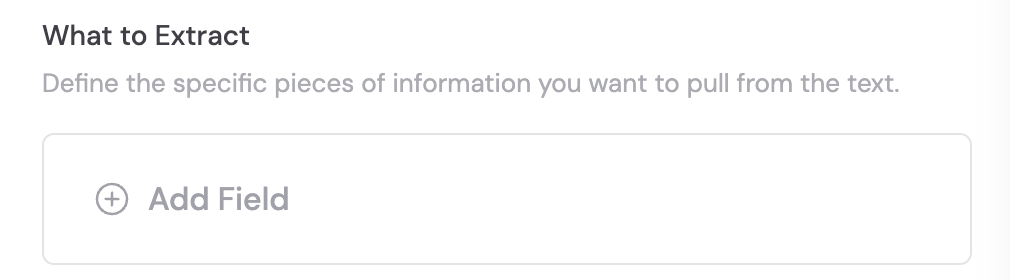
4
Configure individual fields
For each field, configure the field name, type, description, and whether it’s required. For detailed information on setting up fields, see Structured Output Fields.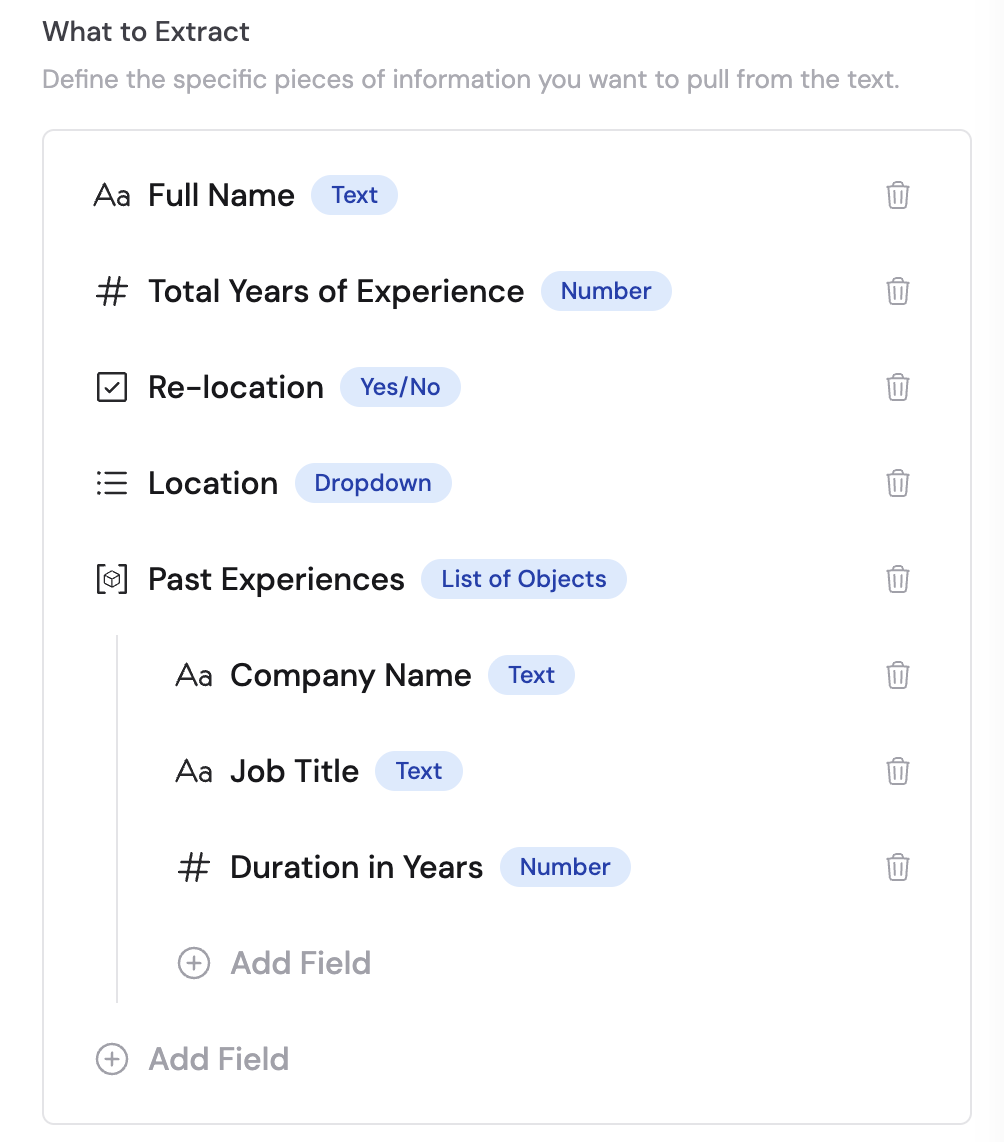
5
Configure advanced options (optional)
Under Advanced Options, you can: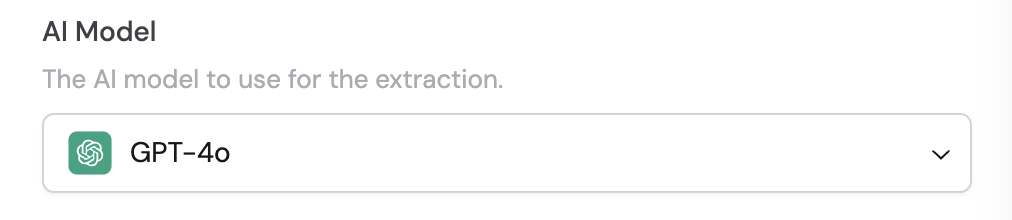
- Select the AI model — Choose which model to use for the extraction. Each model has different strengths — see Choose an AI model for guidance.
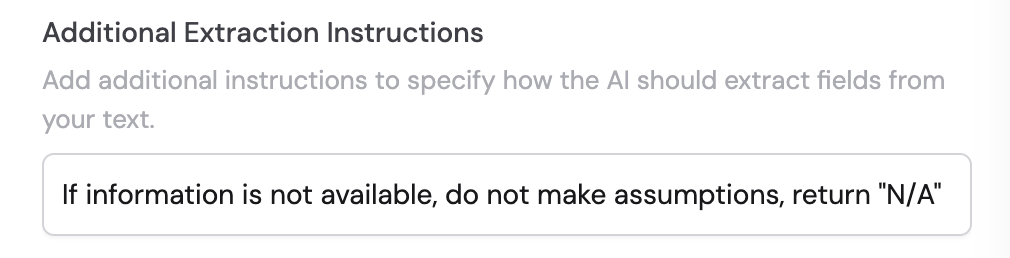
- Add additional extraction instructions — Provide specific guidance or context to help the AI extract information more accurately.
6
Reference the output in later steps
In subsequent Workflow steps, reference the specific fields from this action’s output using the field names you defined. Each extracted field becomes its own variable.