1
Add the action
In the Workflow builder, click + between blocks and select Get Company Information from the action library.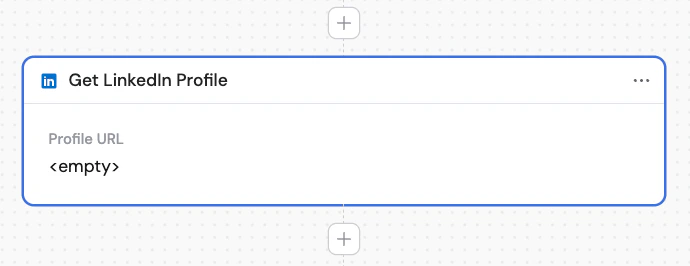
2
Enter the company domain or profile URL
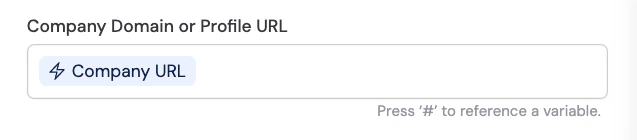
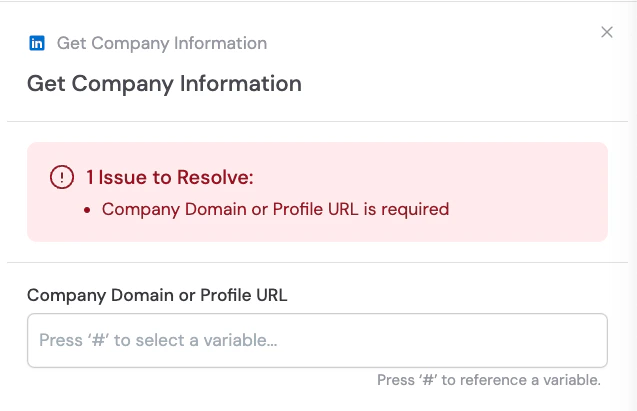
In the Company Domain or Profile URL field, enter the company’s LinkedIn profile URL or website domain. You can also use # to reference a variable from a previous step that contains the URL.