1
Add the action
In the Workflow builder, click + between blocks and select Export as CSV from the action library.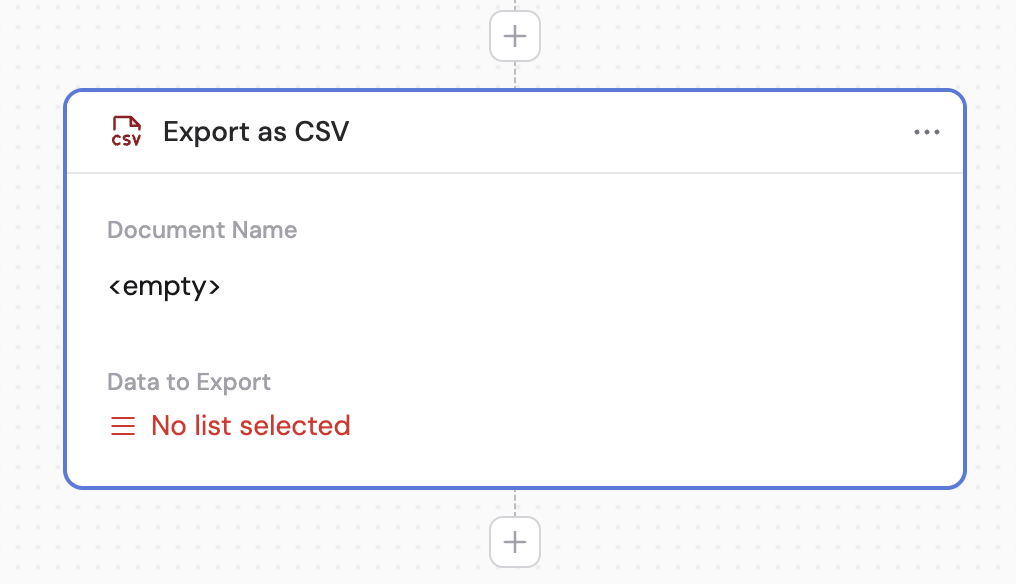
2
Enter the document name
Provide a name for your CSV file. You can type a name directly or reference a variable from a previous step or the trigger to dynamically name the file.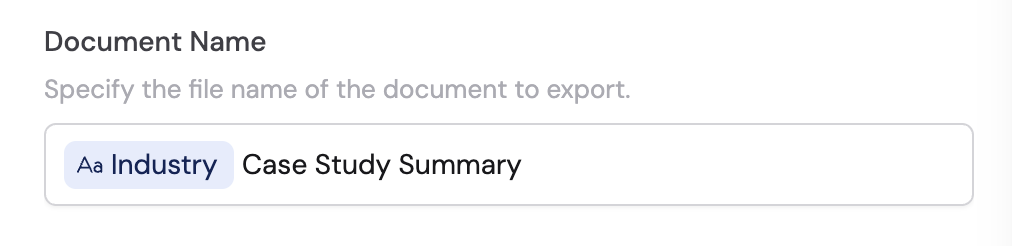
3
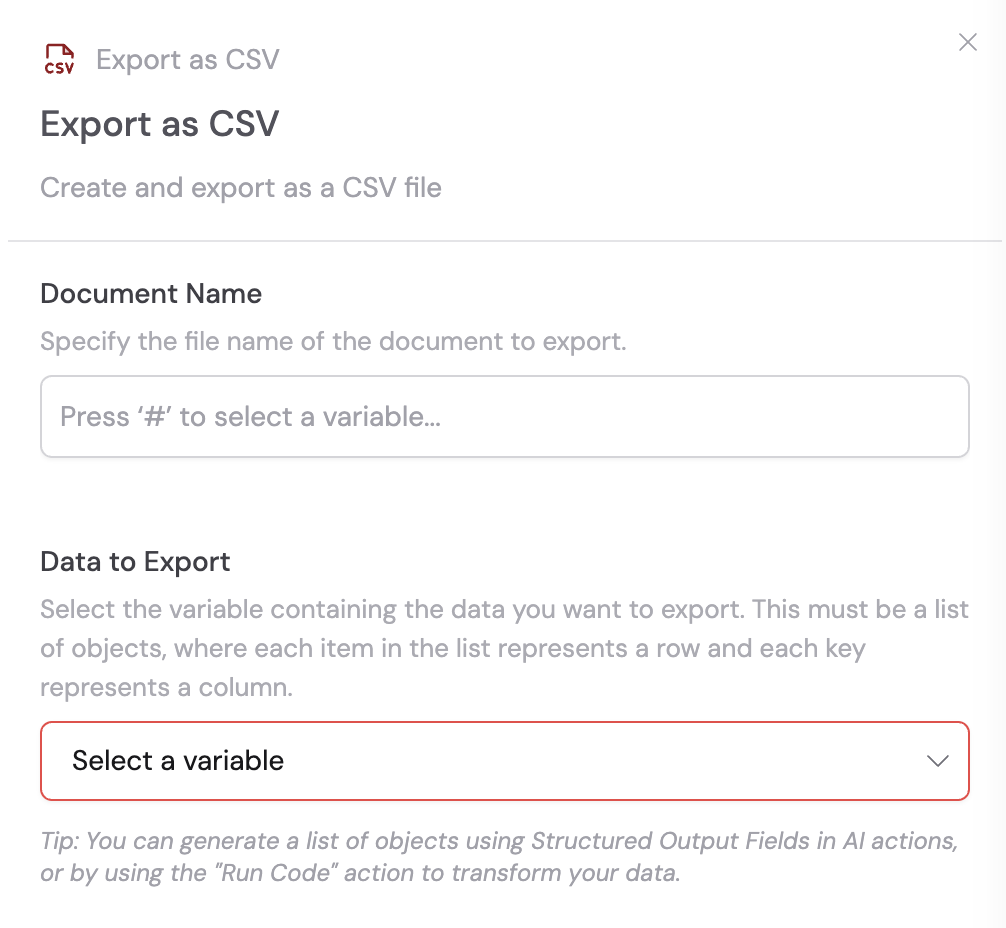
Select the data to export
Choose the variable containing the data you want to export. This must be a list of objects, where each item in the list represents a row and each key represents a column.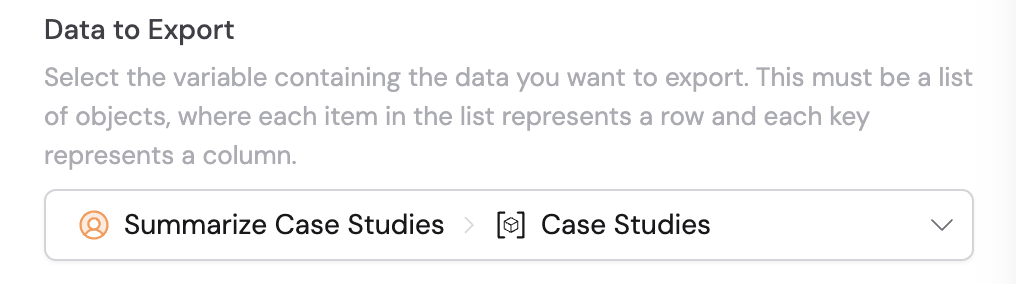
4
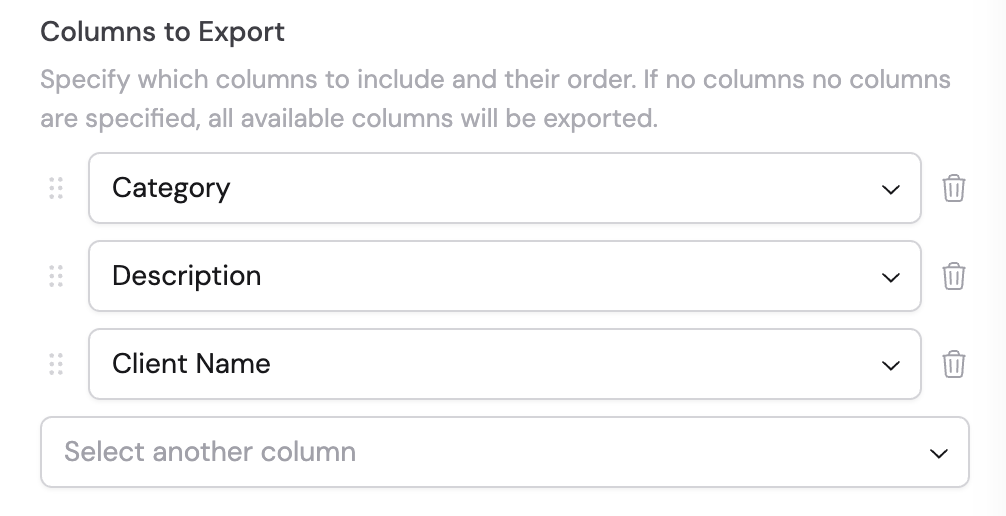
Configure columns to export
Specify which columns to include in your CSV and their order. If no columns are specified, all available columns are exported. You can drag and drop to reorder columns.