1
Add the action
In the Workflow builder, click + between blocks and select Summarize LinkedIn Profile from Name and Email from the action library.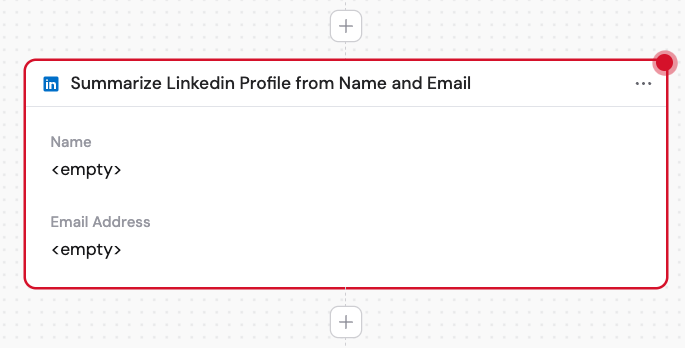
2
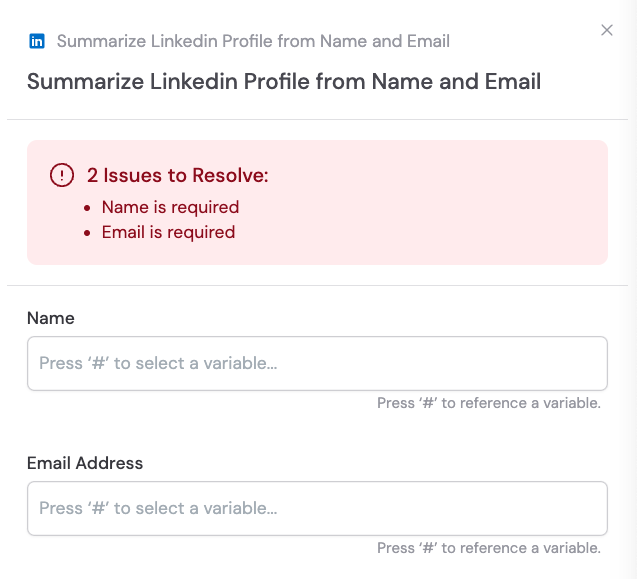
Enter the name
In the Name field, enter the full name of the person whose LinkedIn profile you want to summarize. You can type the name directly or use # to reference a variable from a previous step or trigger.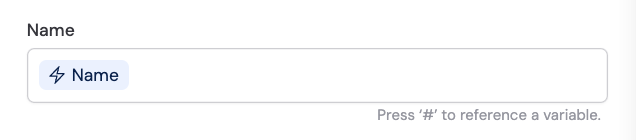
3
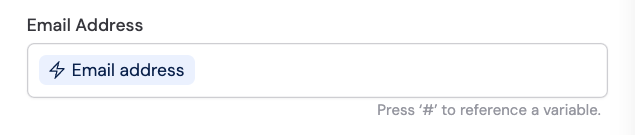
Enter the email address
In the Email Address field, enter the email address associated with the person. You can type it directly or use # to reference a variable from a previous step or trigger.