1
Add the action
In the Workflow builder, click + between blocks and select Translate Text from the action library.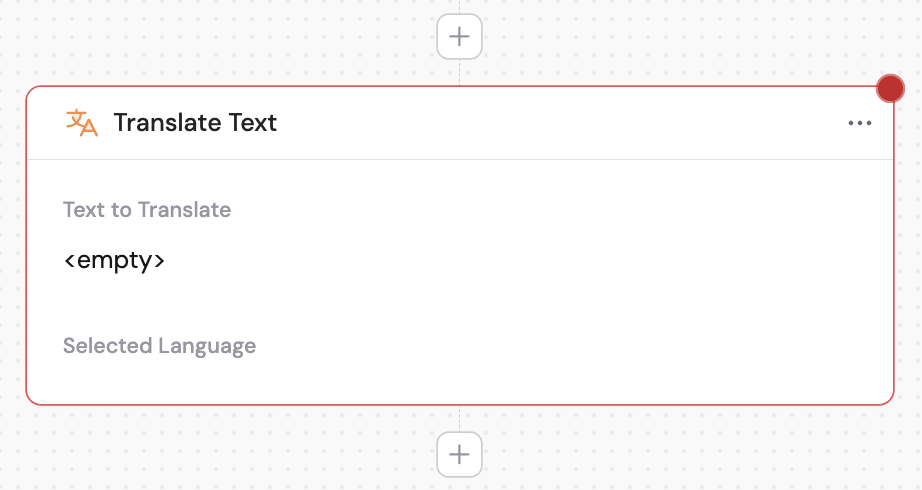
2
Provide the text to translate
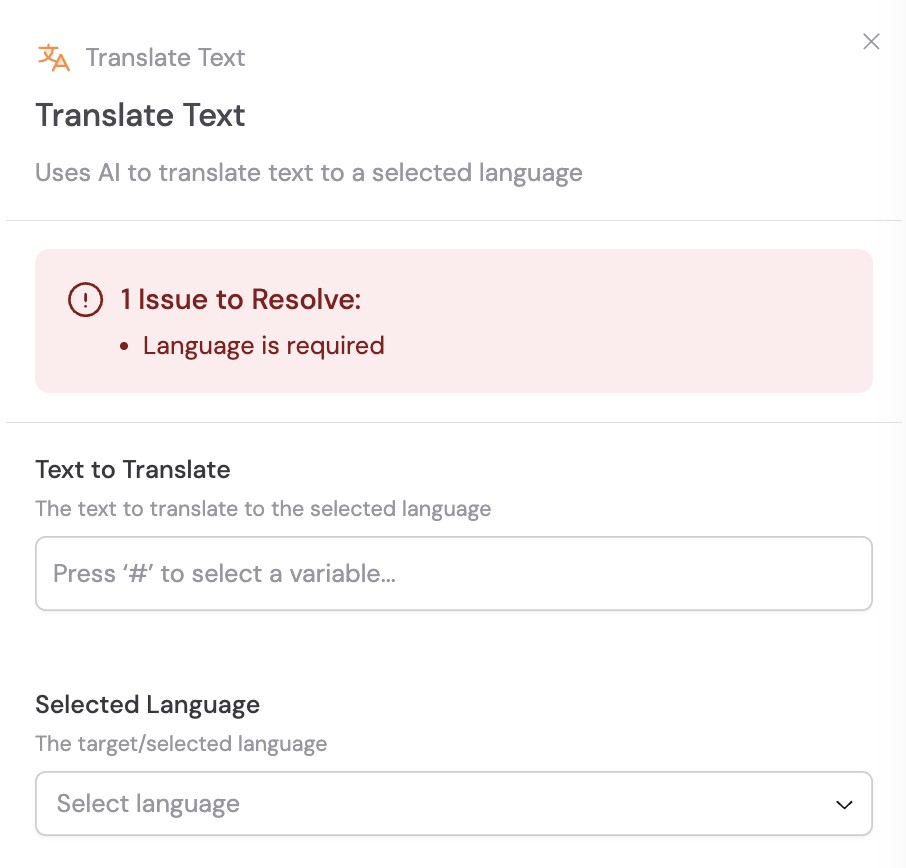
In the Text to Translate field, enter or reference the content you want to translate. Use # to reference variables from previous steps or the trigger.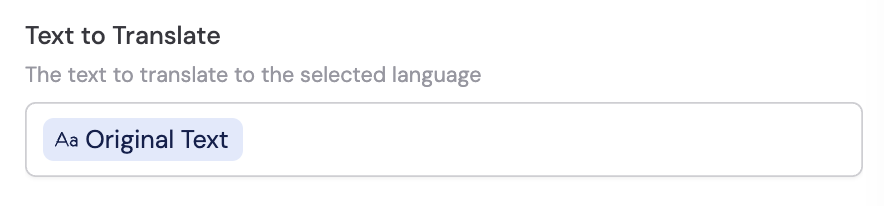
3
Select the target language
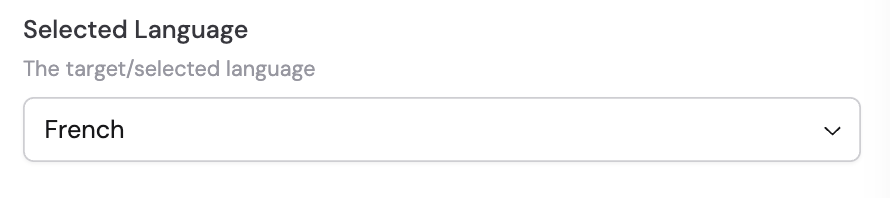
Choose the language you want the text translated into from the Target Language dropdown.