There are two ways to use the Research Agent action: pre-built agents and custom agents.
- Pre-built Research Agents come with predefined instructions designed for common use cases, making them easy to set up and use.
- Custom Research Agents let you provide your own instructions, giving you more flexibility and control over the agent’s behavior.
Pre-built Research Agents
Pre-built agents handle common research tasks out of the box. In this example, we’ll use the “Find LinkedIn Company Profile” agent.1
Add the action
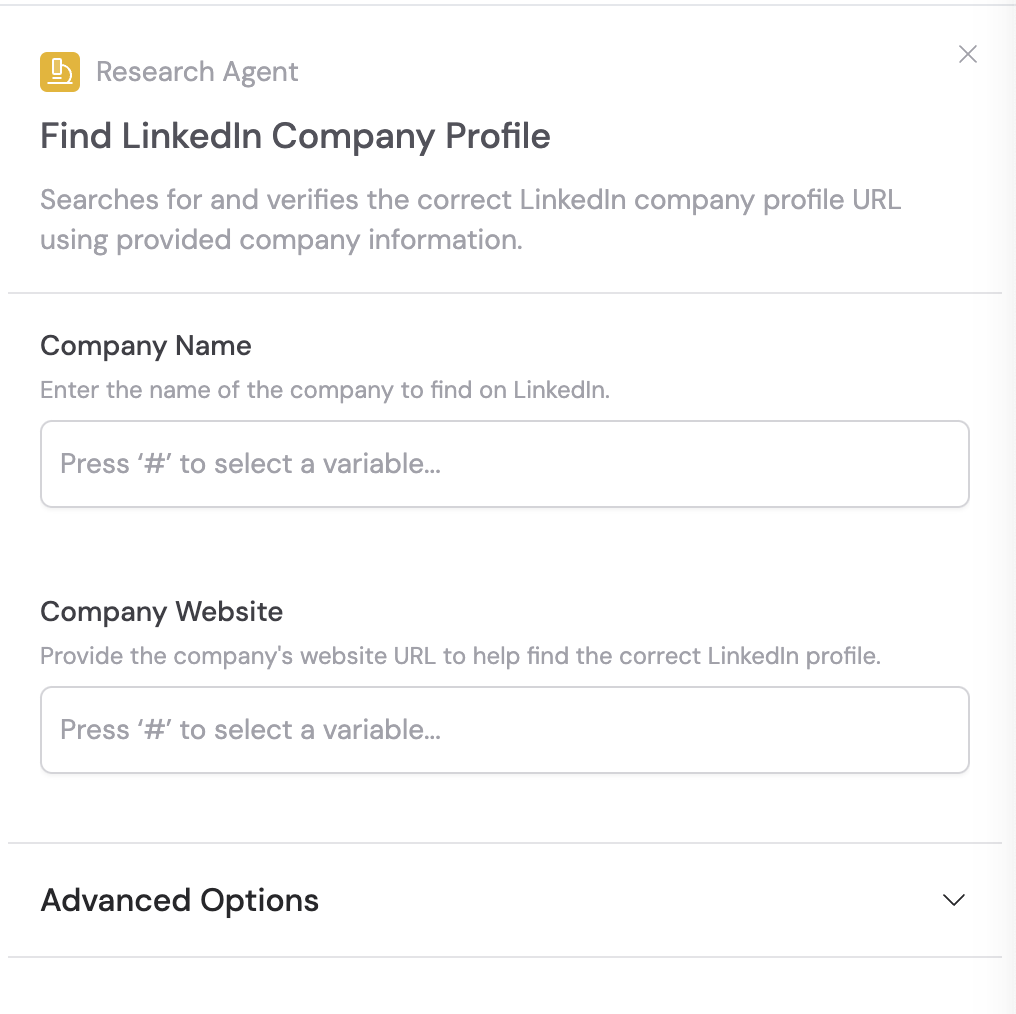
In the Workflow builder, click + between blocks and select Research Agent from the action library. Choose a pre-built agent from the list.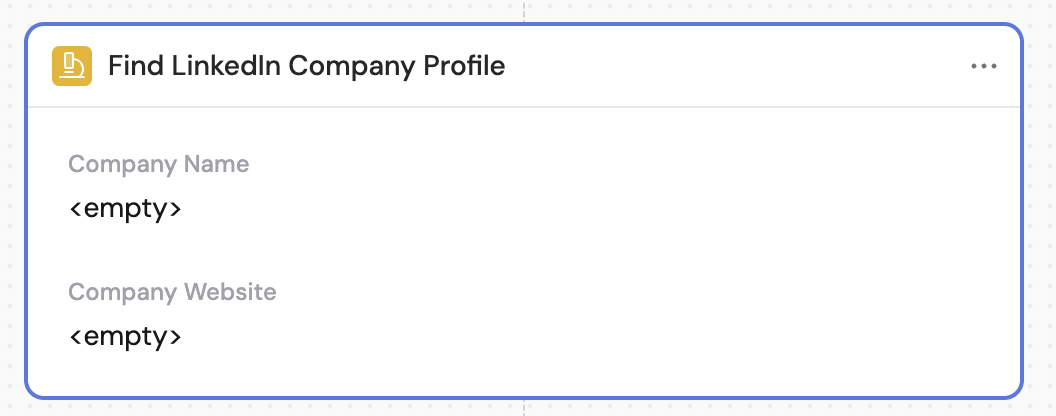
2
Input required fields
Enter the information required by the specific pre-built agent. For the LinkedIn Company Profile example, input the Company Name and Company Website. You can reference variables from previous steps using #.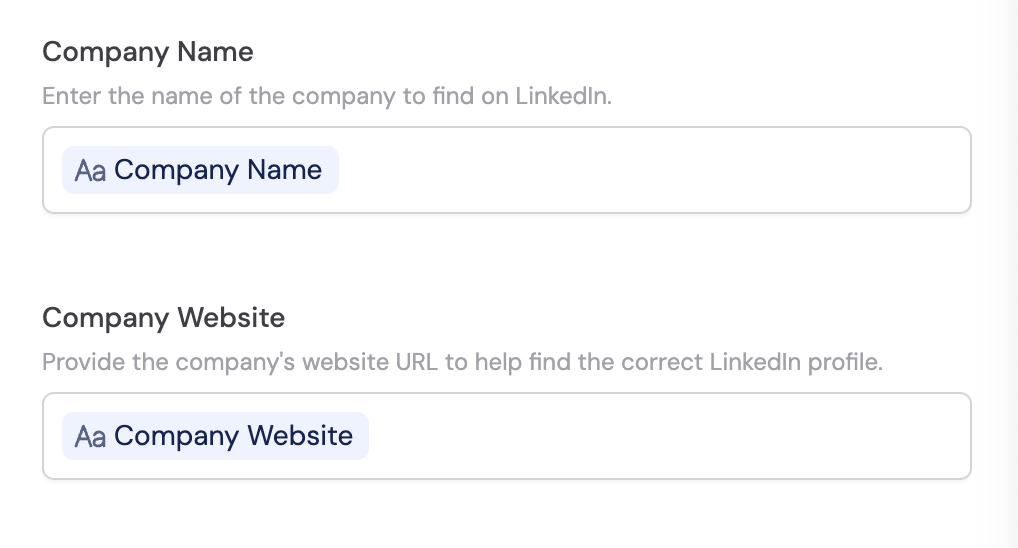
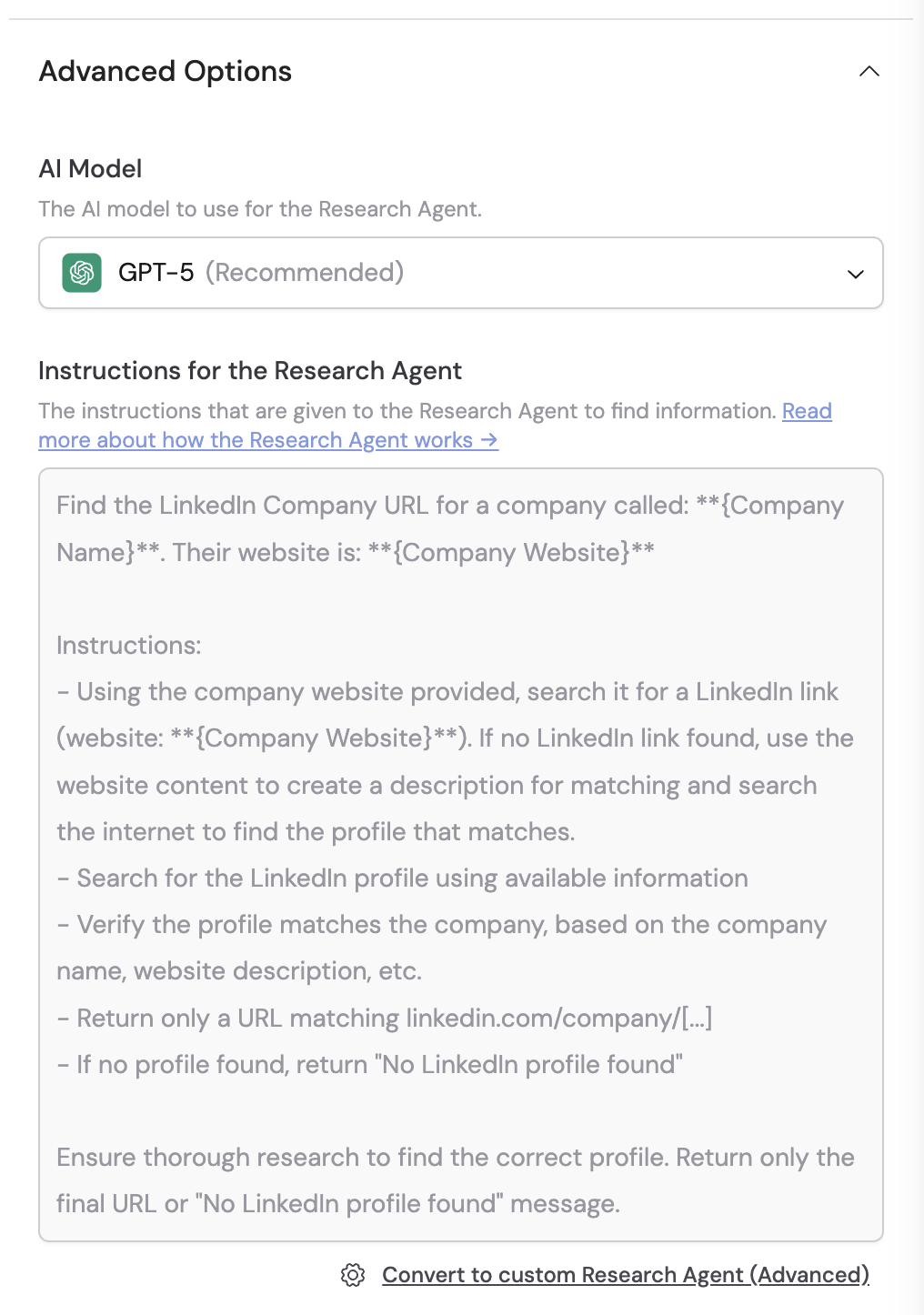
3
Configure structured output fields
Optionally, use structured output fields to have the AI return data in a specific format. Define field names, data types, and formats to get consistent, structured results.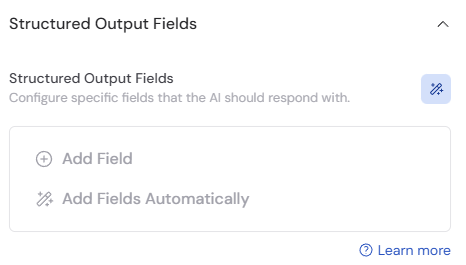
4
Review the output
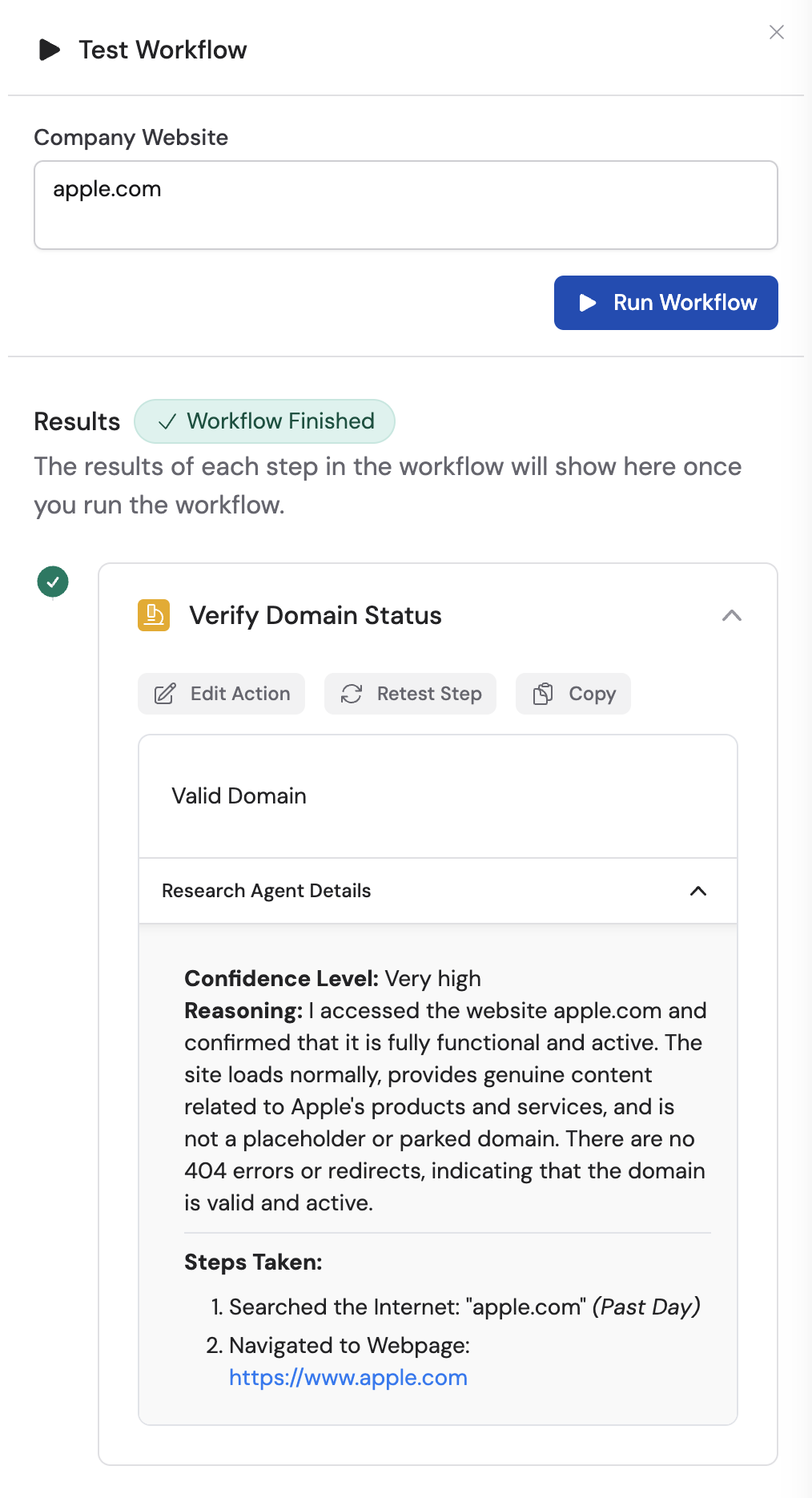
When you run the Workflow, the Research Agent output displays the information you requested. Open the Research Agent Details to see the confidence level, reasoning behind the result, and the steps the agent took to obtain the information.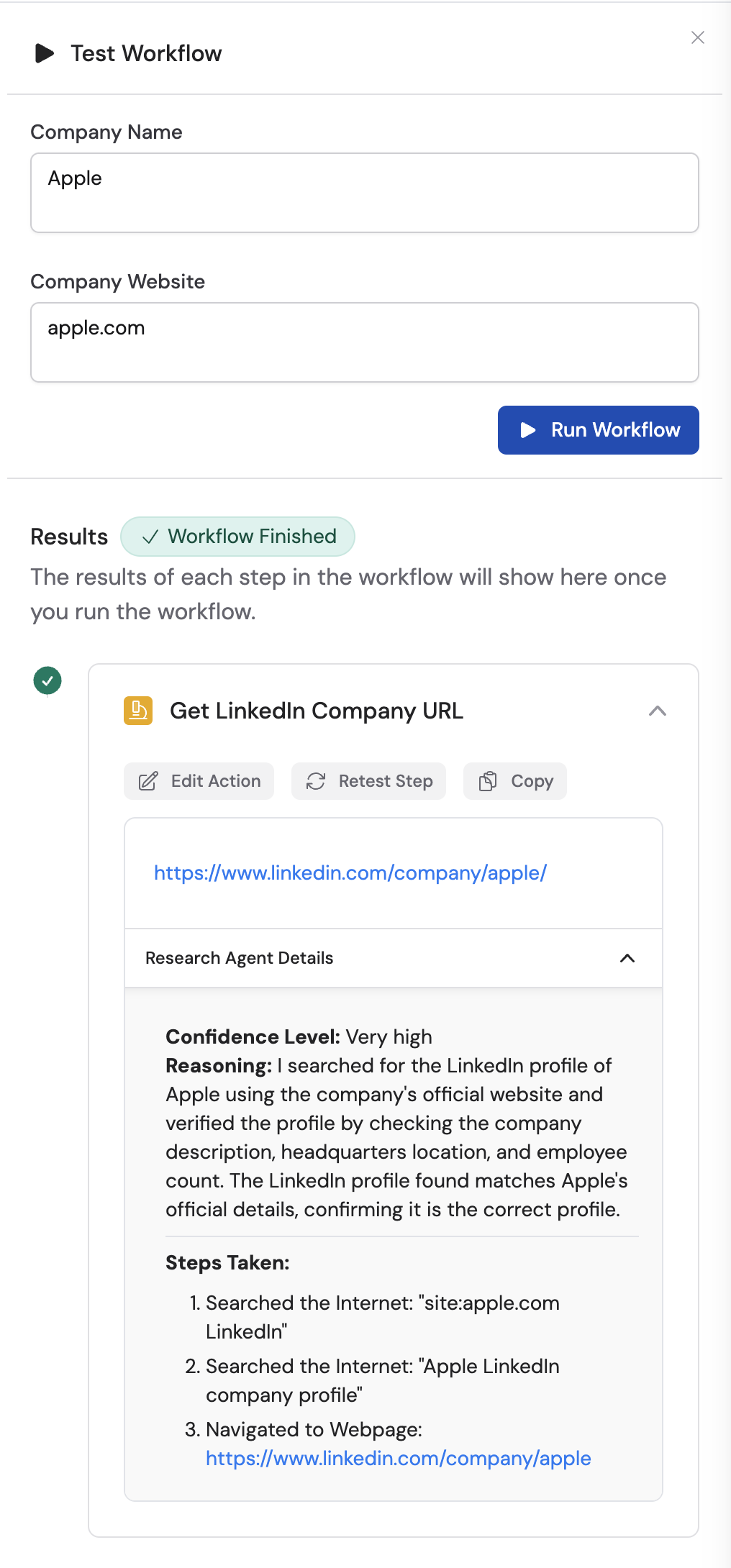
Custom Research Agents
Custom agents let you write your own instructions for full control over the research task.1
Add the action
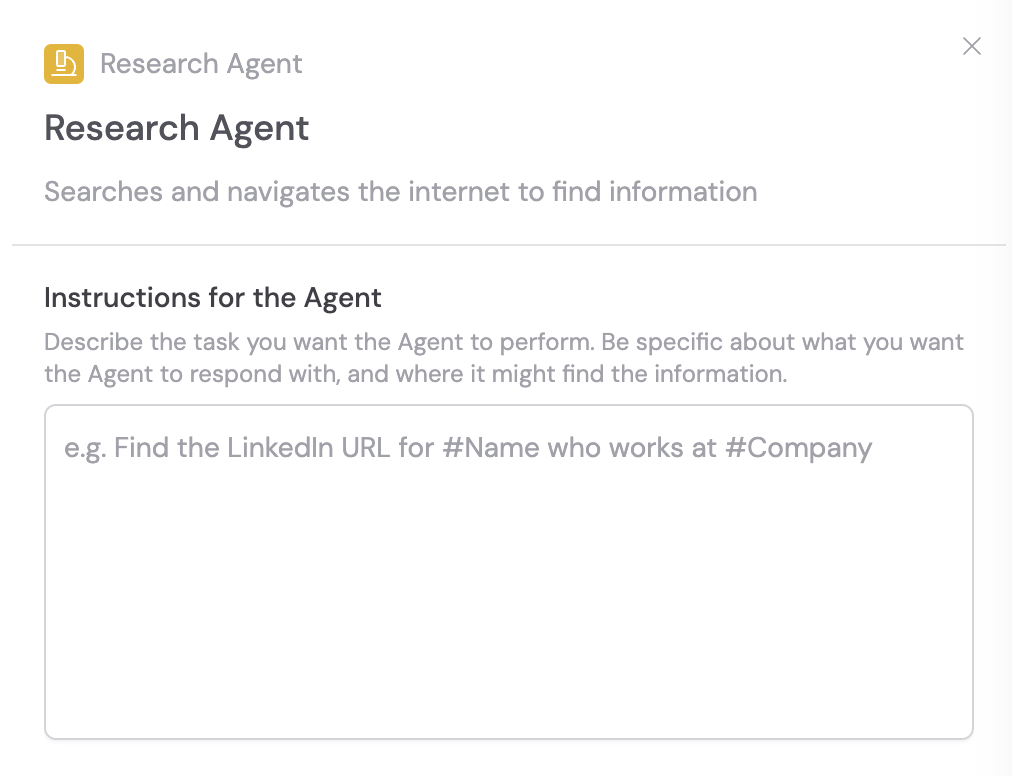
In the Workflow builder, click + between blocks and select Research Agent from the action library. Choose Custom Research Agent.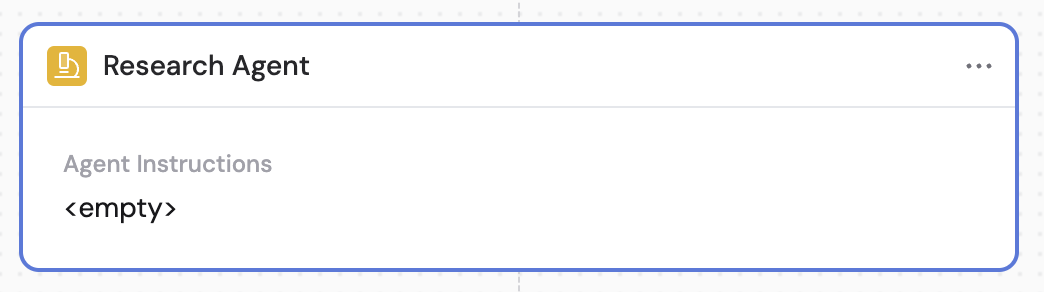
2
Enter instructions for the agent
Provide detailed instructions describing the task you want the agent to perform. The agent can search the internet, scrape webpages, and perform multiple steps autonomously.When writing instructions: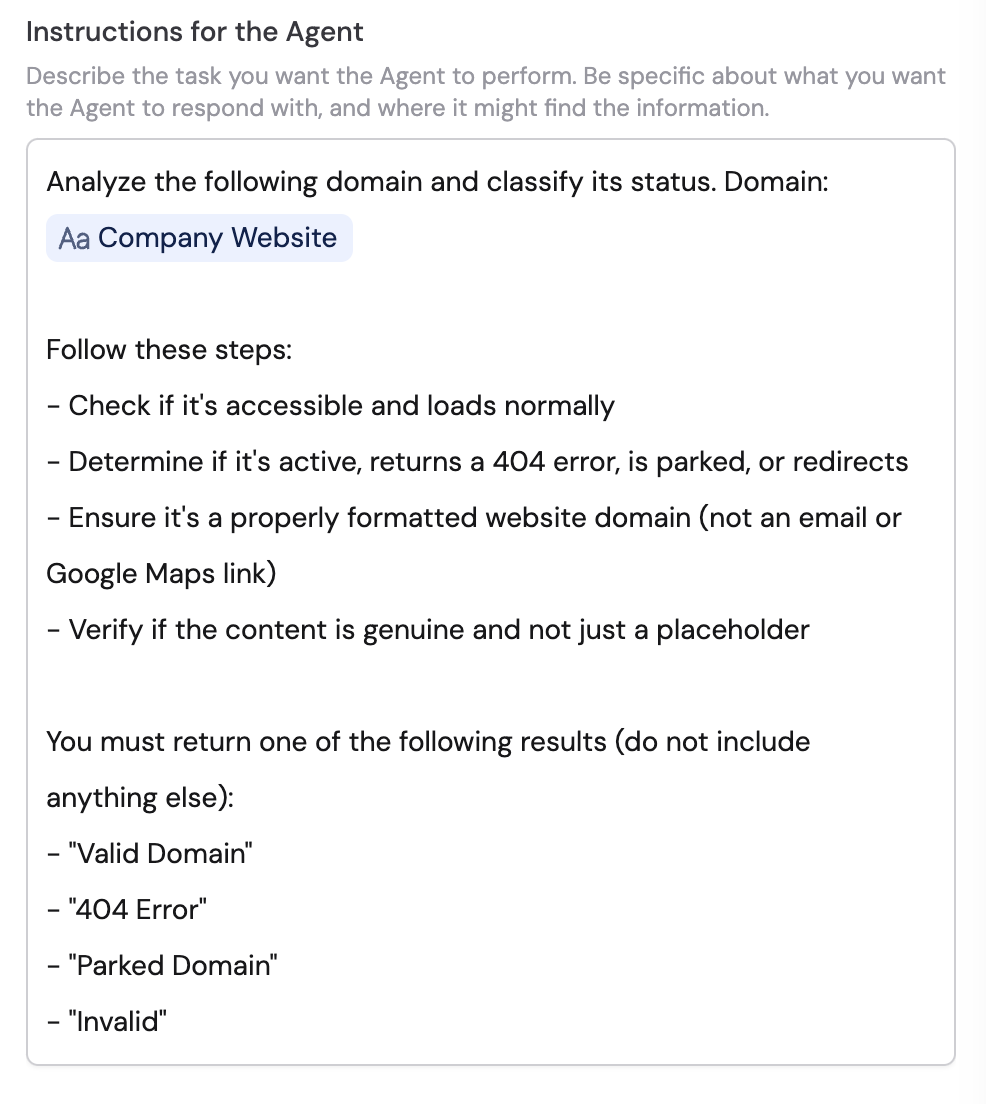
- Be specific about the desired response and potential information sources
- Reference variables using # to provide necessary context
- Include the order of operations and directions
- Specify when assumptions can be made and what the agent shouldn’t do
- Define the expected output format (e.g., “valid domain” for a positive case or “no results found” for a negative case)
3
Select the AI model
Choose the AI Model to customize the Research Agent’s performance based on your specific needs.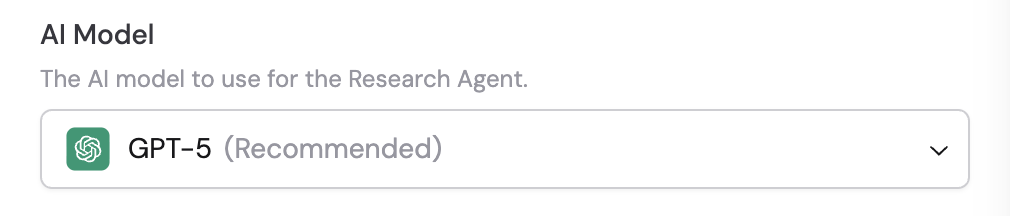
4
Configure structured output fields
Optionally, set up structured output fields to have the AI return data in a specific format with defined field names, data types, and formats for consistent results.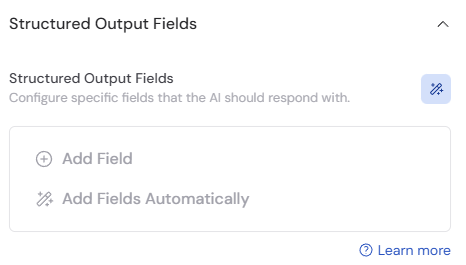
5
Review the output
Run the Workflow and review the output to ensure it meets your expectations. Check the Research Agent Details for the confidence level, reasoning, and the steps taken. Refine the instructions if needed for better results.