1
Add the action
In the Workflow builder, click + between blocks and select Create Knowledge Base Document from the action library.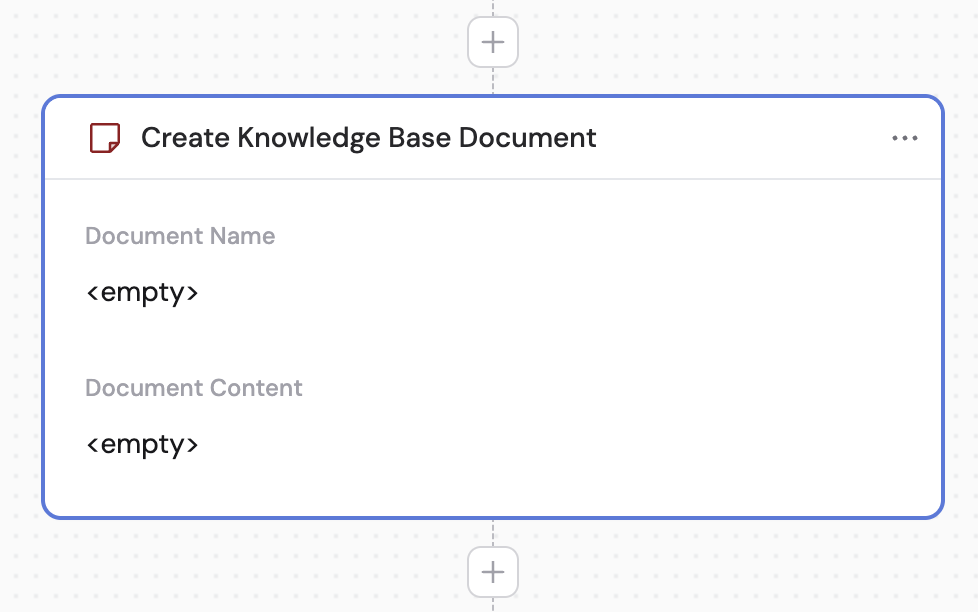
2
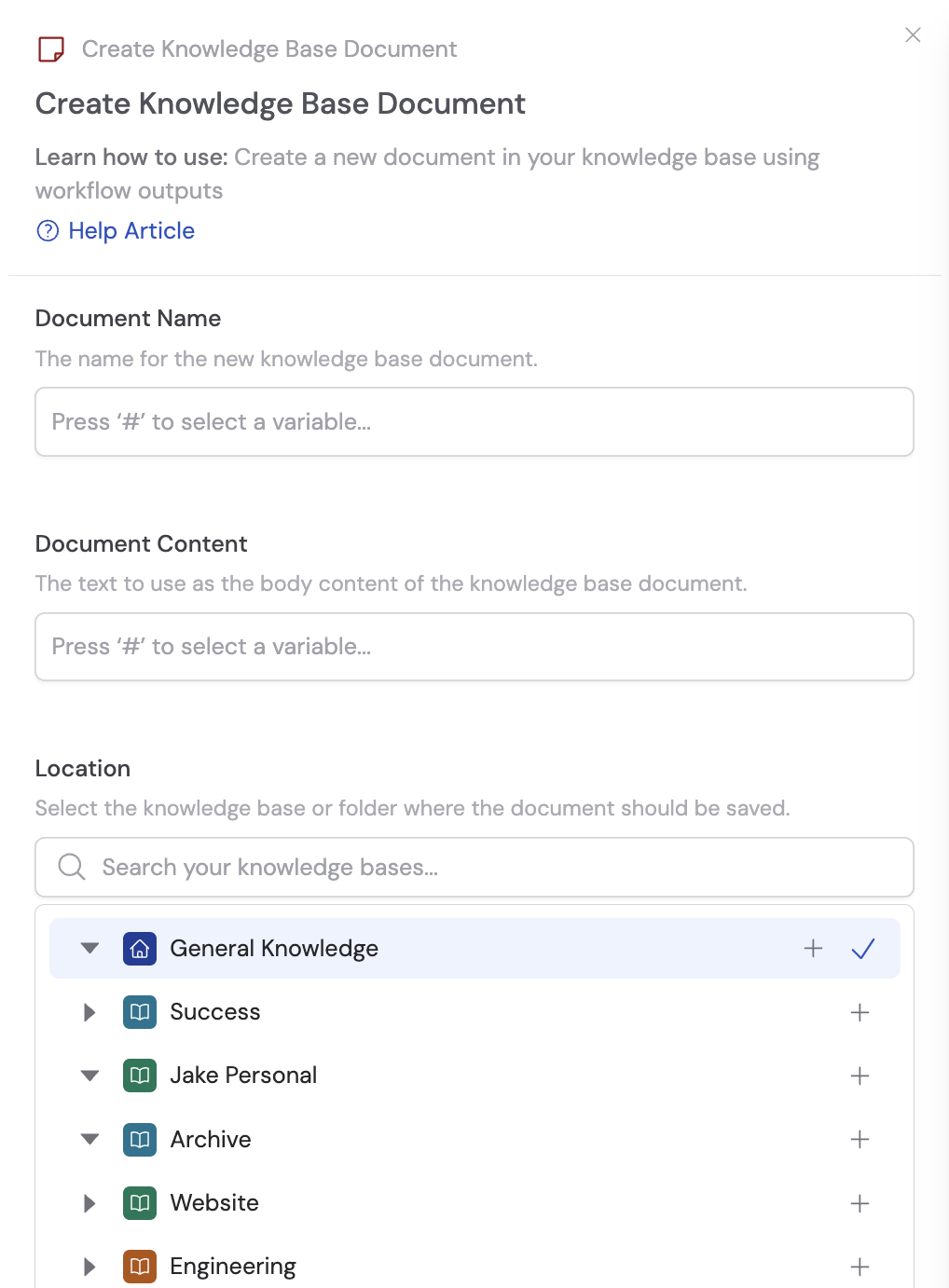
Enter the document name
Specify the name for the new document. Use # to insert variables from previous steps or the trigger to dynamically generate the name.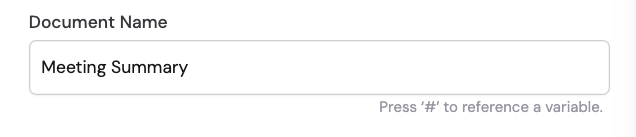
3
Enter the document content
In the Document Content field, specify the text for the document body. Reference output variables from previous steps — such as a Generate Text action — to populate the document with dynamically generated content.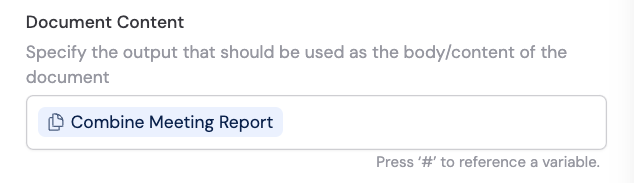
4
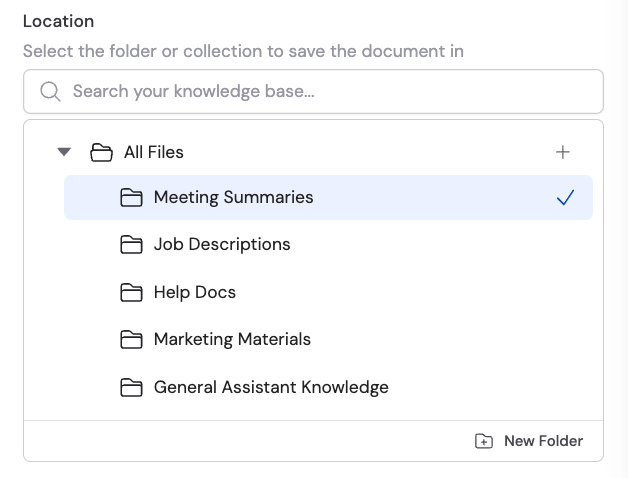
Select the location
Choose the folder or collection within your Knowledge Base where the new document should be saved.