1
Add the action
In the Workflow builder, click + between blocks and select Request Approval to Continue from the action library.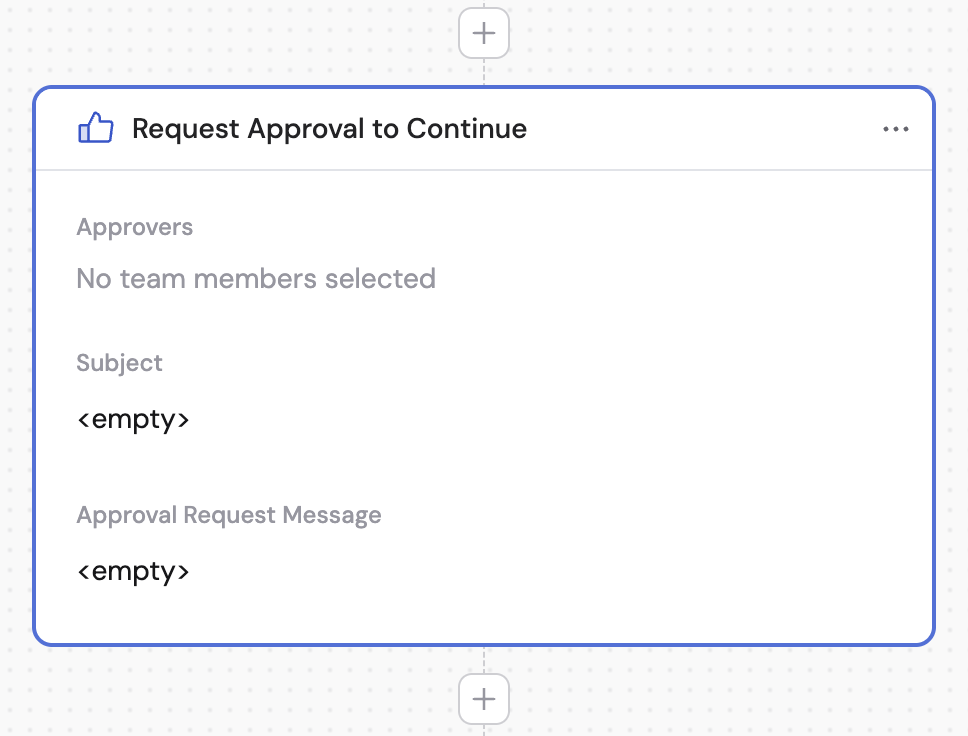
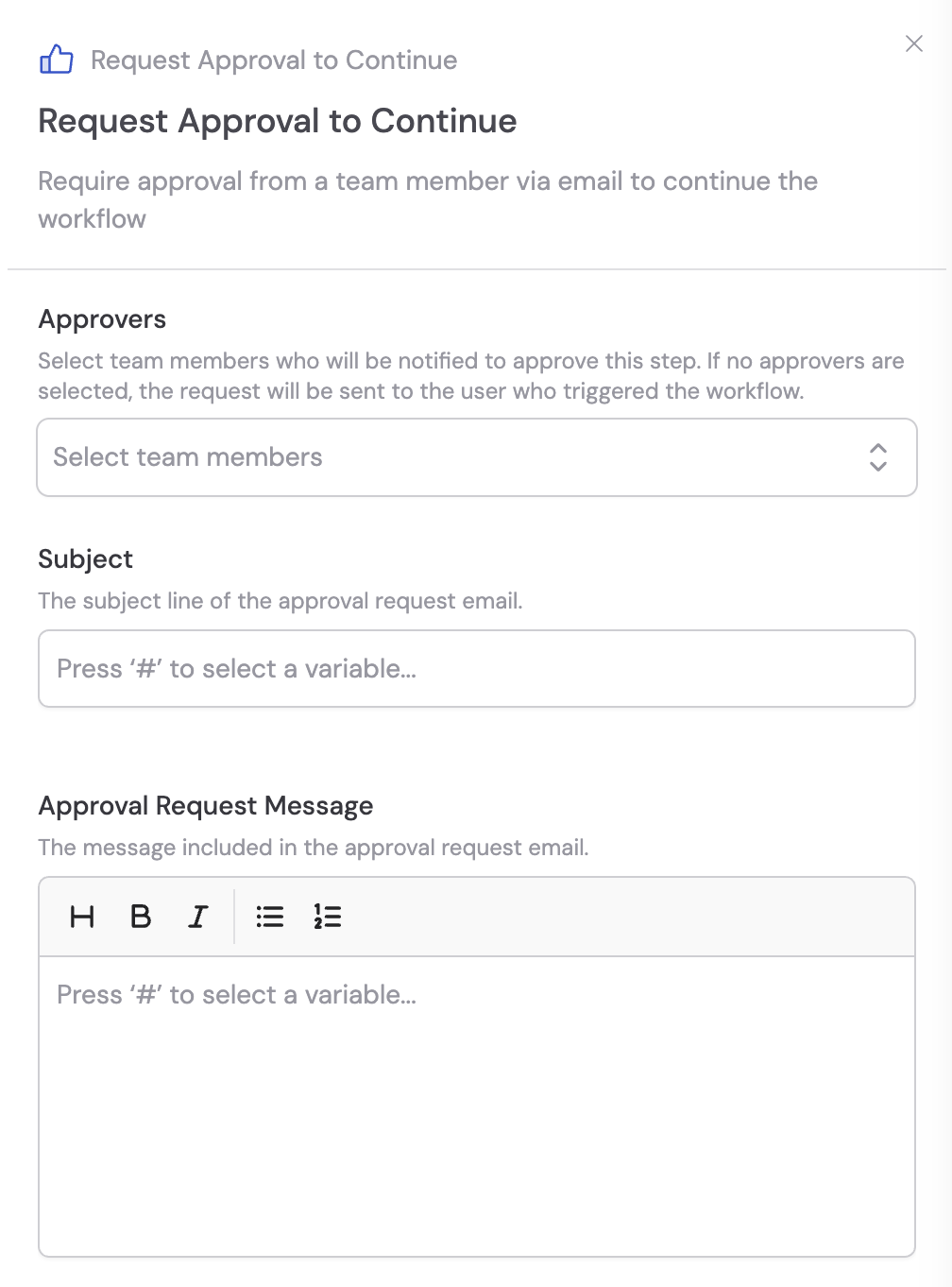
2
Select the approvers
Choose team members who will be notified to approve this step. If no approvers are selected, the request is sent to the user who triggered the Workflow.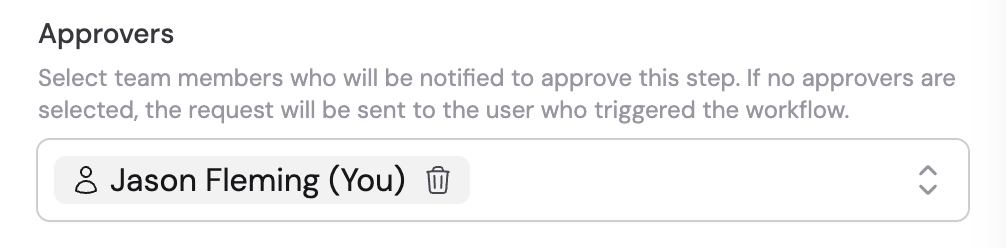
3
Enter the subject
Provide a clear subject line that describes what needs approval. Use # to insert variables from previous steps.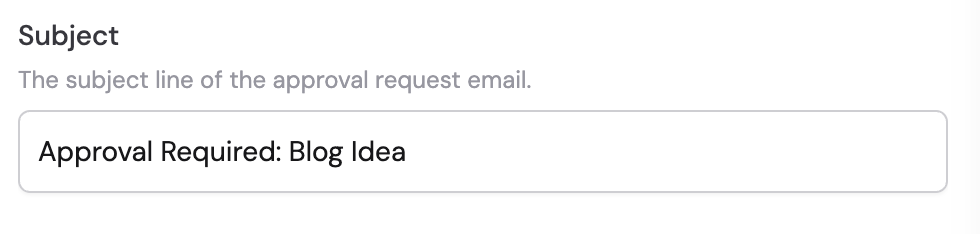
4
Write the approval request message
Write the message that approvers will see in the email notification. Use # to reference variables from previous steps so the approver has full context on what they’re reviewing.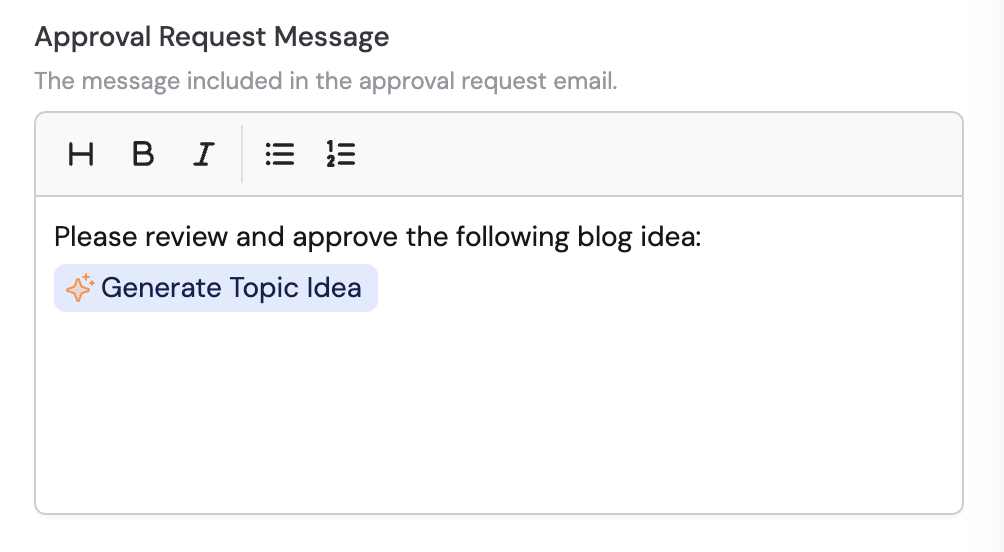
How approvers respond
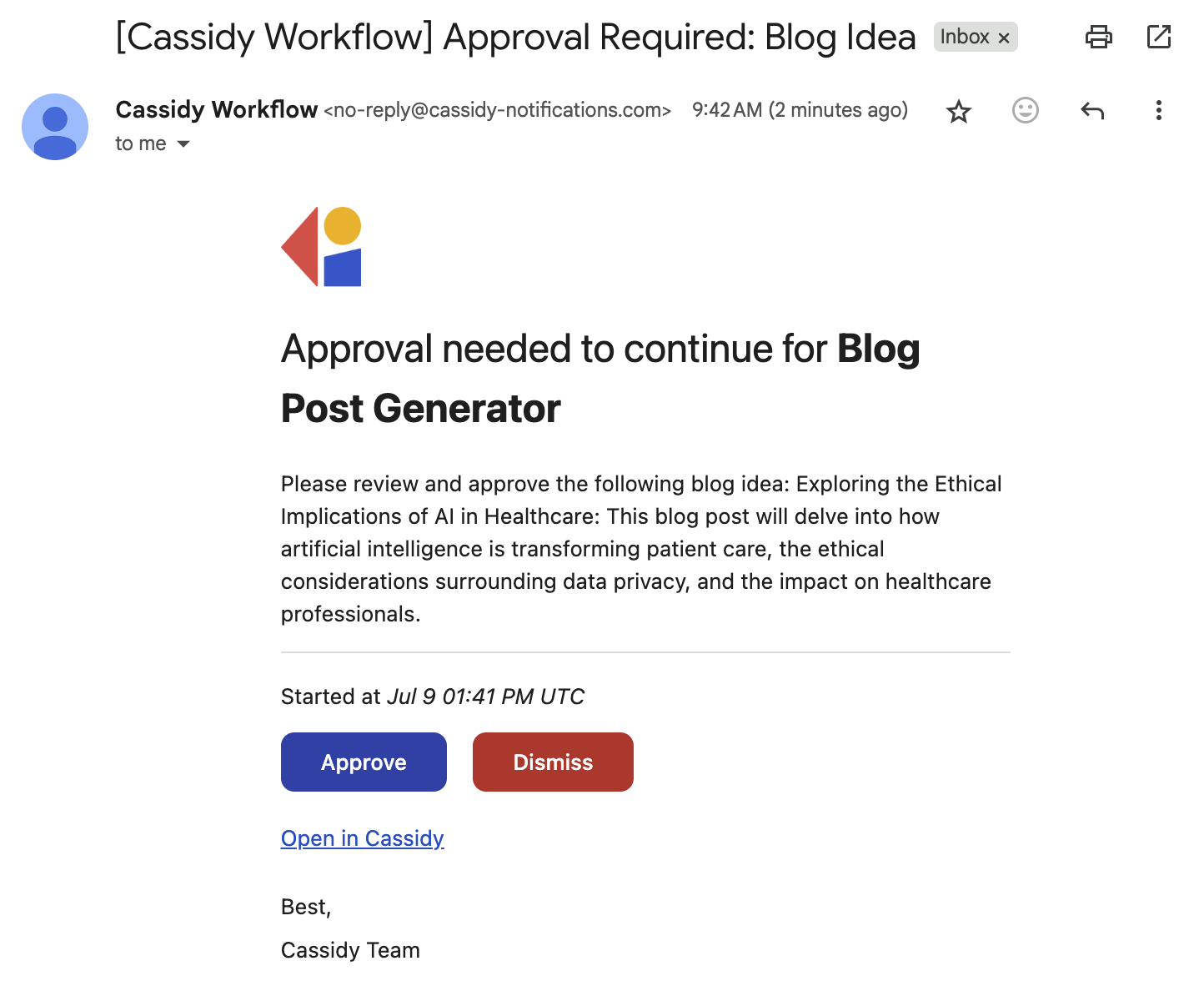
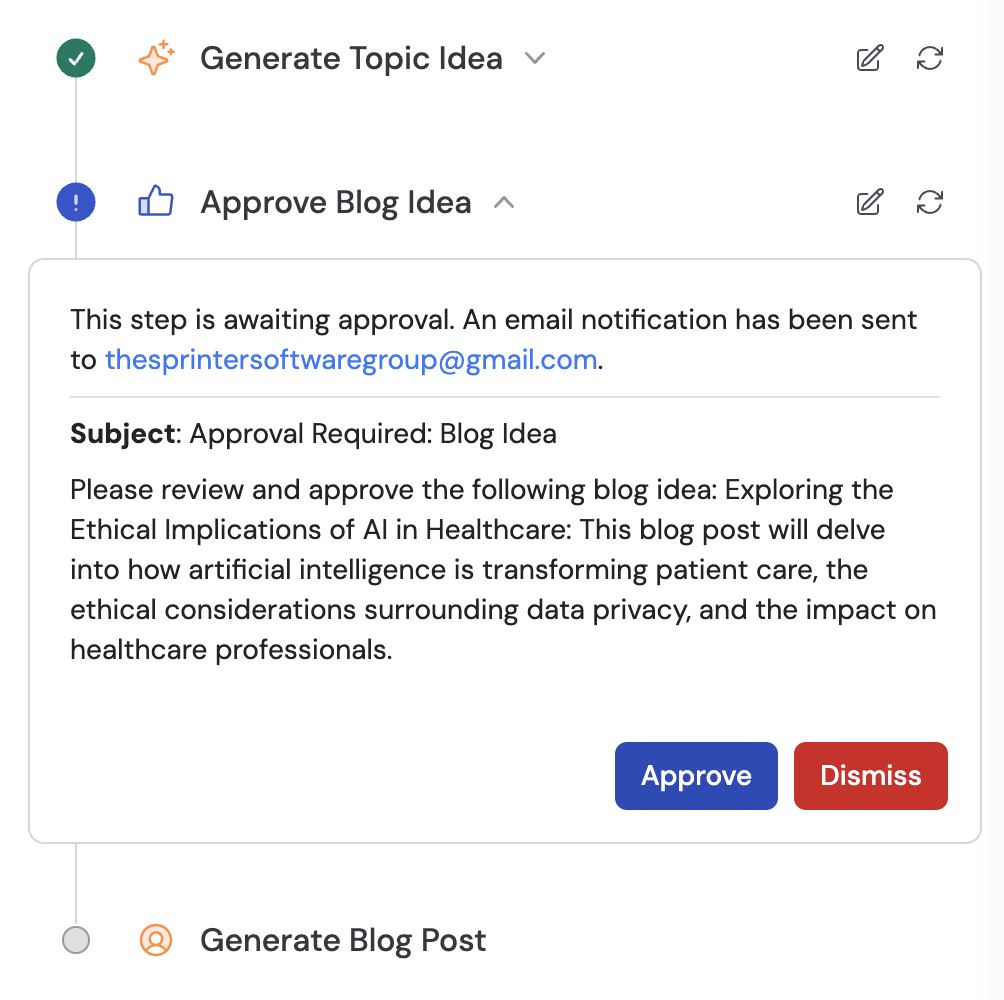
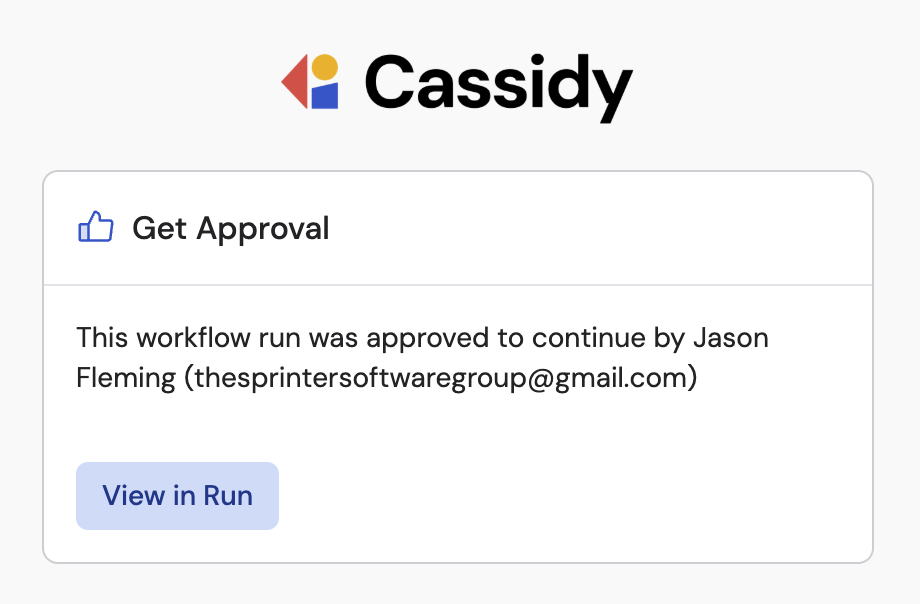
When the Workflow reaches this action, selected approvers receive an email notification with the approval request.