

1
Add the action
In the Workflow builder, click + between blocks and select Scrape Company LinkedIn Posts from the action library.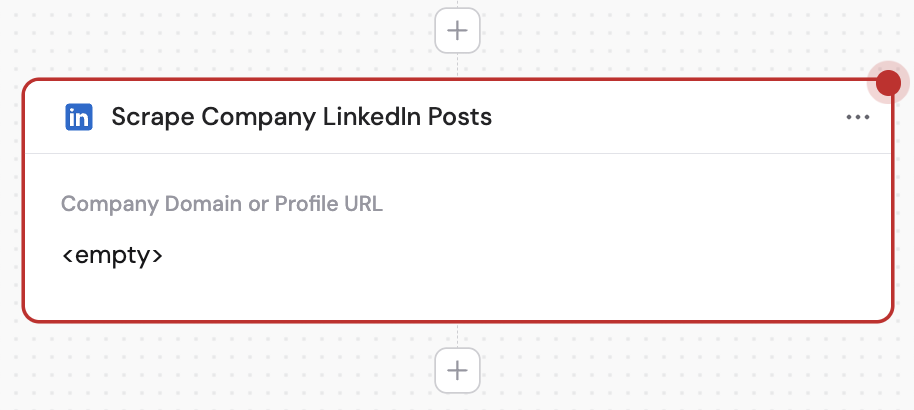
2
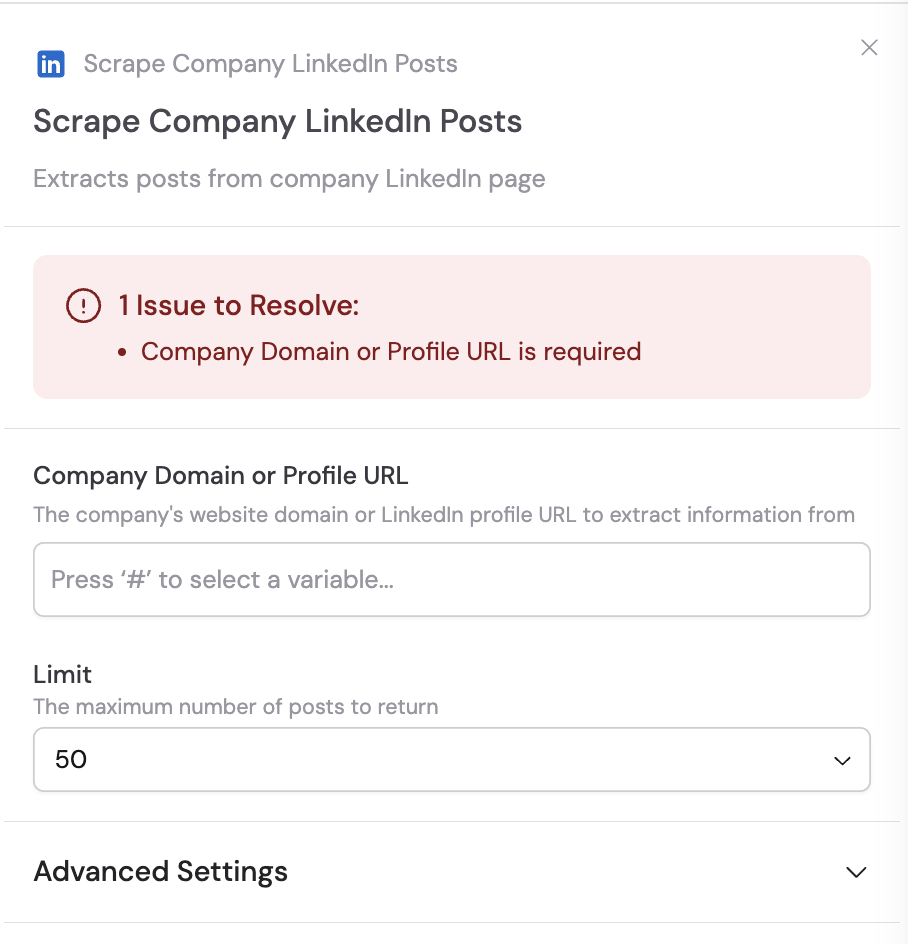
Enter the company domain or profile URL
In the Company Domain or Profile URL field, enter the company’s domain (e.g., 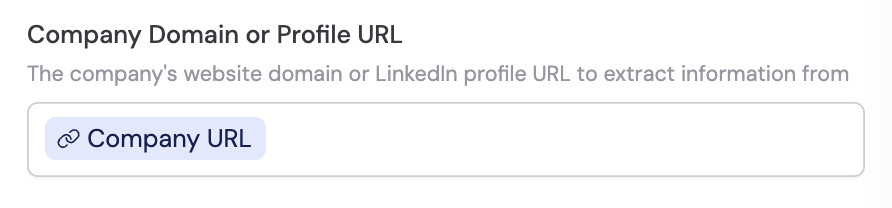
cassidyai.com) or their full LinkedIn profile URL (e.g., https://www.linkedin.com/company/cassidyai/). You can type it directly or use # to reference a variable from a previous step or trigger.3
Select the post limit
Choose the maximum number of posts to retrieve from the company’s LinkedIn page.