1
Add the action
In the Workflow builder, click + between blocks and select Export as PDF from the action library.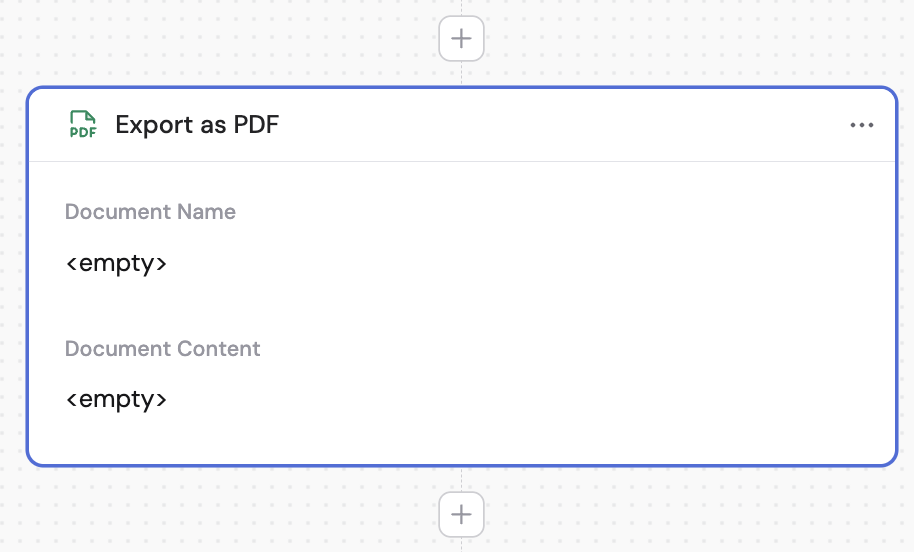
2
Enter the document name
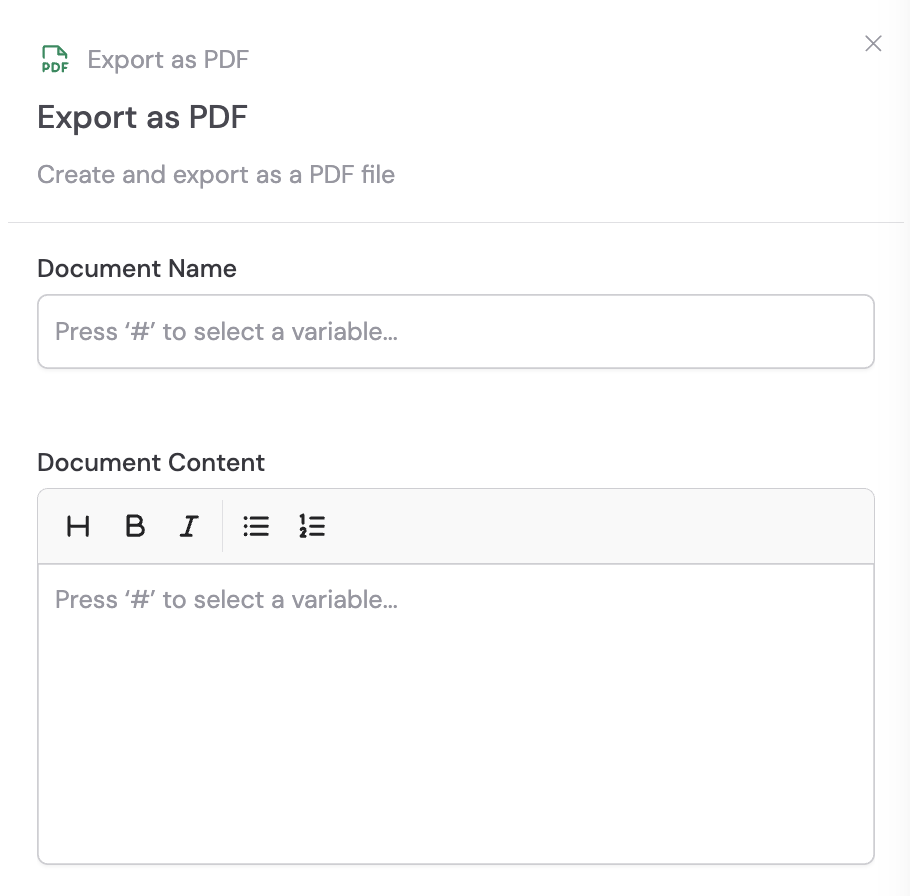
Provide a name for your PDF document. This will be the filename when the PDF is generated.
3
Enter the document content
Define the content of your PDF document. You can mix static text with variables from the trigger or previous steps to create dynamic documents.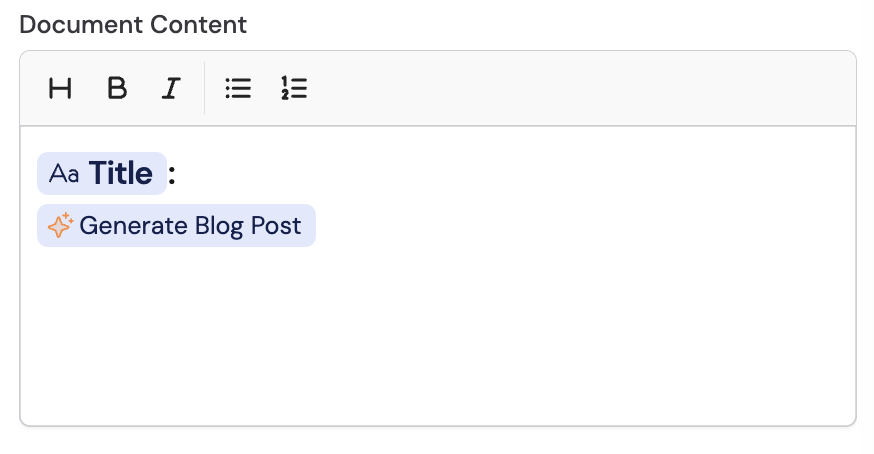
4
Preview and download the PDF
After running the Workflow, preview the generated PDF and download it by clicking the icons next to the action in the results panel.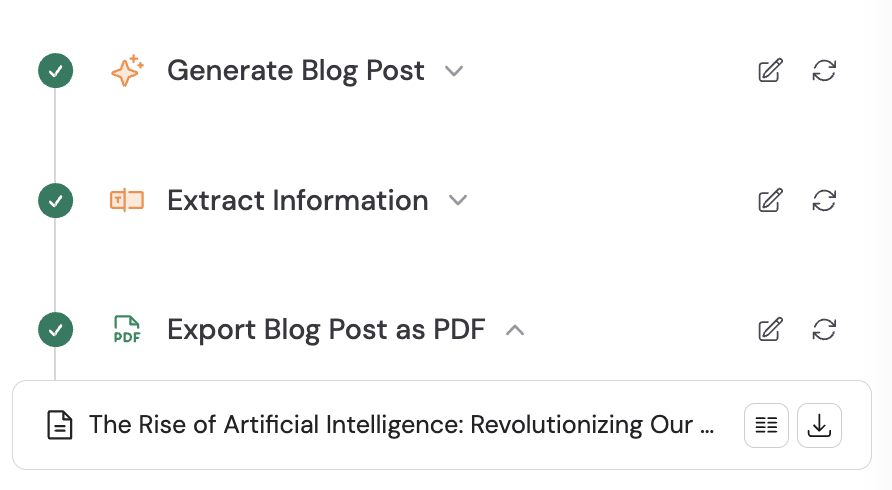
5
Attach the PDF to other actions (optional)
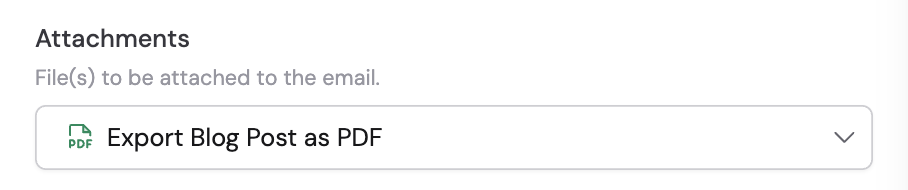
You can use the generated PDF as an attachment in other actions like Send Email. Reference the PDF output from this action when configuring email attachments.