Automatically run a Workflow when a meeting recording ends. Use this trigger to automate post-meeting tasks like generating summaries, updating CRM records, or sending follow-up emails.
1

Add a Meeting Ended trigger

Create a new Workflow with a Meeting Ended trigger, or change an existing Workflow’s trigger type to Meeting Ended.
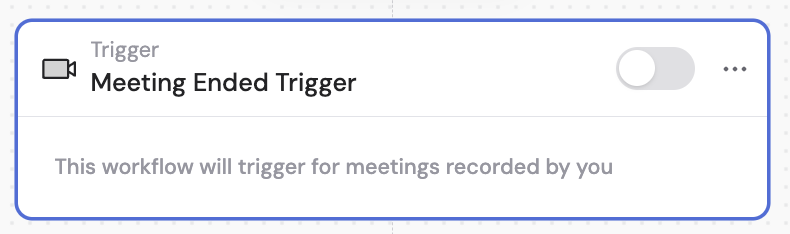
Workflow builder showing trigger type selection with Meeting Ended highlighted
2

Configure privacy settings

Choose whether to keep the Workflow shared (other team members can access it but may see meeting information from meetings they don’t have access to) or click Make Private & Continue to restrict access.
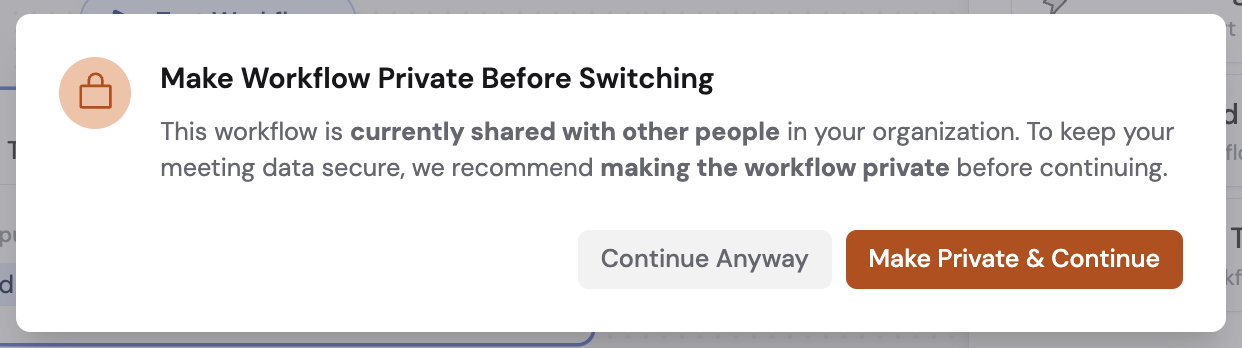
Privacy settings dialog with Make Private & Continue option
If you keep it shared, a warning indicator appears with the option to make it private at any time.
3

Set meeting access scope

Optionally toggle Include Shared Meetings to run this Workflow for all meetings you can access through your organization’s sharing rules. Turn it off to only run for meetings you recorded yourself.

Include Shared Meetings toggle
4

Add meeting filters

Click + Add Filter to only trigger for meetings that meet certain criteria. Create AND/OR conditions based on:
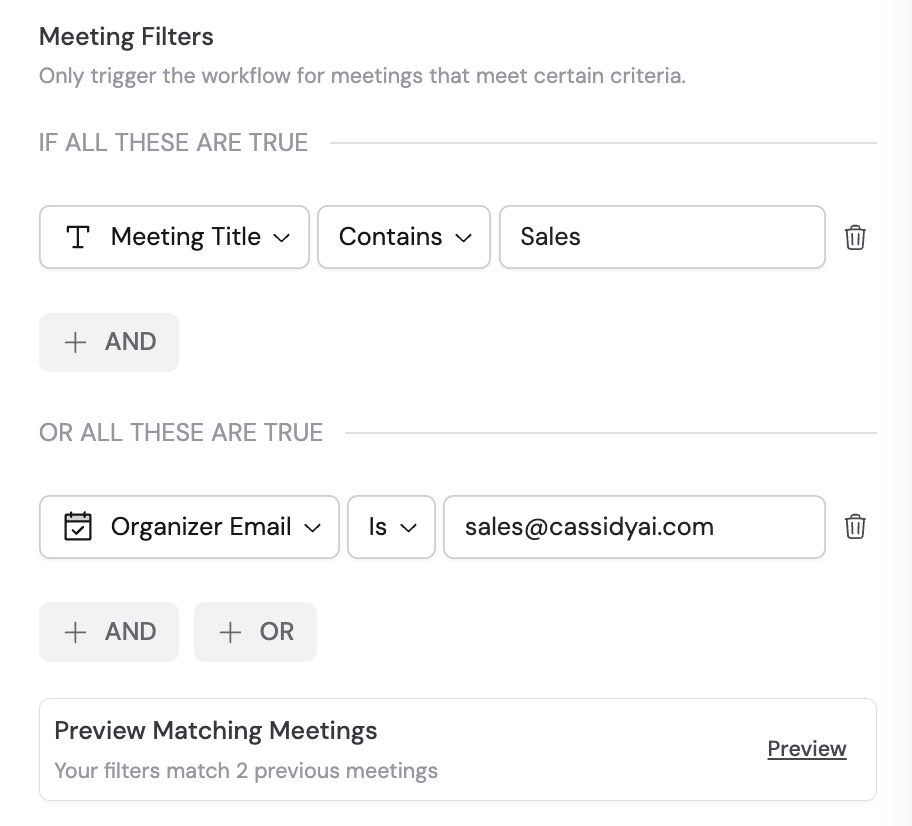
  • Meeting Title
  • Meeting Owner
  • Meeting Owner Group
  • Organizer Email
  • Participant Names
  • Invitee Emails
Click Preview to see which past meetings would have matched your filter conditions.
Meeting filter configuration with condition options
5

Reference meeting variables

In the rest of your Workflow, reference these variables from the Meeting Ended trigger:
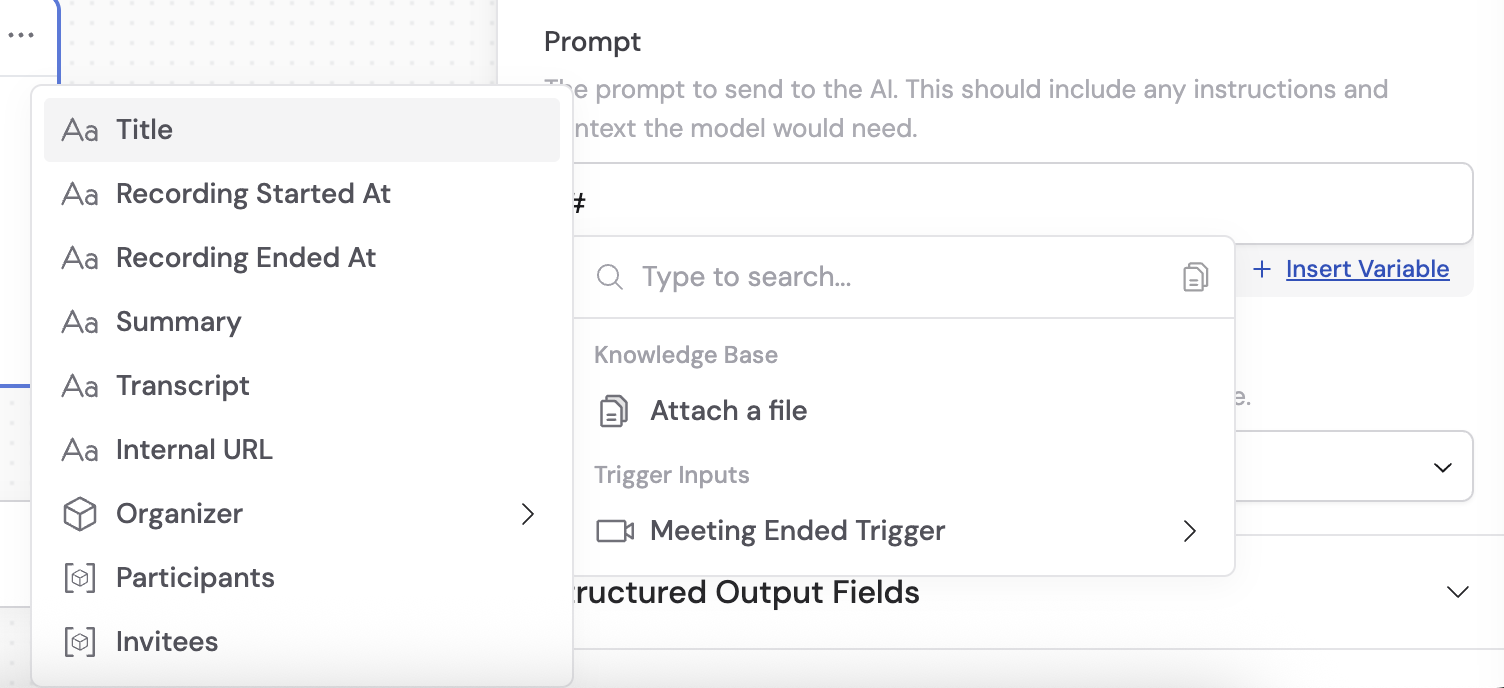
VariableDescription
TitleThe title of the meeting
Recording Started AtWhen the recording began
Recording Ended AtWhen the recording ended
SummaryAI-generated summary of the meeting
TranscriptFull transcript of the meeting
Internal URLLink to the meeting within Cassidy
OrganizerName and email of the meeting organizer
ParticipantsList of participants with name, email, and host status
InviteesList of invited attendees with name, email, and organizer status
Variable selector showing Meeting Ended trigger variables
6

Activate the trigger

In the Meeting Ended trigger block, click the toggle switch to turn it on.
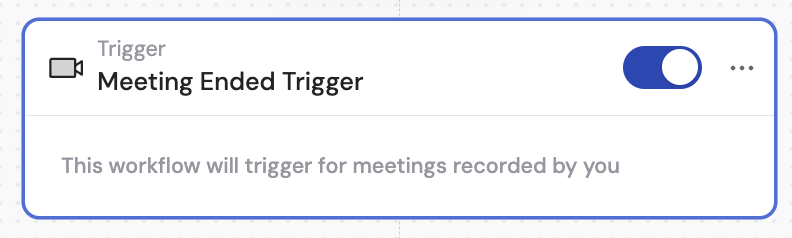
Meeting Ended trigger block with activation toggle