

Enable Image Generation
1
Select your Agent
Go to Agents, find the Agent you want to configure, click the ⋯ menu, and select Edit.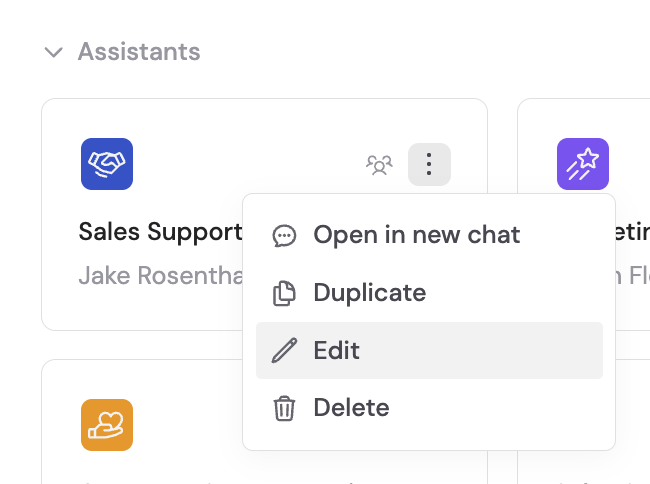
2
Add the capability
In the Setup tab, scroll to Capabilities, click + Add Capabilities, and select Image Generation.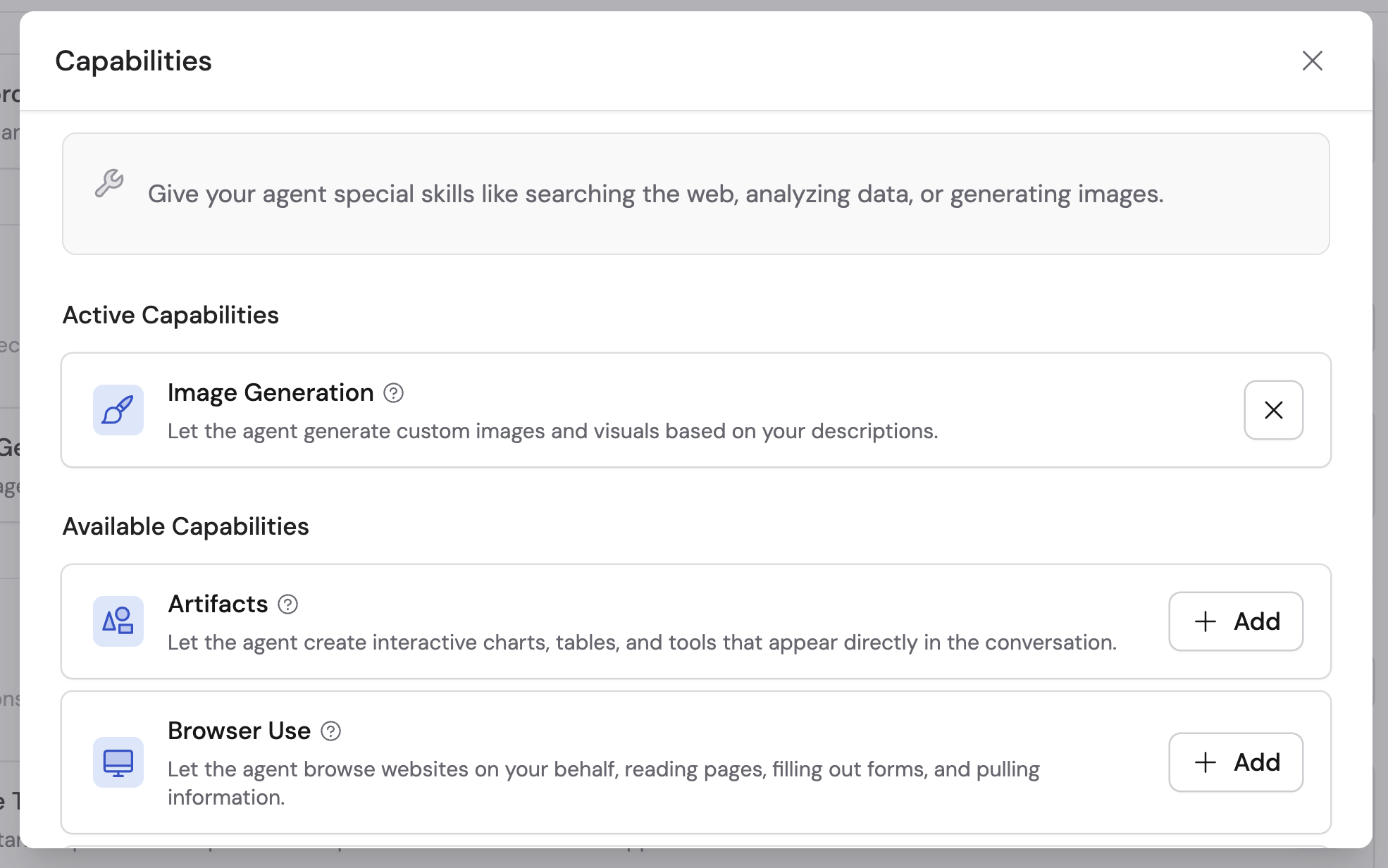
3
Publish your Agent
Click Publish to make the capability available in conversations.
How to use it
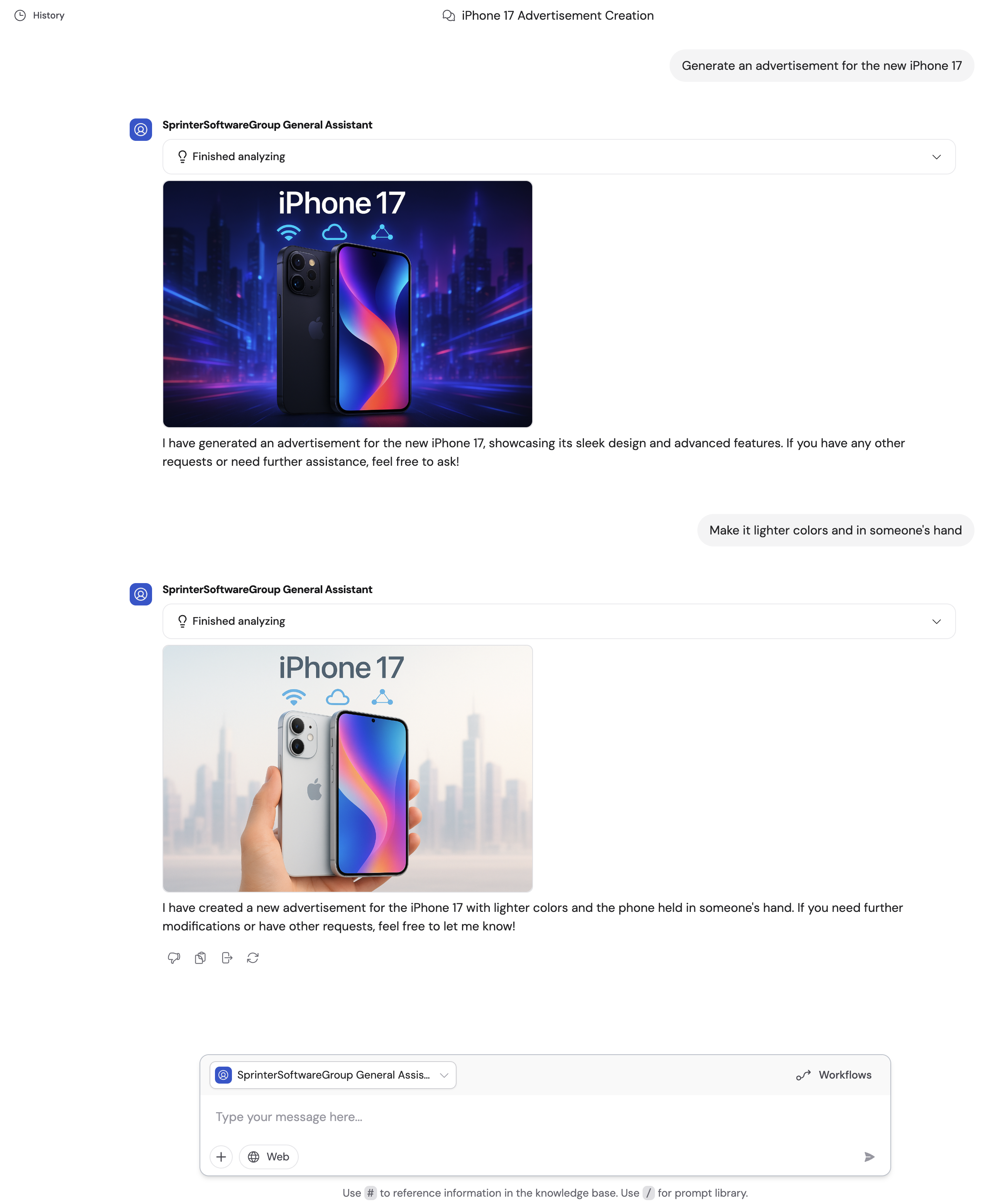
Once enabled, start a conversation with your Agent and describe the image you want. The Agent creates custom images, modifies existing ones, and works with uploaded images to meet your creative needs.- Generate from a description — Describe what you want and the Agent creates it. Be specific about style, colors, composition, and content for best results.
- Edit a generated image — After the Agent generates an image, follow up with changes like adjusting colors, adding elements, or changing the style.
- Upload a starting image — Attach an image in the chat (see Upload files and media) and ask the Agent to modify or build on it.
- Choose the right balance — Standard quality balances visual quality and generation speed for most requests. Ask for a polished final result when you want the Agent to prioritize visual precision, which may take longer.
Next steps
Artifacts
Build interactive dashboards, reports, and prototypes.
Create files in Cassidy
Learn all the ways to create and export files from Cassidy.