

Set up the Google Calendar Connector
1
Navigate to your Agent
Go to Agents and select the Agent you want to configure.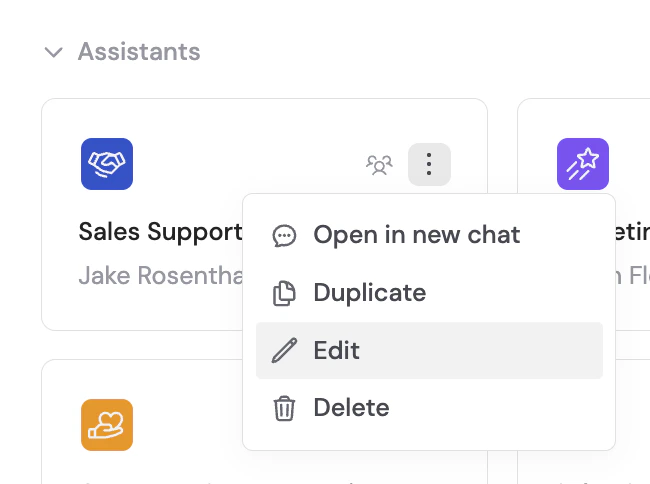
2
Open the Connectors section
Click the Setup tab and scroll to the Connectors section.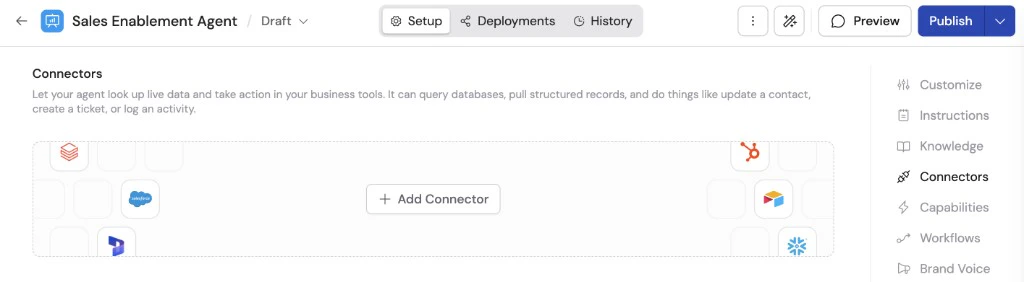
3
Add the Google Calendar Connector
Click + Add Connector and select Google Calendar.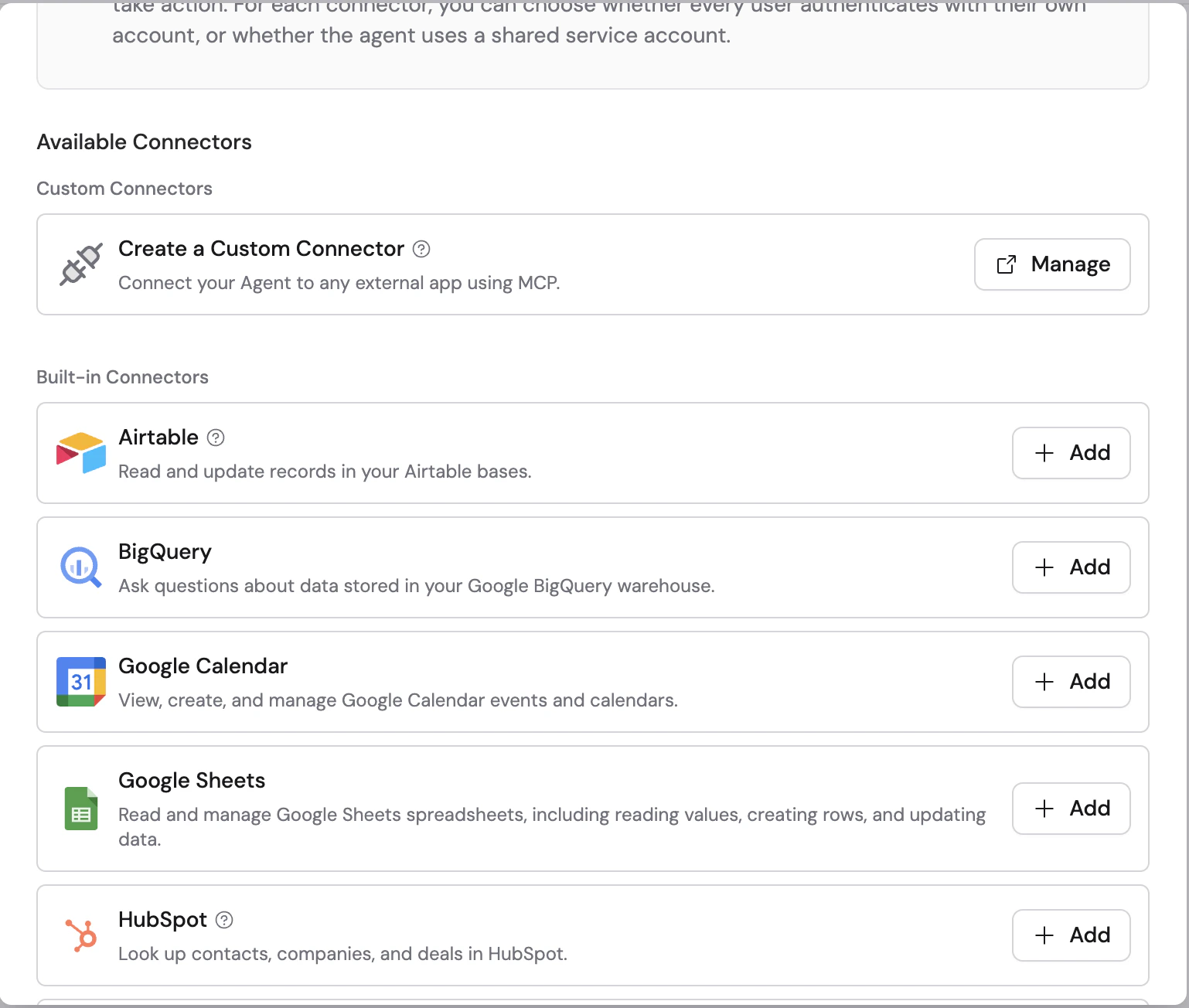
4
Choose a connection method
Select how users will authenticate: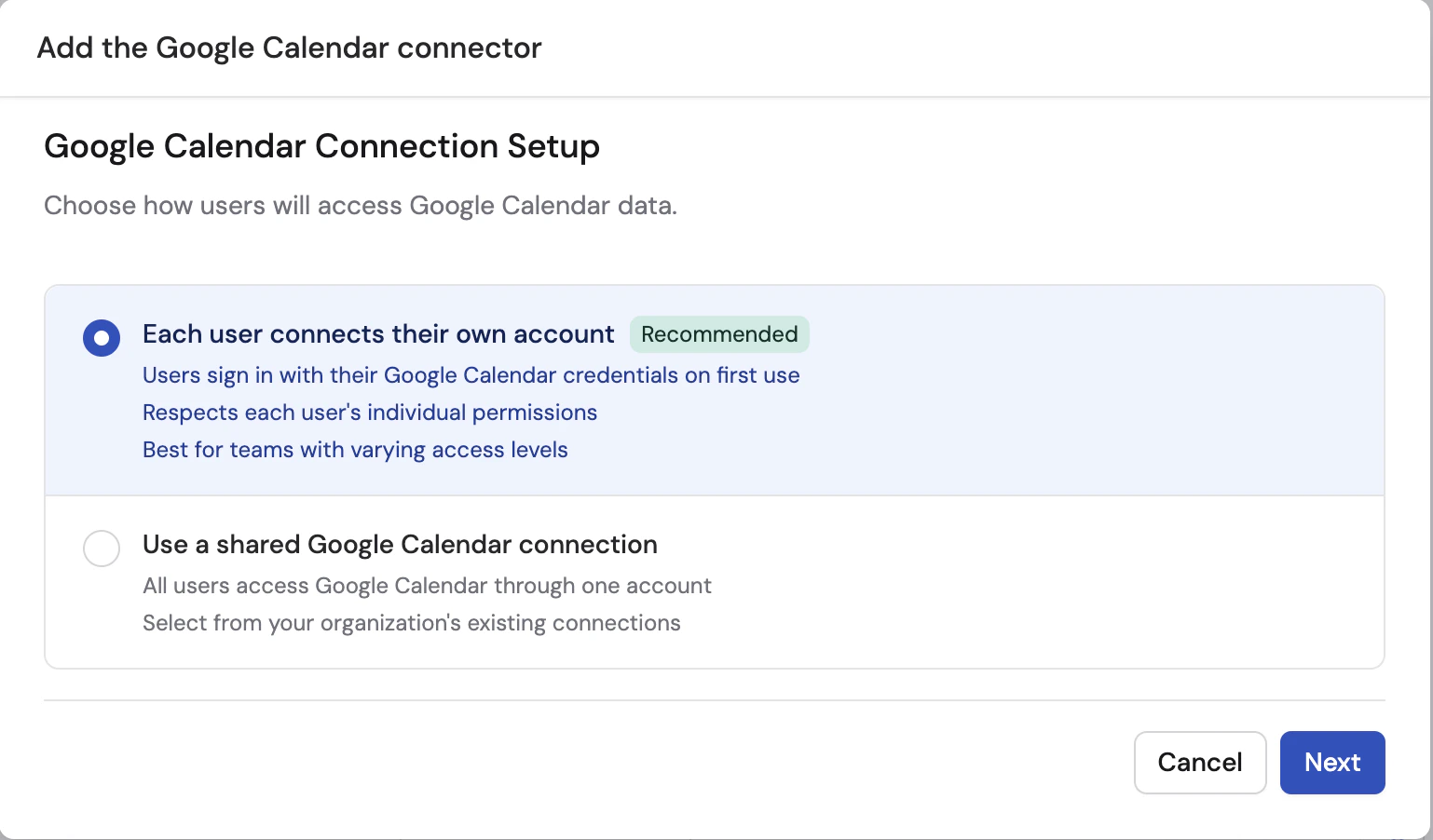
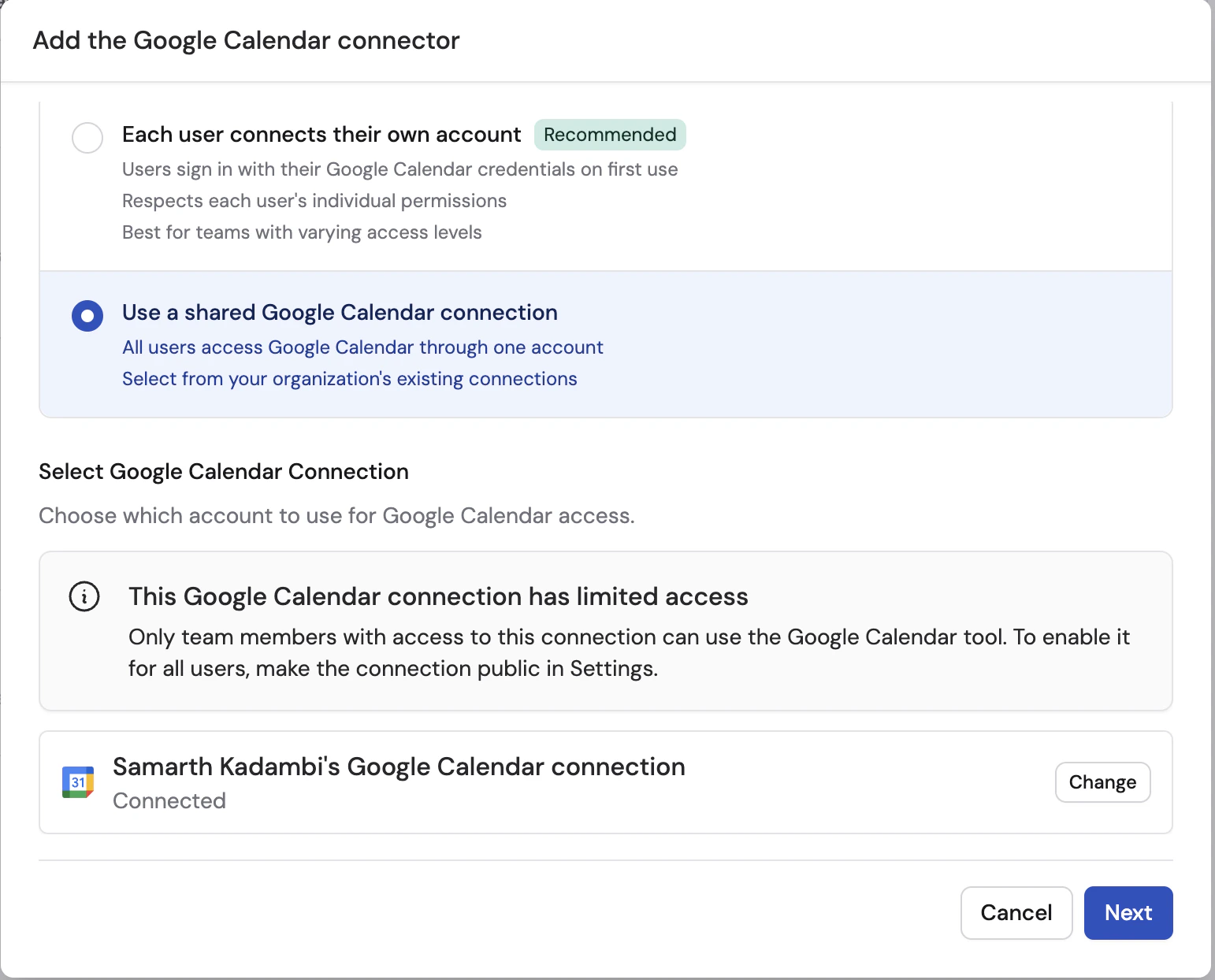
- Each user connects their own account (recommended) — each user signs in with their own Google account
- Use a shared connection — all users access Google Calendar through one shared account
5
Set up the connection
If using a shared connection, click Set up shared connection and sign in with Google. Grant Cassidy access to your Google Calendar.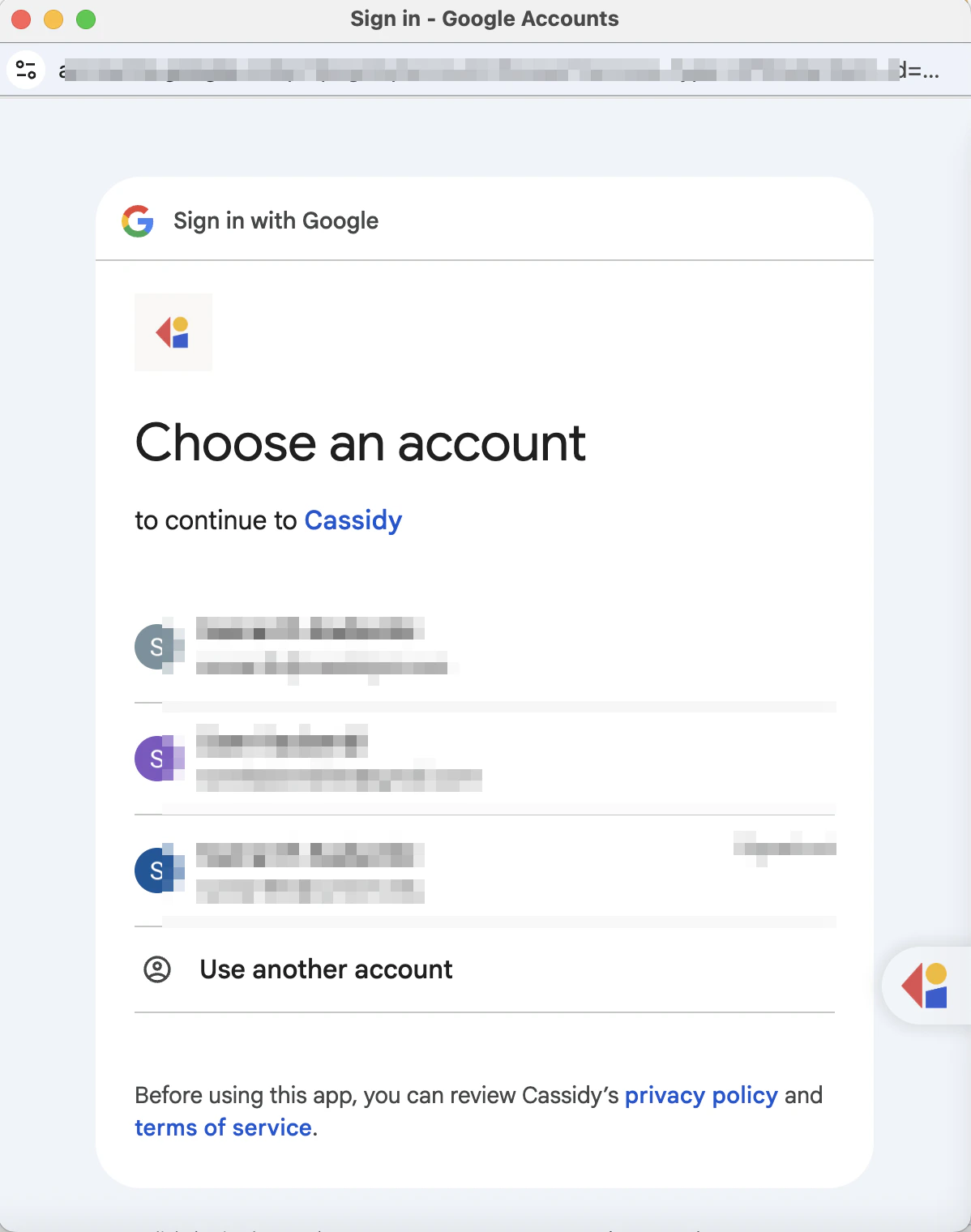
6
Configure action permissions
Set permissions for each action the Agent can perform:
- Always allow — The Agent performs the action automatically when needed
- Ask every time — The Agent asks the user before taking the action
- Disabled — The Agent cannot perform the action
- View Data — Get Calendar, List Calendars, List Events, and Find Free Slots. Default: Always allow.
- Create & Modify — Create Event, Update Event, Duplicate Calendar, and Update Calendar. Default: Disabled.
- Remove Data — Delete Event and Delete Calendar. Default: Disabled.
7
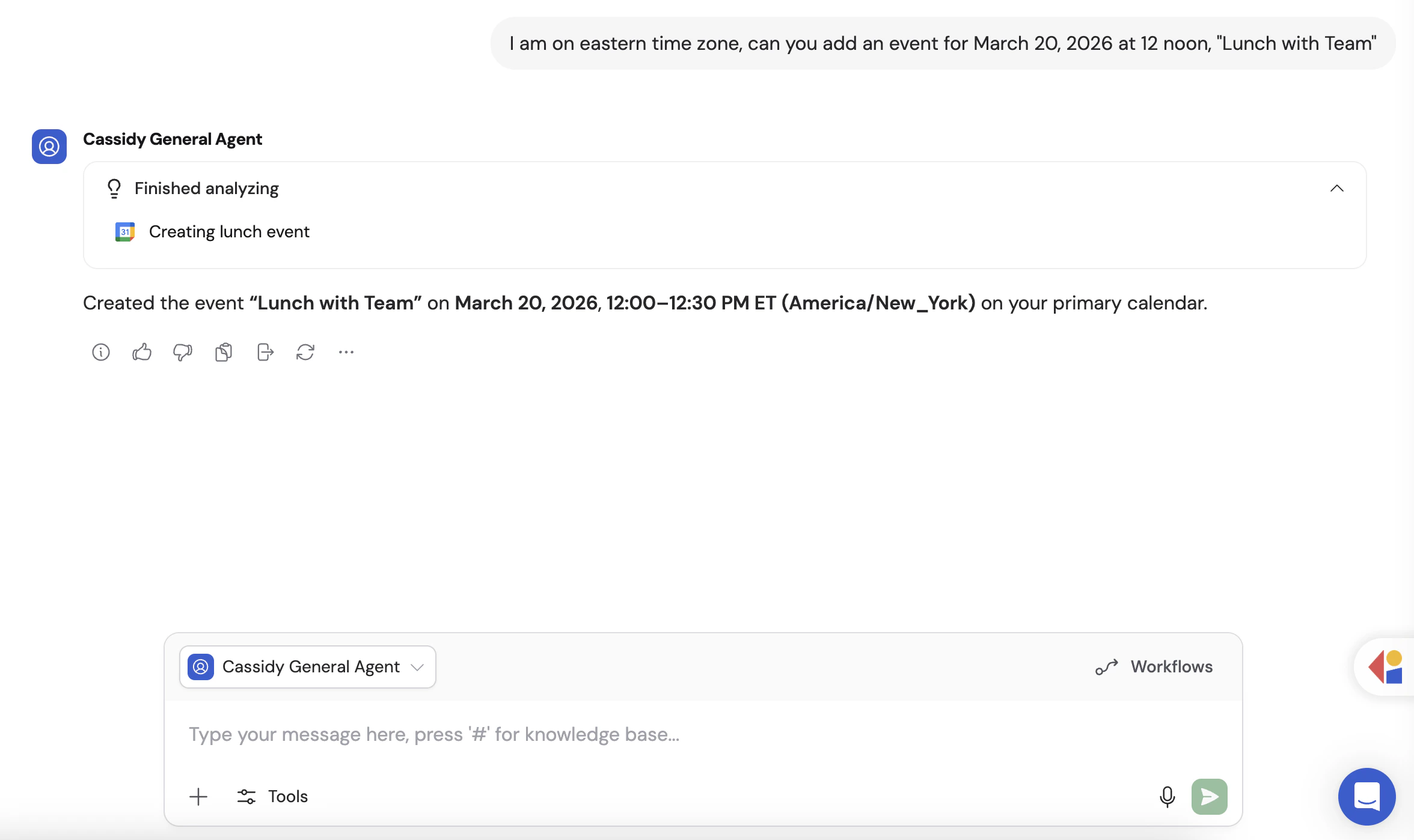
Start a conversation
Navigate to Chat and select the Agent with the Google Calendar Connector enabled.If you chose Each user connects their own account, users are prompted to connect their Google account from within the chat the first time they use the Connector.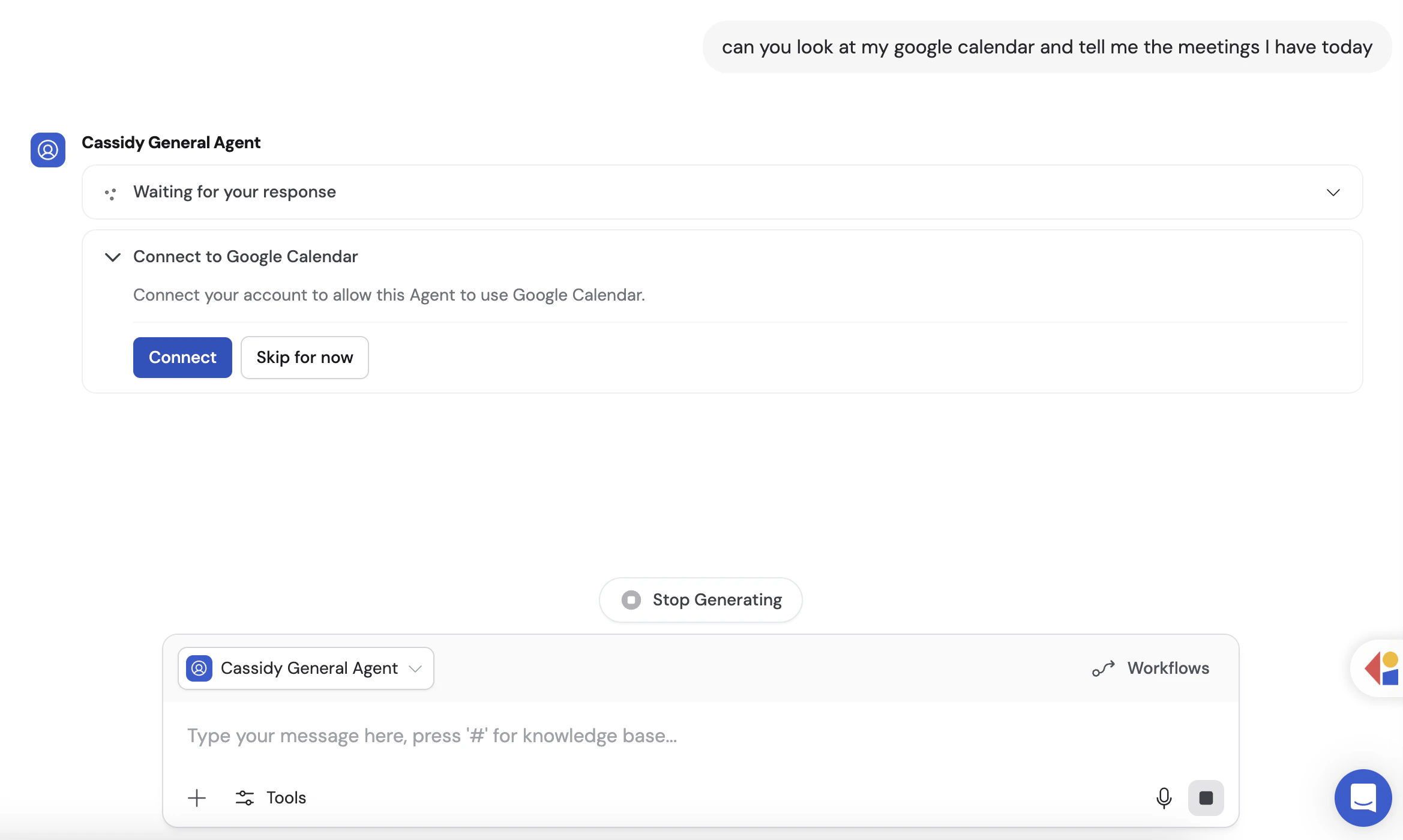
Connect Google Calendar for yourself
To use Google Calendar in any chat, not just with this Agent, open Customize → Connectors, find Google Calendar, and click Connect. See Add a Connector for yourself.Monitor Google Calendar actions
When an Agent uses the Google Calendar Connector, expand the action in the response to see its input, result, and approval status.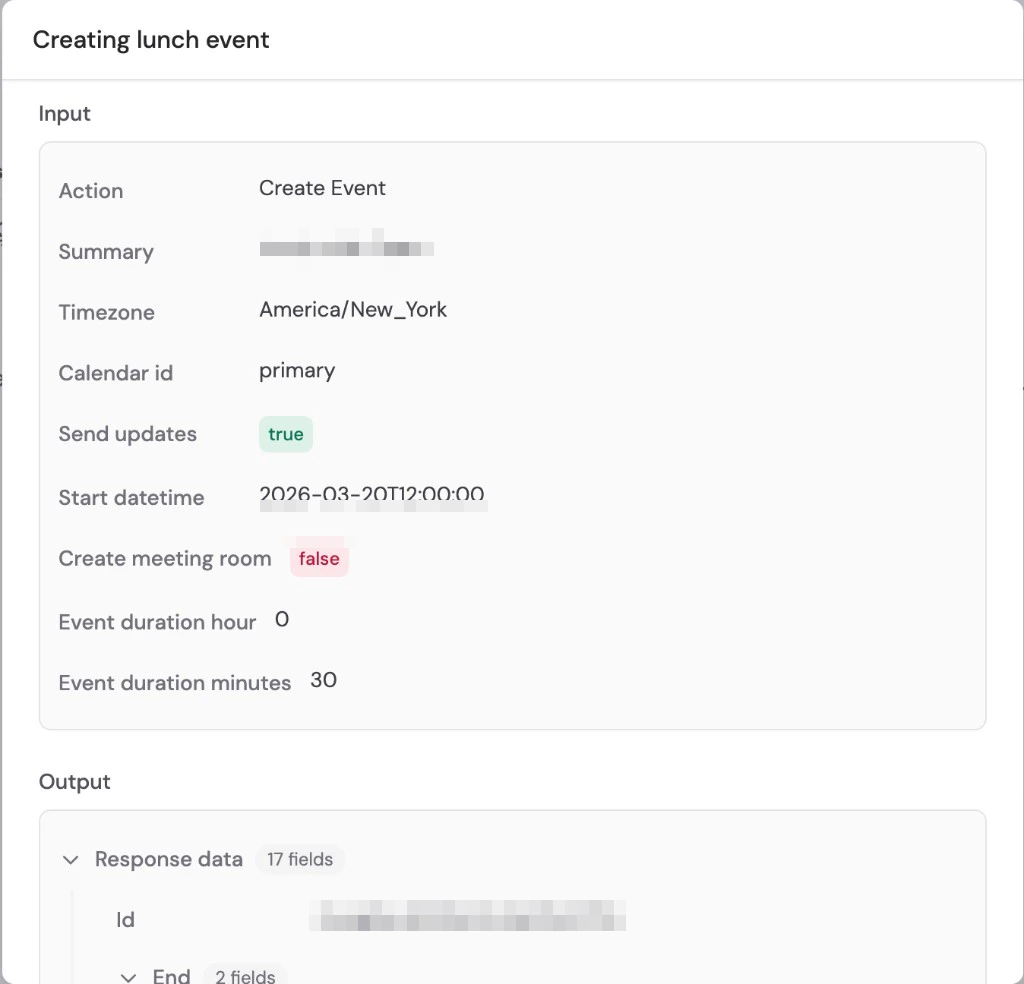
Data security
Google Calendar data is accessed in real time and is not copied or stored in Cassidy. The Agent only queries Google Calendar when needed to answer a question or complete a task.OAuth scopes
OAuth scopes
The Google Calendar Connector requests access to view and manage the calendars
and events you authorize. Cassidy does not access calendars outside the ones
covered by the Google account you connect.
Next steps
Connectors overview
Learn about all available Agent Connectors and how they work.
Browse integrations
See every integration available in Cassidy.