

Set up the trigger
1
Add the trigger
Create a new Workflow with the New Teams Chat Message trigger, or change an existing Workflow’s trigger type to New Teams Chat Message.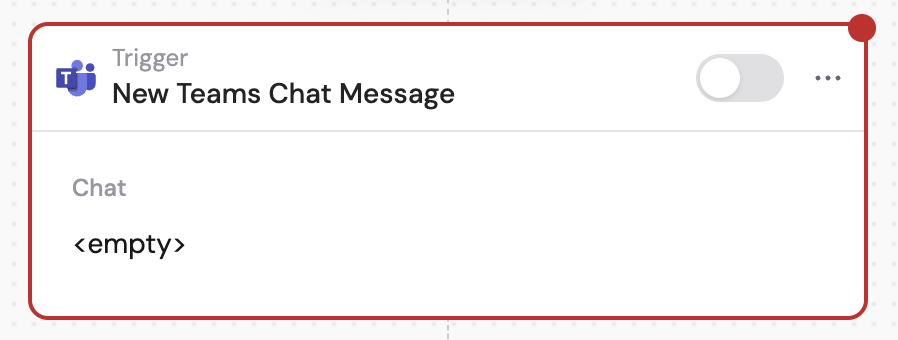
2
Connect your Microsoft Teams account
If you haven’t already, connect your Microsoft Teams account to Cassidy.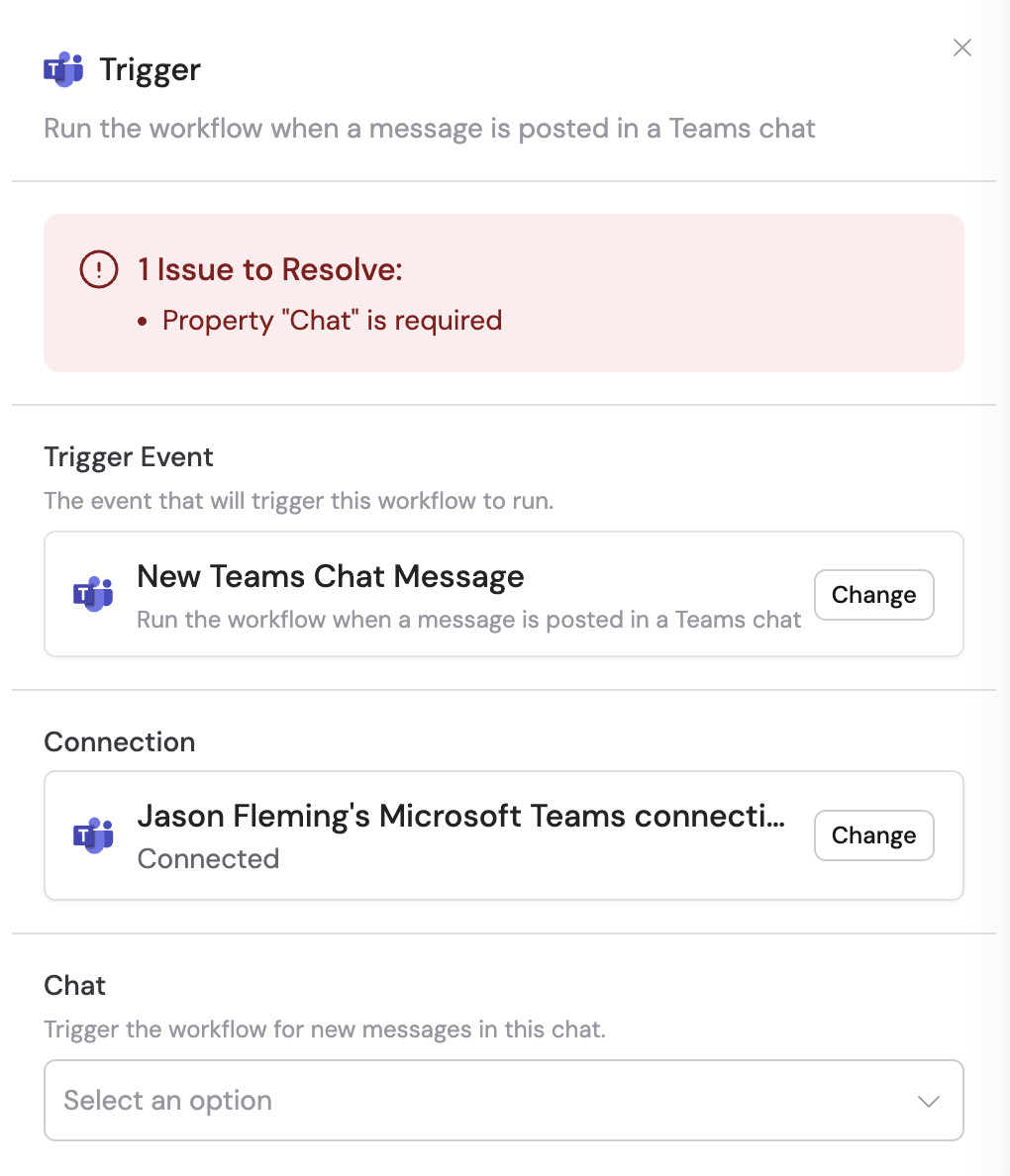
3
Select the chat
Choose the specific Teams chat you want to monitor. This can be an individual or group chat. You can also click the pencil icon to input a chat ID directly.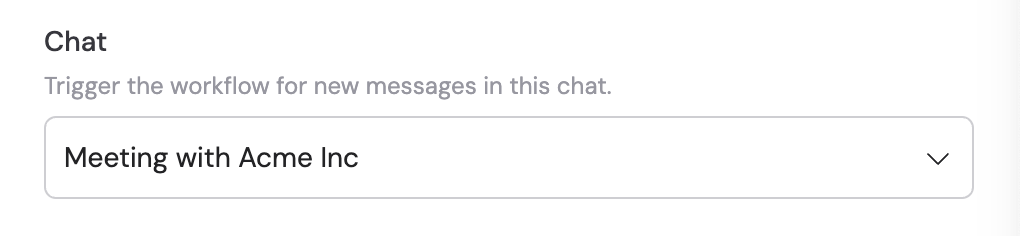
4
Reference the trigger variables
In subsequent Workflow steps, you can reference the following variables: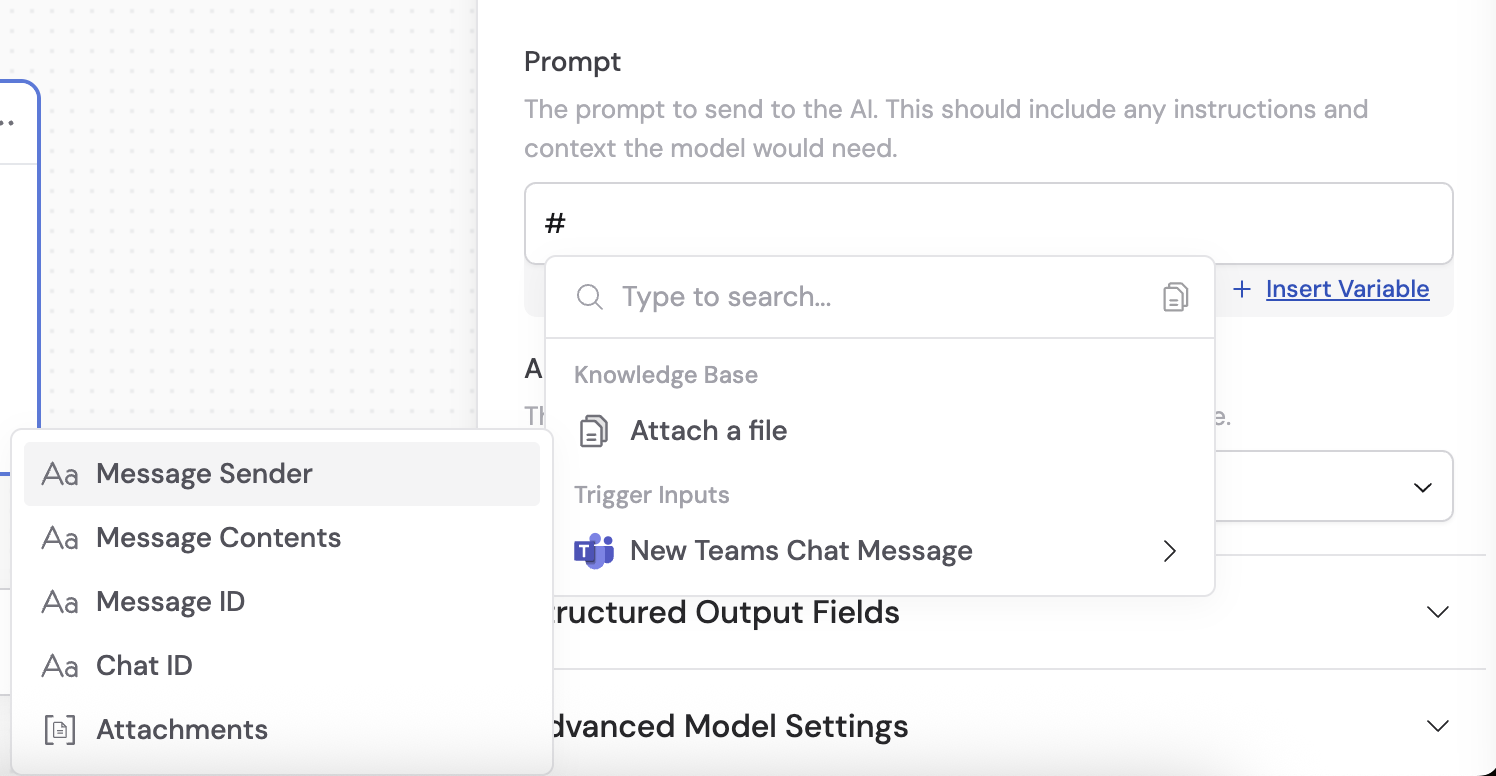
- Message Sender — the person who sent the message
- Message Contents — the text content of the message
- Message ID — the unique identifier of the message
- Chat ID — the unique identifier of the chat
- Attachments — any attachments on the message
5
Activate the trigger
In the trigger block, click the toggle switch to turn it on.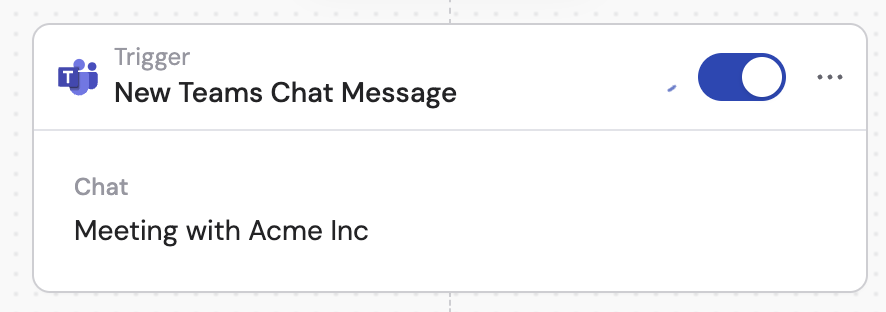
Related
Send chat message
Send a message to a Teams chat from a Workflow.
New channel message trigger
Trigger a Workflow from a Teams channel message.