For more information on connecting Zapier, see the Zapier integration overview.
1
Add the Run Zapier Action
In the Workflow builder, click the + button between existing blocks and select Run Zapier Action from the action list.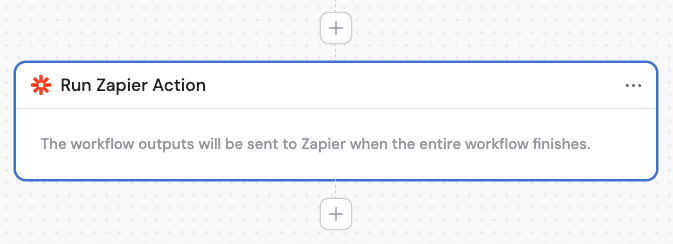
2
Rename the action (optional)
Enter a descriptive name to make the action easier to reference as a variable in later steps.
3
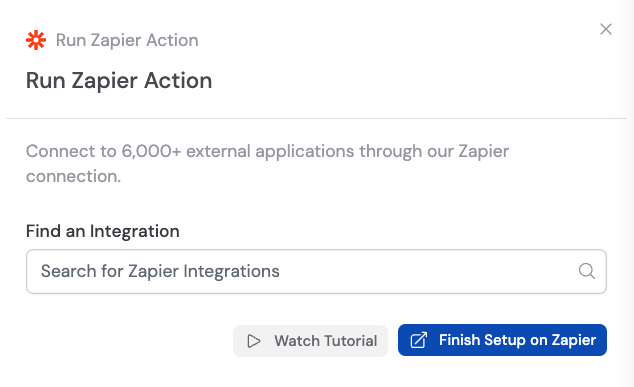
Click Finish Setup on Zapier
In the Run Zapier Action block, click Finish Setup on Zapier. This redirects you to Zapier where you can configure the destination app.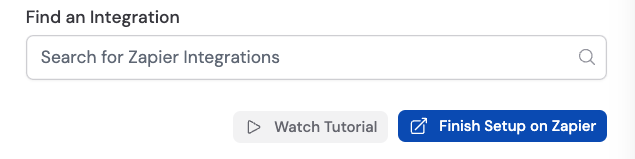
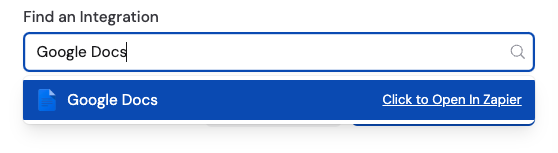
4
Create a Zap
In Zapier, create a new Zap. Choose Cassidy as the trigger event and Workflow Finished Running as the event for your Zap.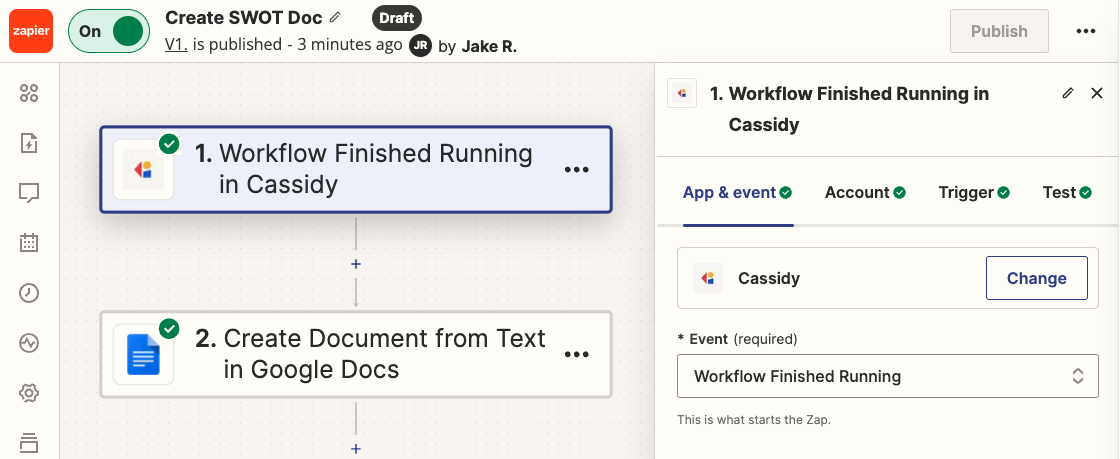
5
Add a destination action
In the Zap editor, add an action step that uses the outputs from your Cassidy Workflow. For example, Create Document from Text with Google Docs.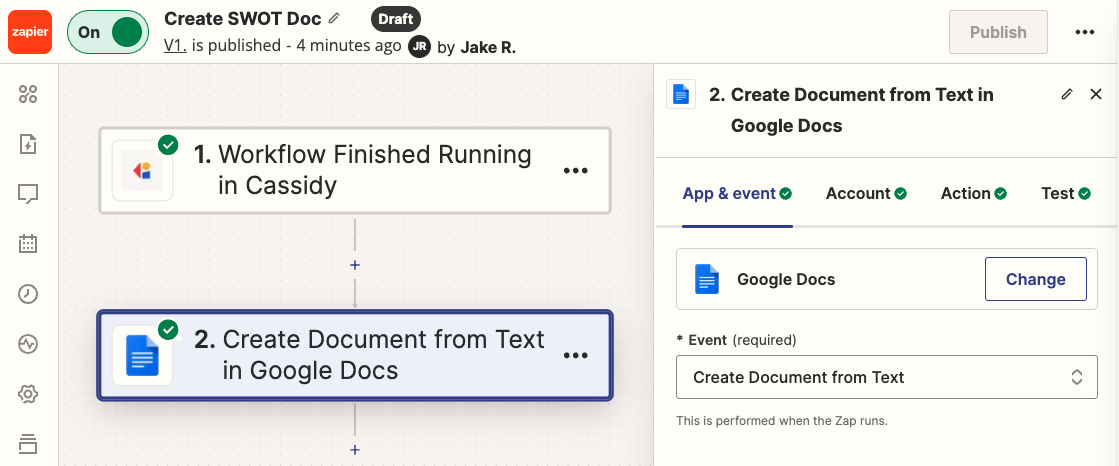
6
Map Workflow outputs to the action fields
Map the input fields of your chosen Zapier action to the corresponding outputs from your Cassidy Workflow. For example, map a text output from a Generate Text action to the Document Content field.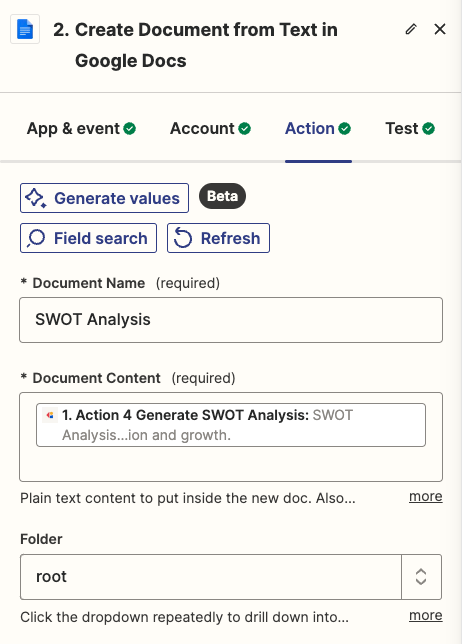
7
Publish and activate the Zap
Click Publish to save and activate your Zap. Make sure it’s turned on so it runs when your Cassidy Workflow finishes.