

Connect your account
1
Open Integrations
Open Account Settings, then select Integrations.
2
Find Gong
Locate Gong in the list and click Connect.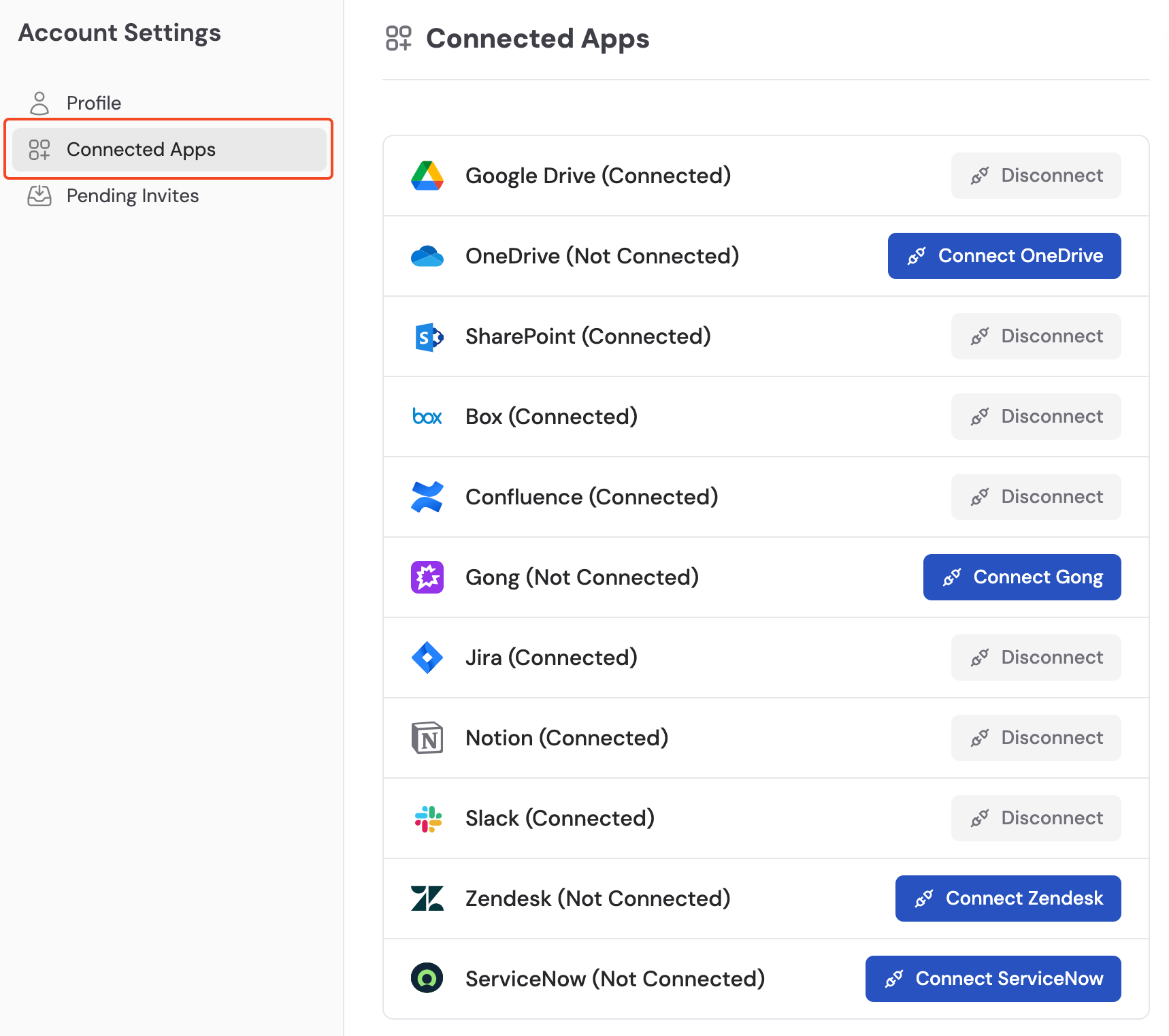
3
Log in to Gong
Sign in to your Gong account in the popup.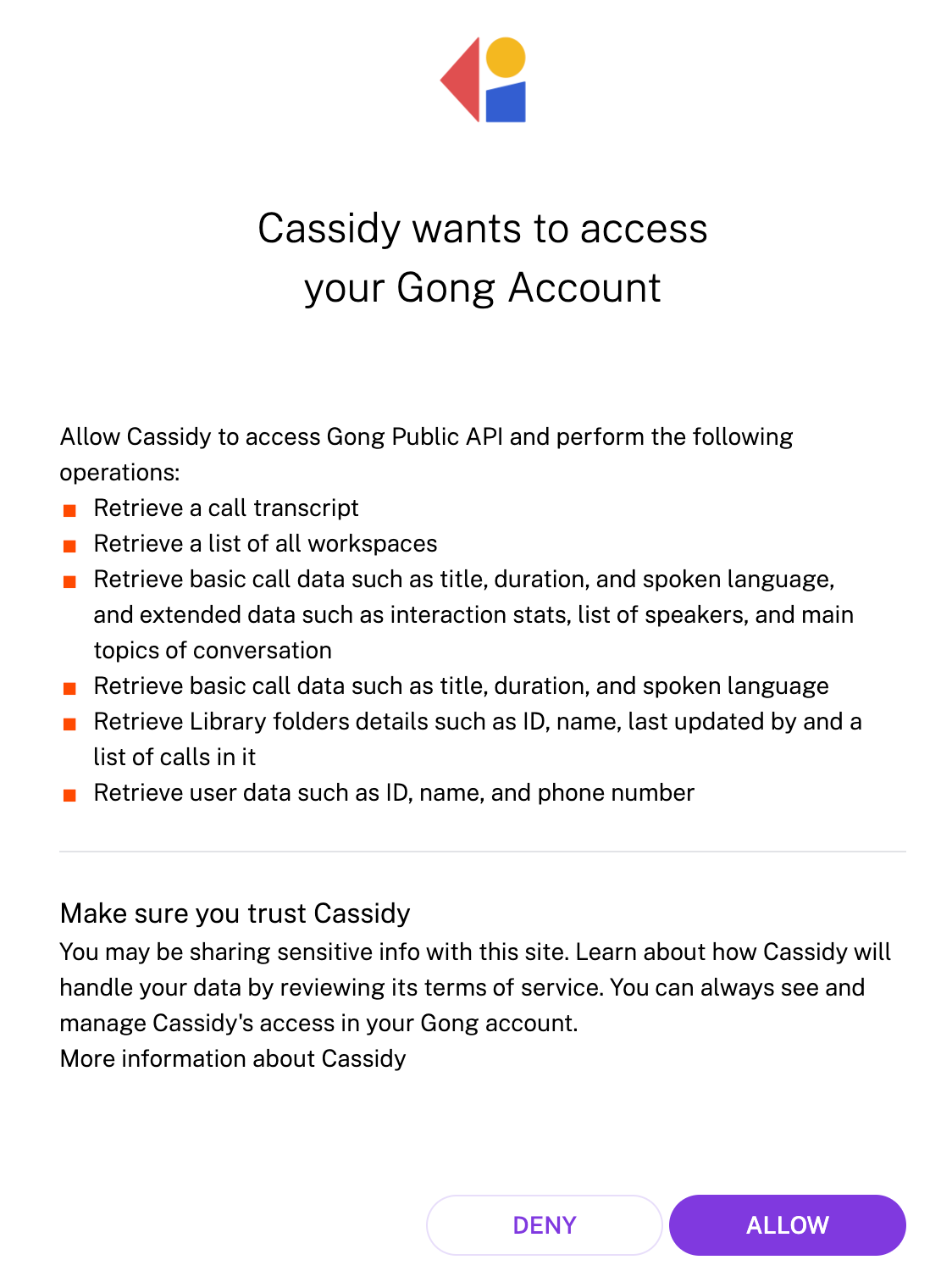
4
Authorize access
Review the permissions and click Allow to grant access to your Gong data.
Import call recordings
1
Select Gong as the source
Navigate to your Knowledge Base, click Sync From Integrations, and select Sync from Gong.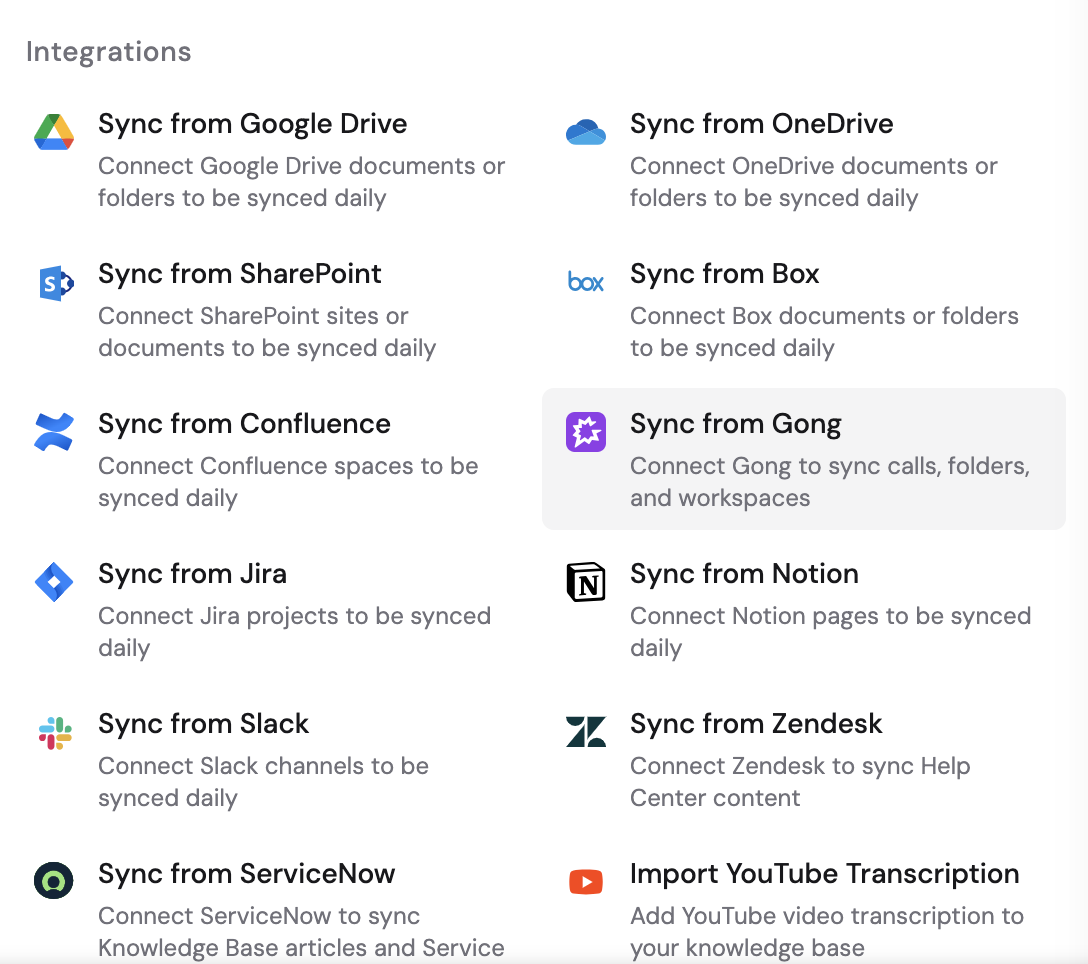
2
Choose content to import
Browse your Gong workspaces and folders, select the calls you want to import, then click Import.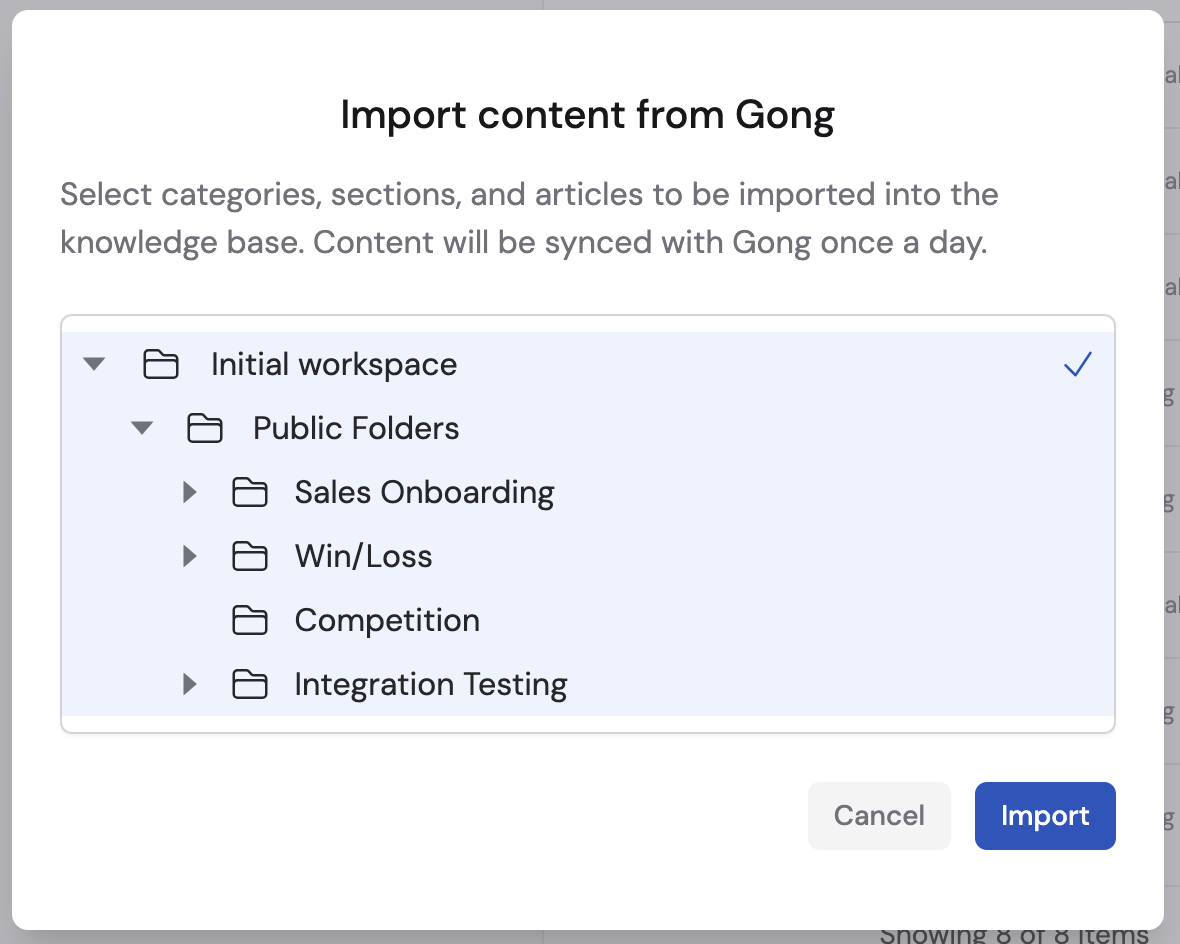
Gong recordings sync automatically on a regular schedule. Learn more about
sync schedules and options.
Next steps
Trigger Workflows from Gong transcripts
Automate follow-ups when new call transcripts are ready.
Explore the Knowledge Base
Learn how to organize and manage your imported content.