The Send Slack Message action sends a message to a Slack channel as part of your Workflow. Use it to post results, send notifications, or reply to the user or channel that triggered the workflow.
1

Add the Send Slack Message action

While editing a workflow, click the + button between existing blocks. This opens a modal where you can select from Cassidy’s pre-configured actions. Choose Send Slack Message to add it to your workflow.
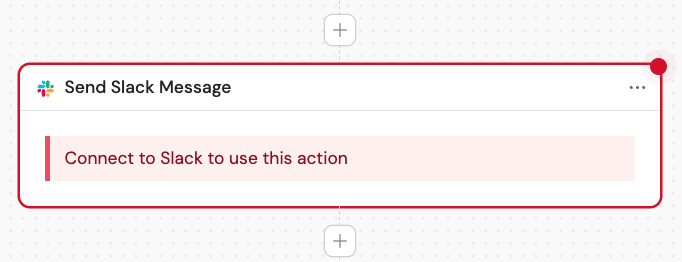
Plus button between workflow blocks to add a new action
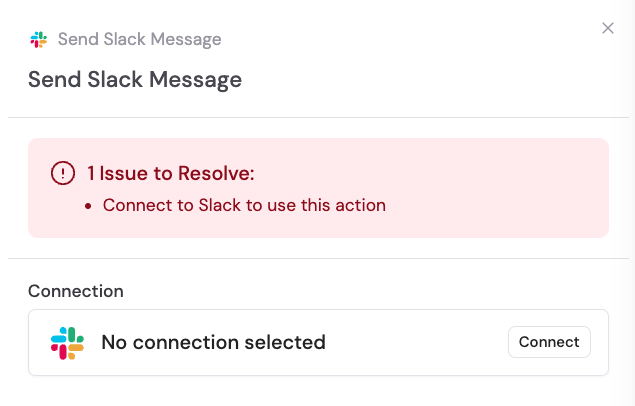
Action picker modal with Send Slack Message selected
2

Rename the action

If you want to make the action more descriptive or easier to reference as a variable later, enter a new name.

Renaming the Send Slack Message action
3

Connect your Slack account

If you haven’t already, connect your Slack account to Cassidy.
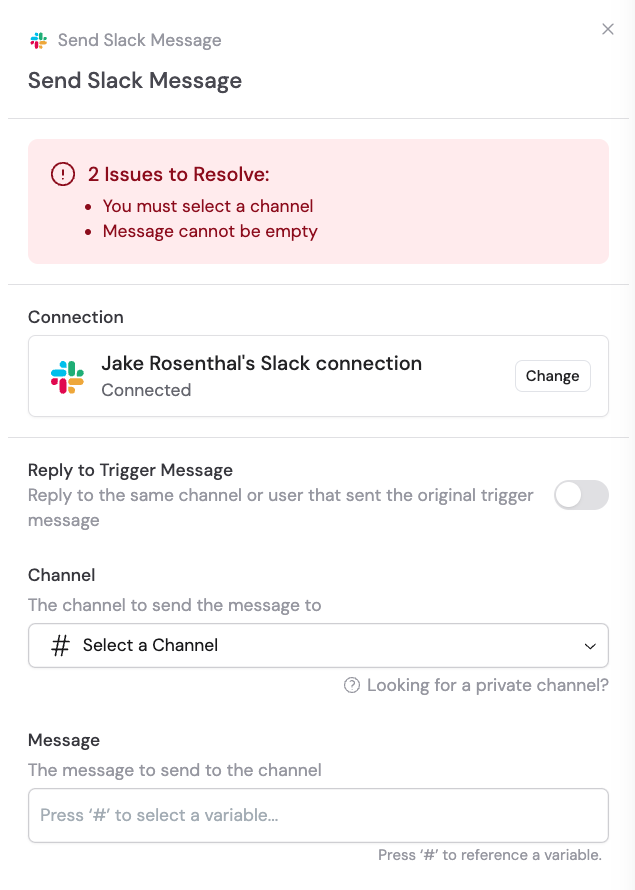
Slack connection prompt in the action configuration
4

Toggle Reply to Trigger Message

Optionally, toggle on Reply to Trigger Message to reply to the same channel or user that sent the original message.

Reply to Trigger Message toggle enabled
5

Select the channel

If Reply to Trigger Message is not toggled on, select the Channel to send the message to.
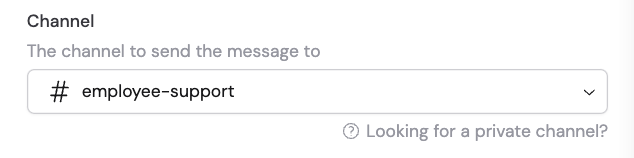
Channel selector dropdown for the Send Slack Message action
Private channels only appear after Cassidy has been added. In the desired channel, send /invite @Cassidy.
6

Toggle Reply in a Thread

If Reply to Trigger Message is toggled on, you can also optionally toggle on Reply in a Thread to reply to the trigger message within its thread.

Reply in a Thread toggle enabled
7

Enter the message

Enter the message to send to the channel. You can type the message directly or reference a variable containing the message from a previous step or the trigger.
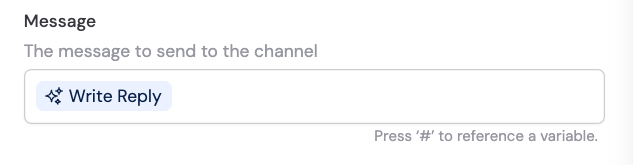
Message field with variable picker for inserting dynamic content
Variables are inputs from the trigger, or outputs from previous steps. Use the variable picker to insert them.
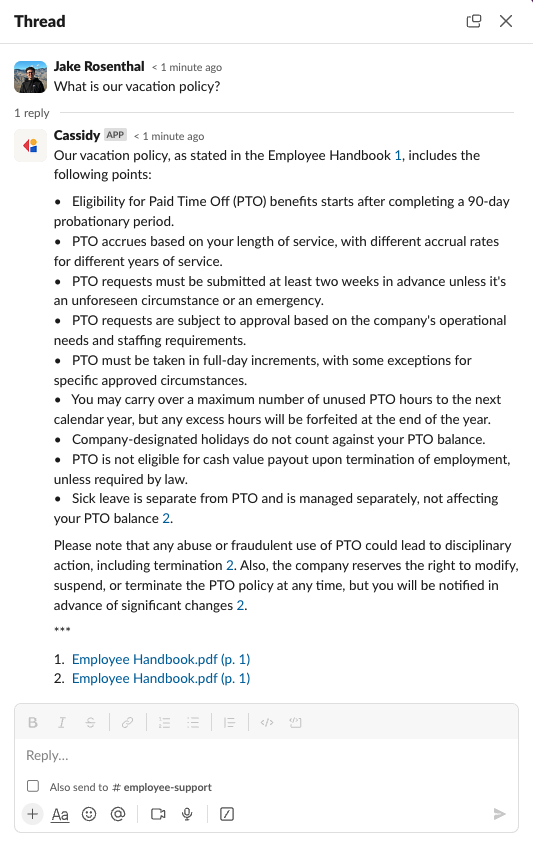
Here’s a sample of the type of output you can expect:
Sample Slack message output from the Send Slack Message action

Fields

FieldDescription
Reply to Trigger MessageWhen on, sends the message to the same channel or user that triggered the Workflow
ChannelThe Slack channel to send to (when not replying to trigger)
Reply in a ThreadWhen on, posts the message as a reply in the trigger message’s thread
MessageThe message content — supports plain text and variables