

Configure a fallback value
1
Open the action settings
In the Workflow editor, click the action you want to protect. The settings sidebar opens.
2
Expand Advanced Settings
Scroll down to the Advanced Settings section in the sidebar.
3
Enable continue on failure
Toggle on Continue workflow if this action fails?. This allows the Workflow to proceed to the next action even if this one encounters an error.
4
Enter a fallback value
In the Fallback Value field that appears, type the default value that should be used when the action fails. Choose something descriptive that downstream steps can recognize: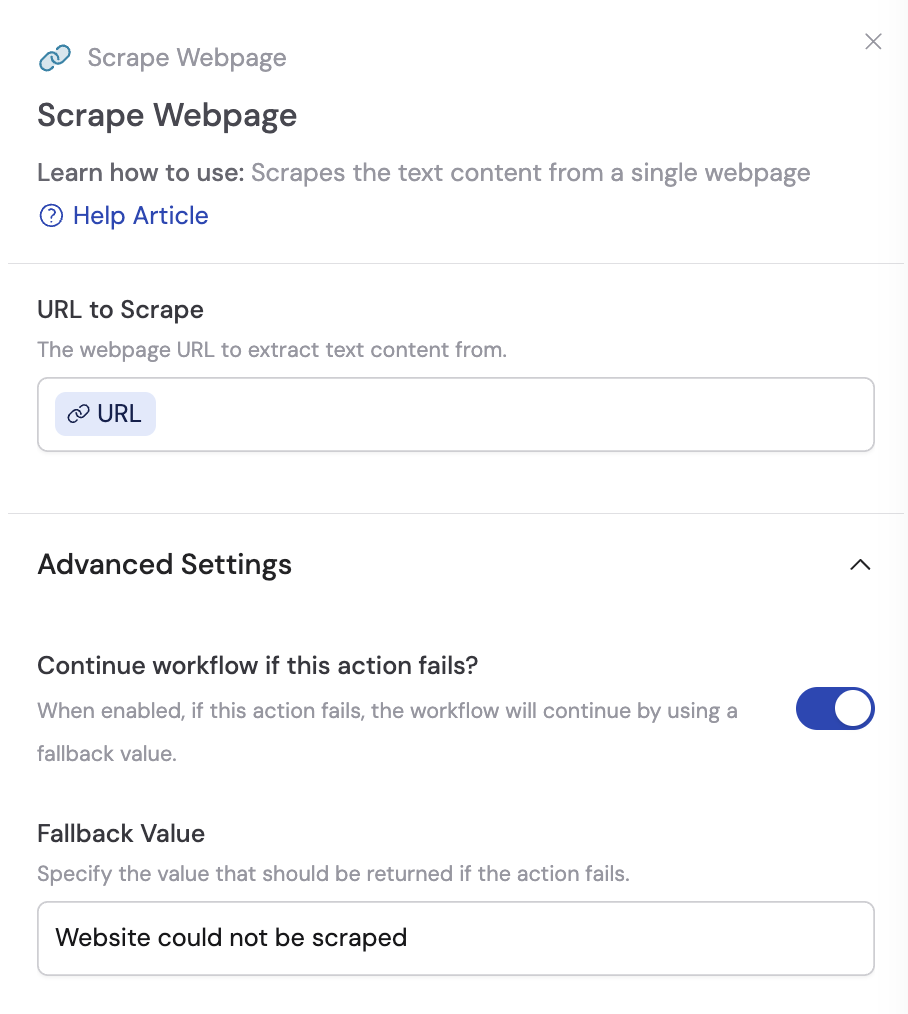
"No website found"for a Scrape Webpage action"Profile unavailable"for a LinkedIn lookup"API error - no data"for an external API call
Plan for fallback scenarios
Setting a fallback value is only half the solution — you also need to account for it in your downstream steps.1
Check for the fallback in later actions
In actions that reference the fallback-protected step’s output, adjust your prompts to handle the fallback gracefully. For example, instruct the AI: “If the website data says ‘No website found’, skip the website analysis section.”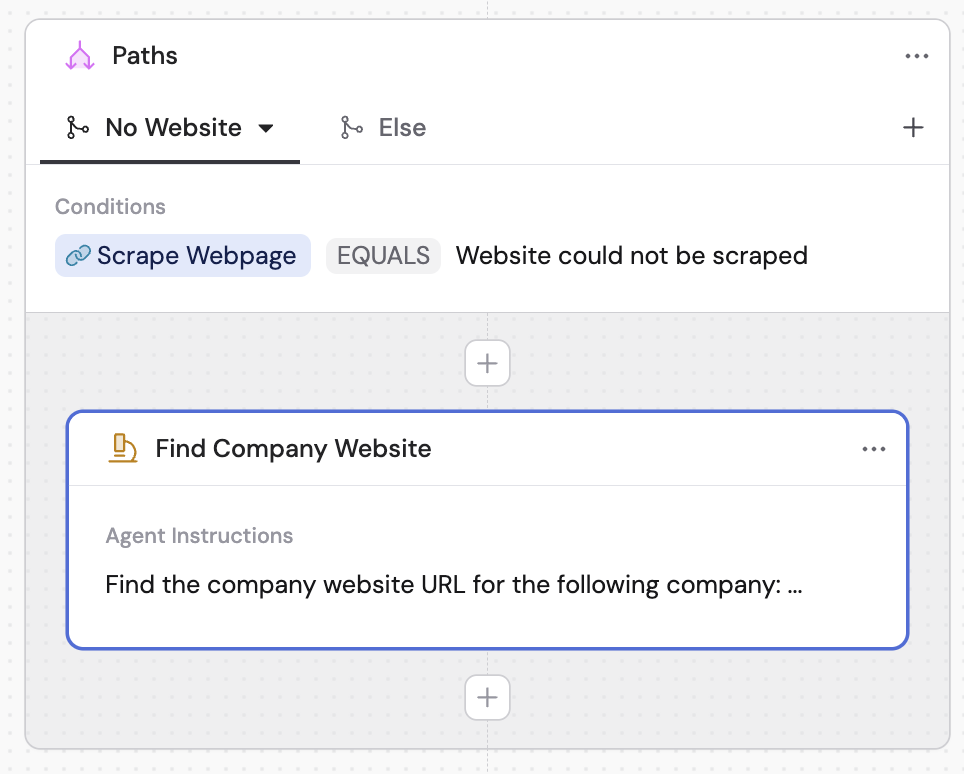
2
Use Paths for conditional routing
For more sophisticated handling, add a Paths action after the fallback-protected step. Create one path for successful results and another for fallback values.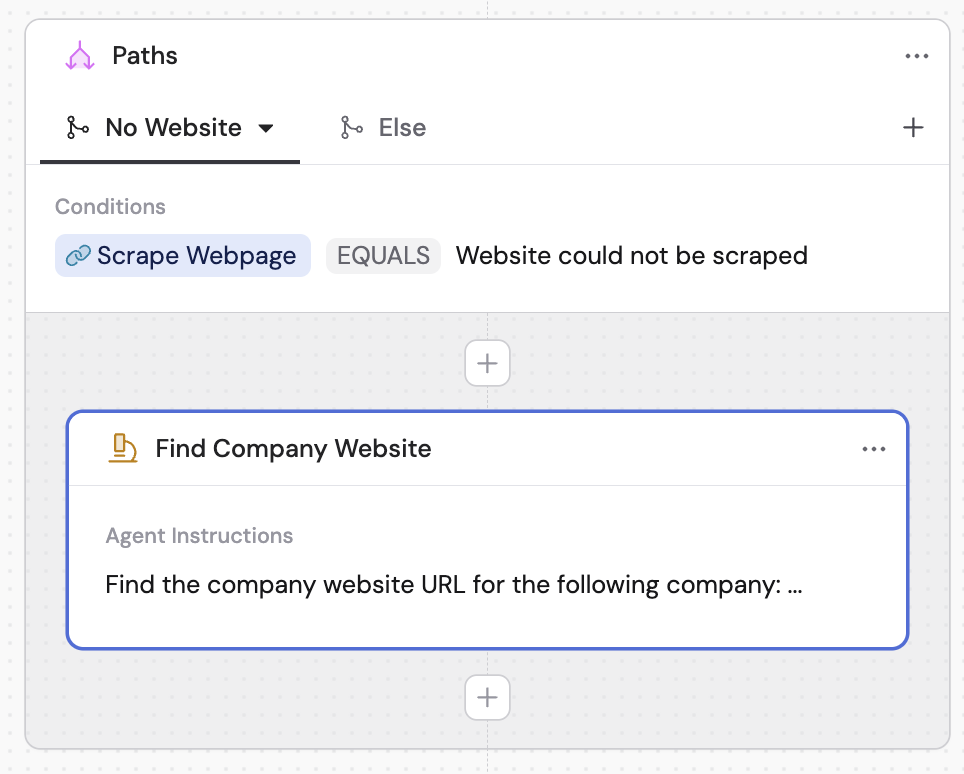
Next steps
Build a Workflow
Learn about Paths, variables, and other Workflow building blocks.
Hide actions from results
Clean up your output by hiding intermediate steps from end users.